



Jetstream88
Members
-
Joined
Everything posted by Jetstream88
-
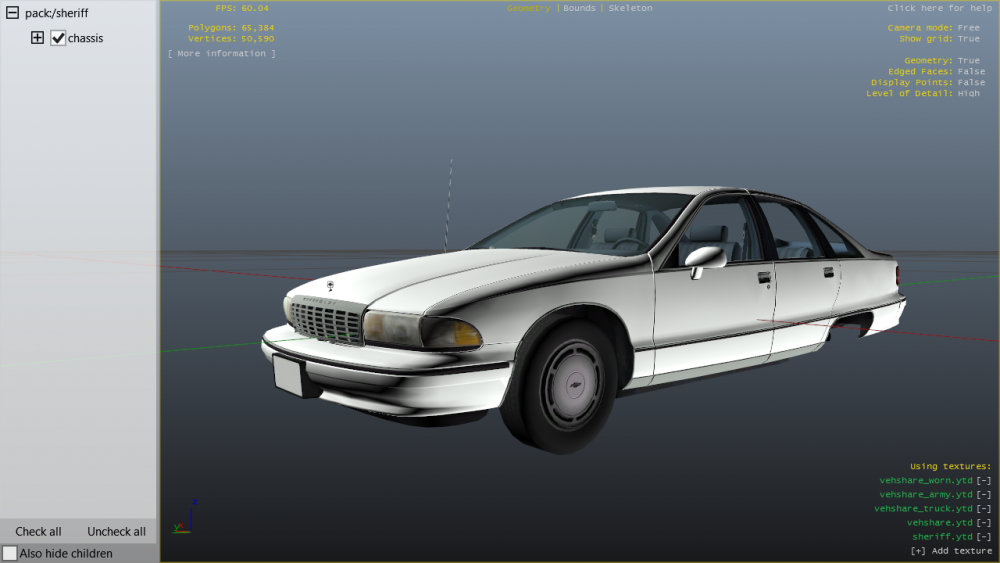
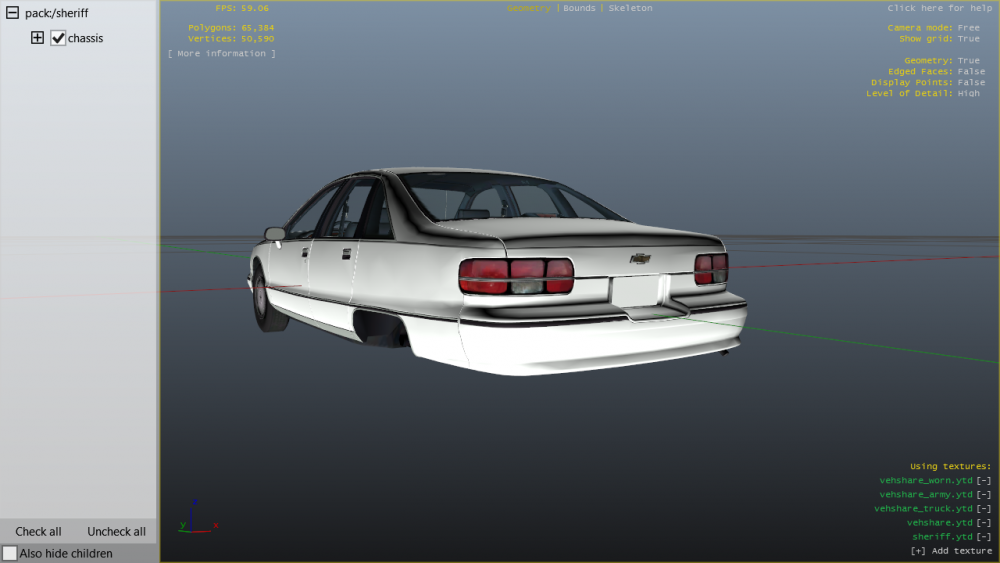
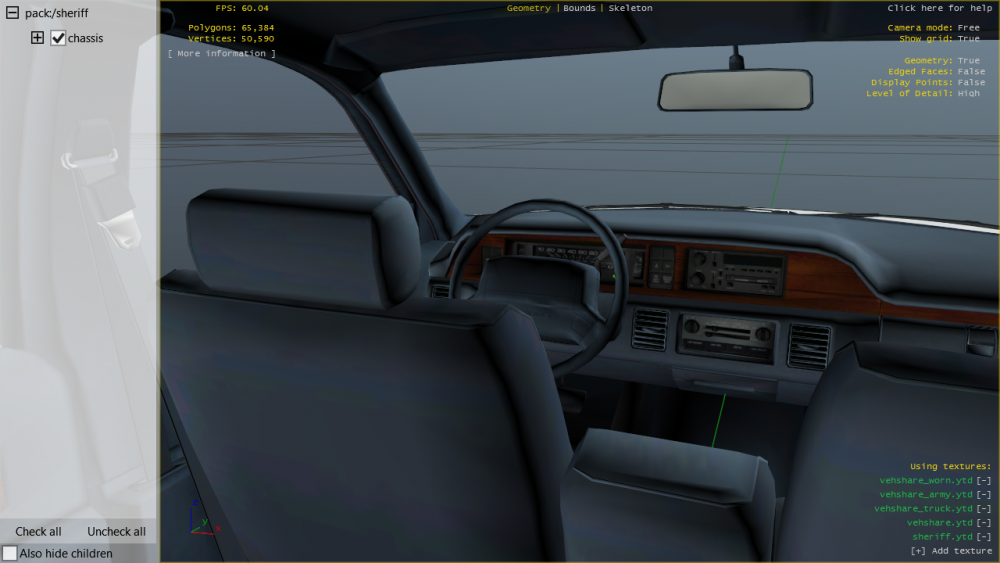
I converted my first car! Still needs some more work with some extras.
-
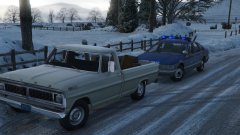 The Virginia State Police used both on the 93-96, but until some better onces are released I'm stuck with these.
 -
-
-
From the album: My W.I.P
-
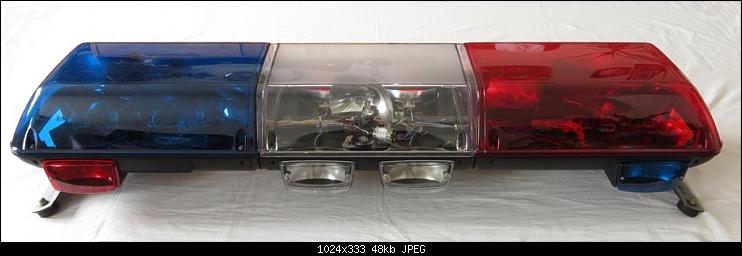
Does anyone know who has a Federal Signal Streethawk for GTA V?
-
-
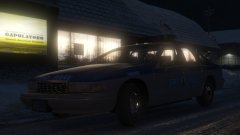
From the album: My W.I.P
-
-
I'm about to convert the lightbar.
-
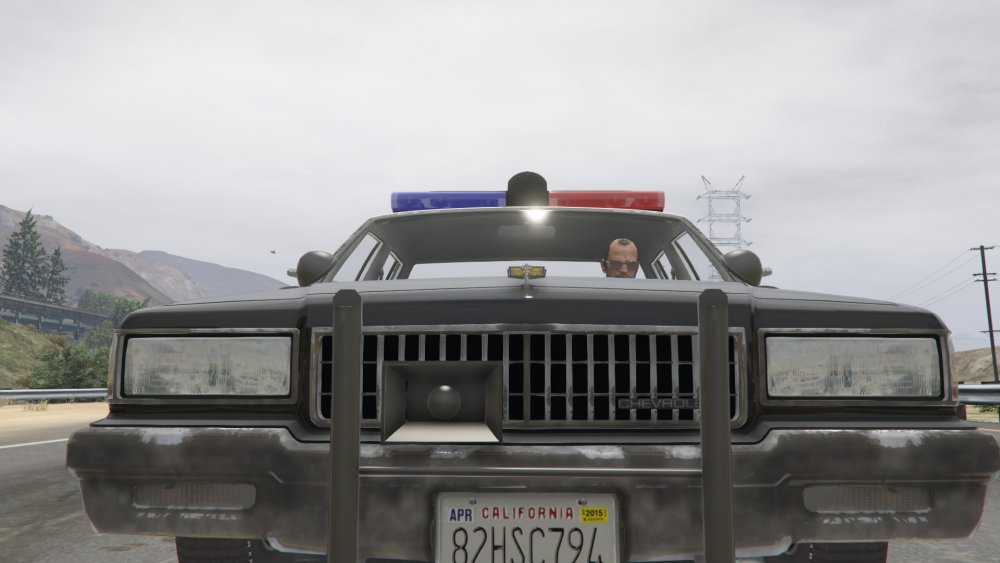
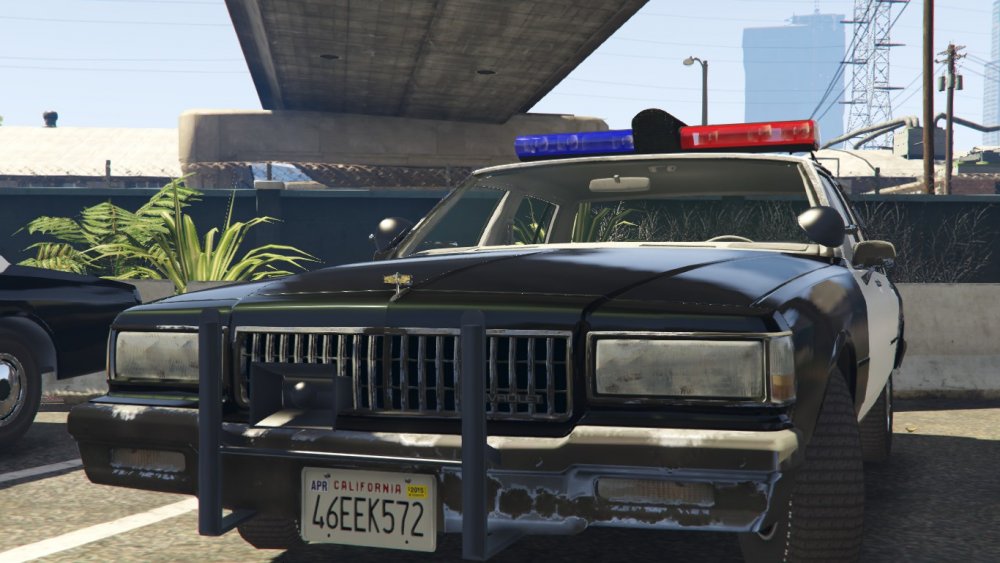
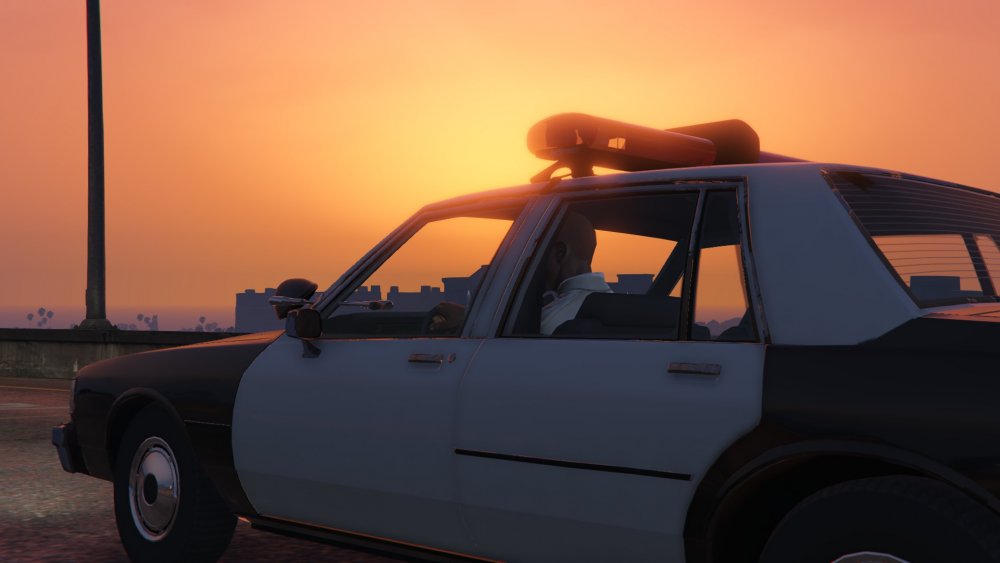
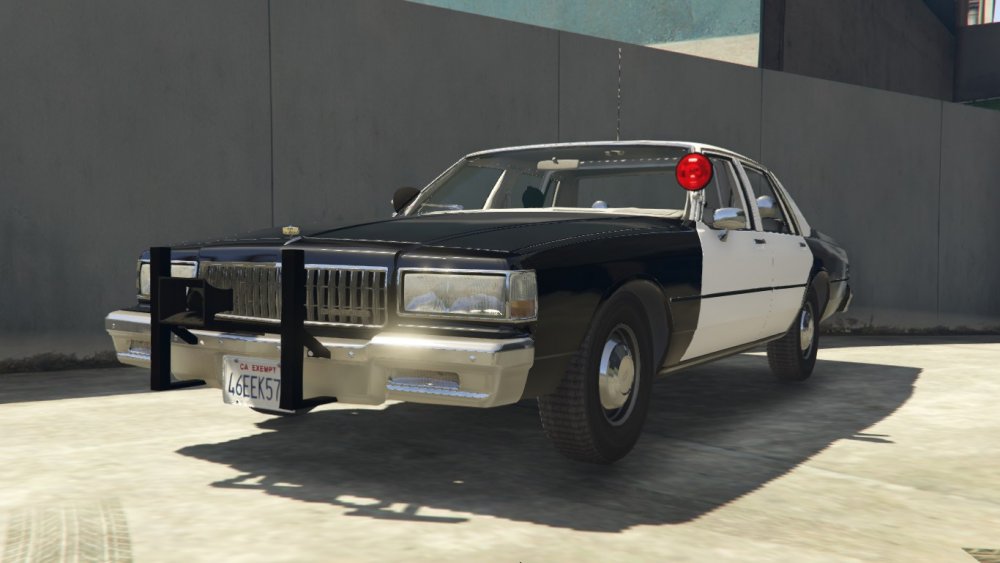
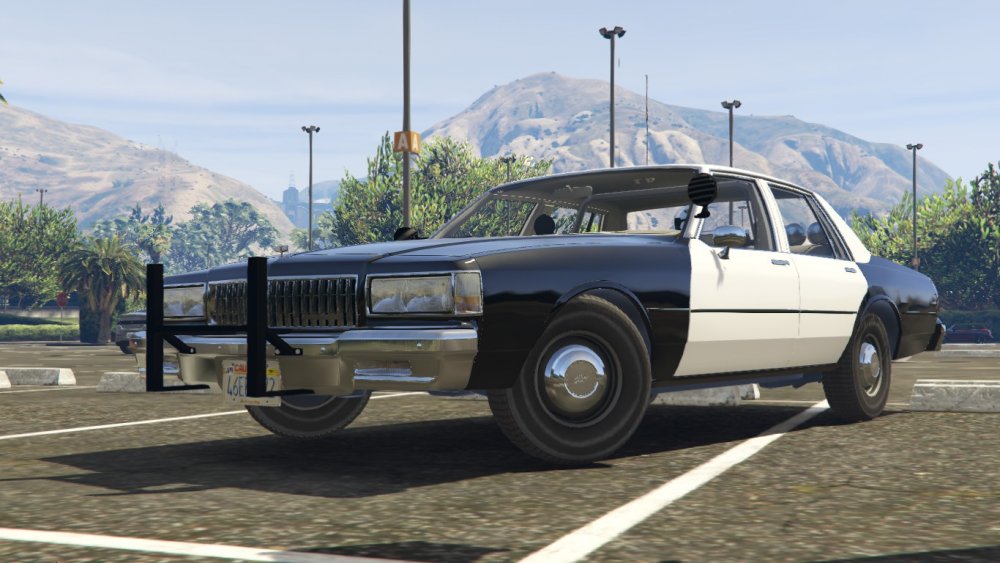
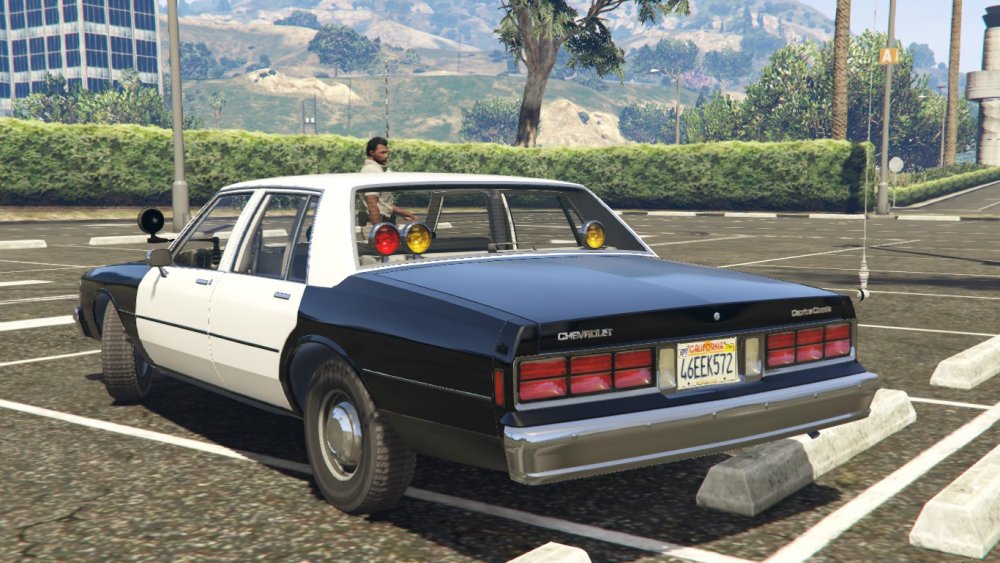
I've started working on a marked version of the CHP Caprice and with the slicktop I plan on having many liveries includes (White, Blue, and Gold)
-
-
-
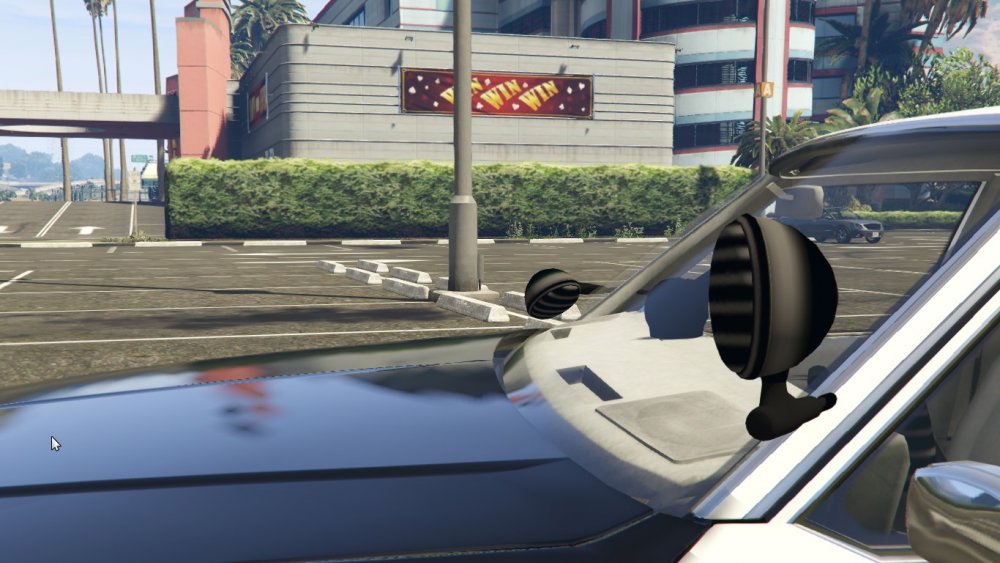
 Do you have the texture to the lightbar and siren box?
 -
From the album: My W.I.P
-
-
-
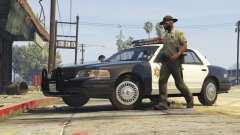
From the album: My W.I.P
-
From the album: My W.I.P
My Progress So Far. -
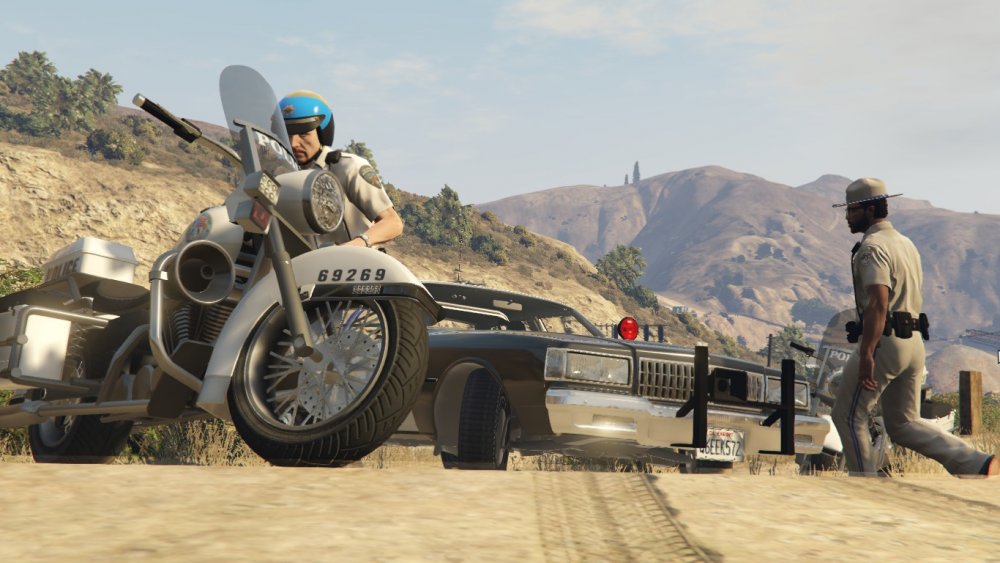
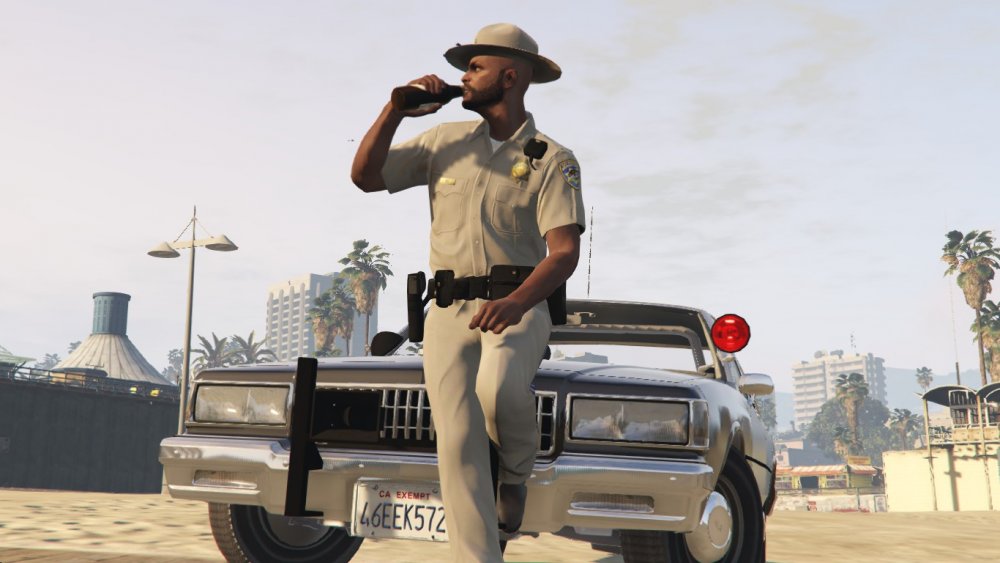
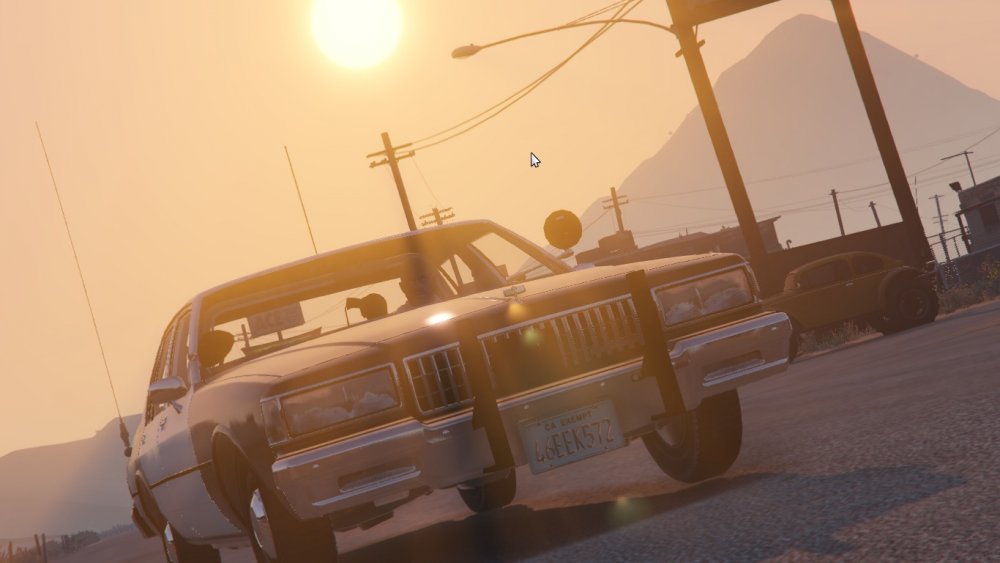
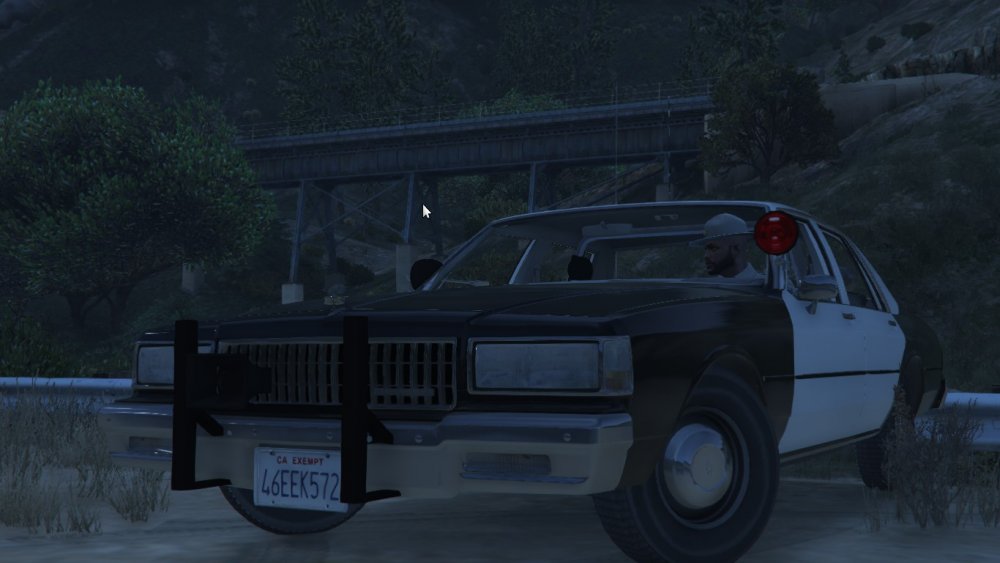
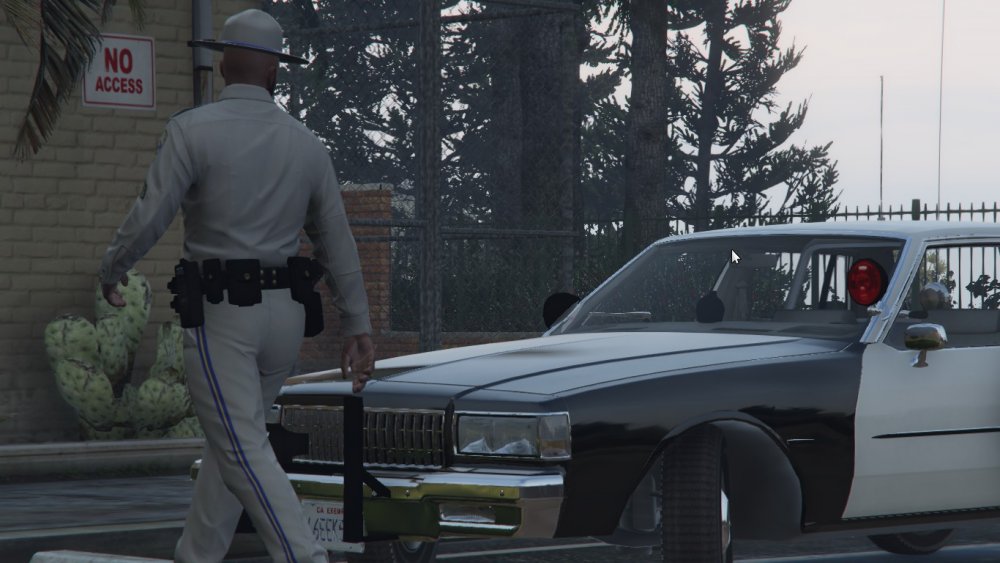
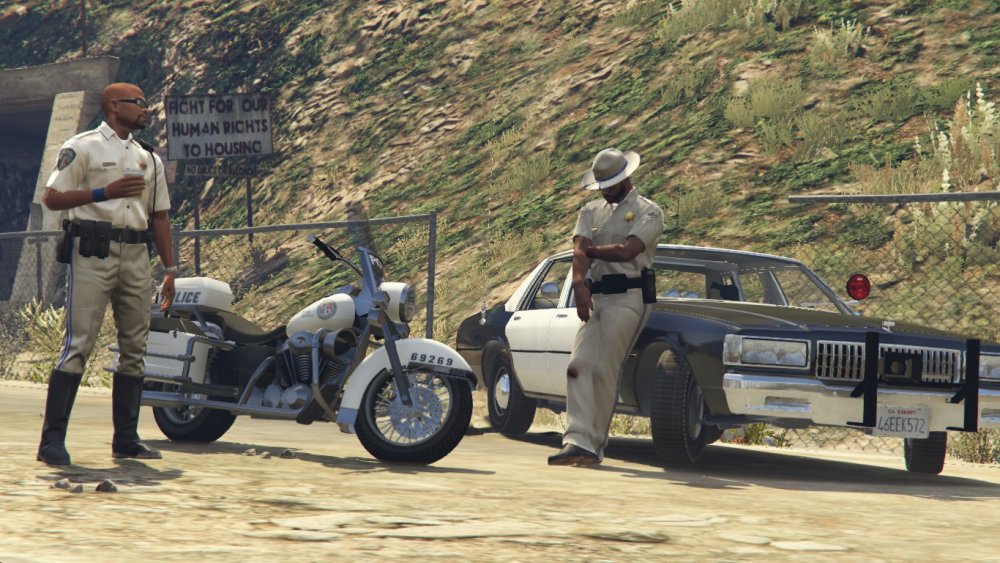
A little update on the caprice
-
I'm working on getting the lightbar improved if Lundy doesn't and I need to add some interior equipment.
-
As you can see I'm working on a 89 CHP Slicktop Caprice with quite a few texture problems and bugs, but hopefully I can get some help fixing some of them.
-
From the album: California Law Enforcement
-
-





