


Cameron Waller
Members
-
Joined
Everything posted by Cameron Waller
-
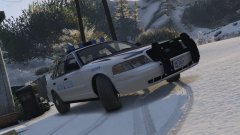
From the album: My W.I.P
-
-
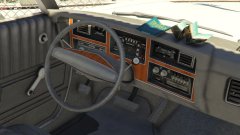
From the album: My W.I.P
-
-
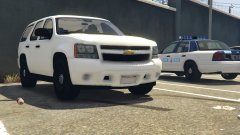
From the album: My W.I.P
-
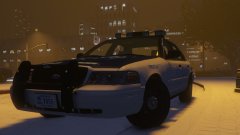
From the album: My W.I.P
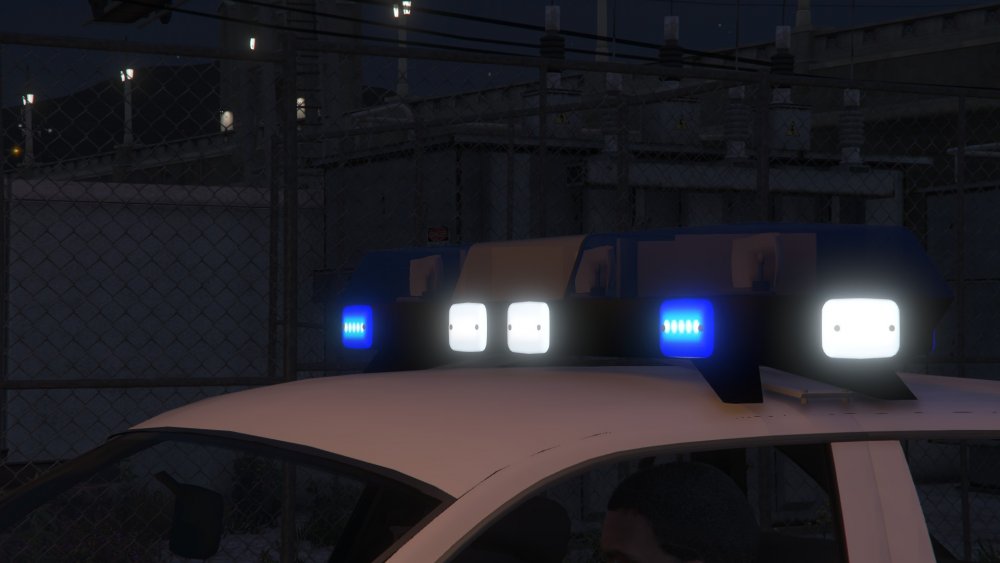
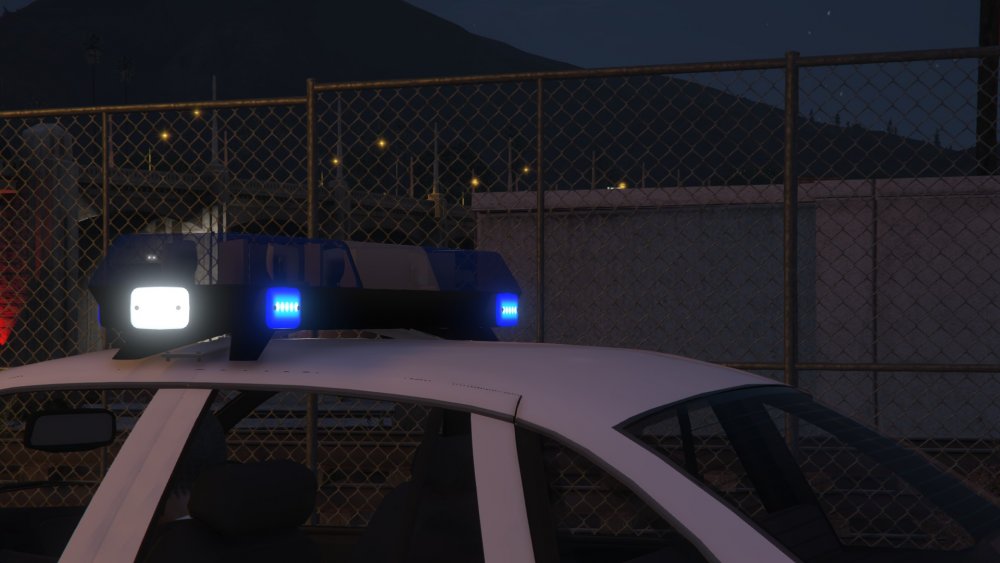
Whelen Edge made by @Bxbugs123 -
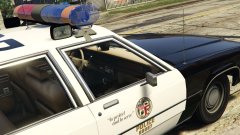 That looks like a nightmare.
 -
This car might released really soon I just need to get the lights to function like a real Whelen Edge
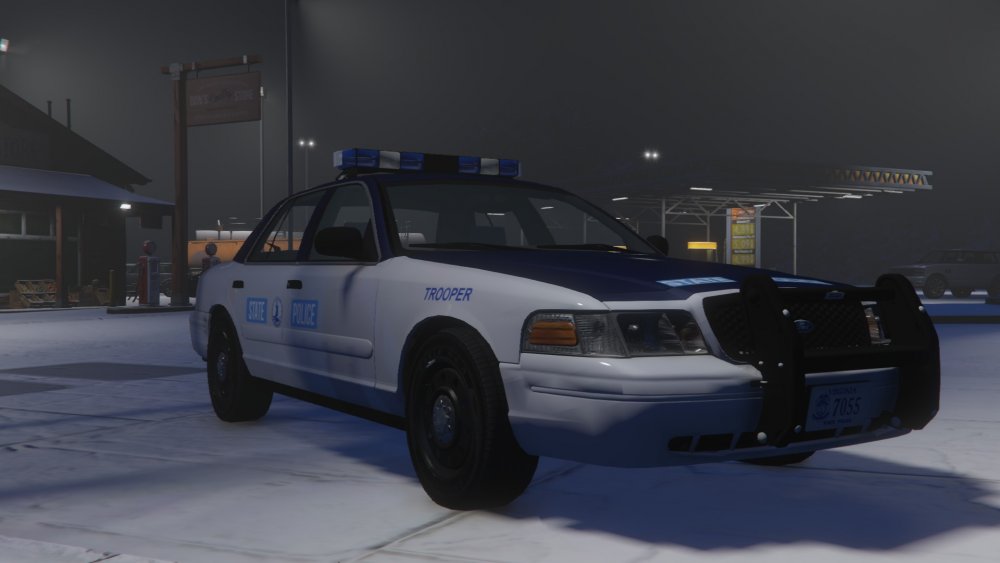
-
From the album: My W.I.P
Wonderful skin made by @BErad1502 -
Future Lynchburg Police Department Vehicles
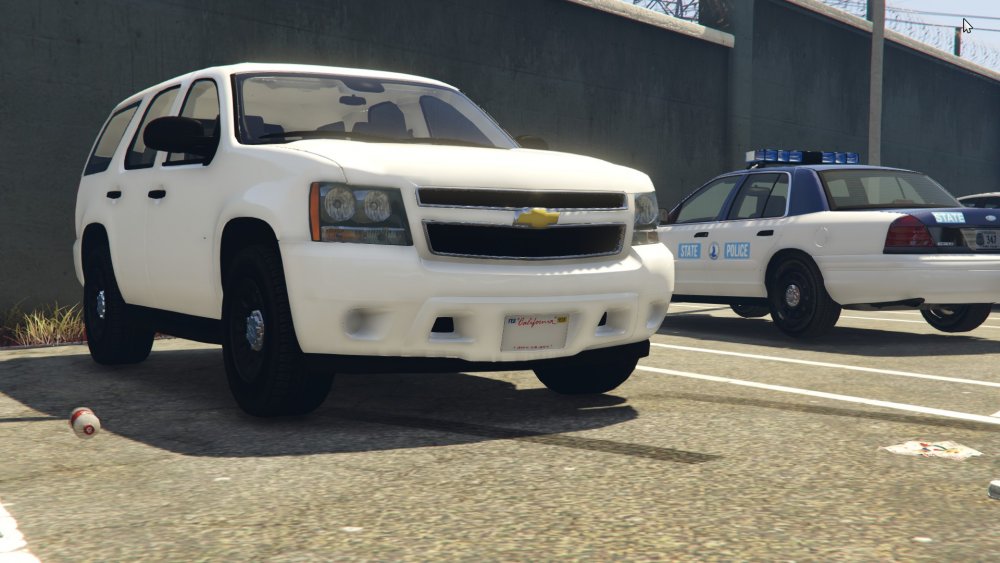
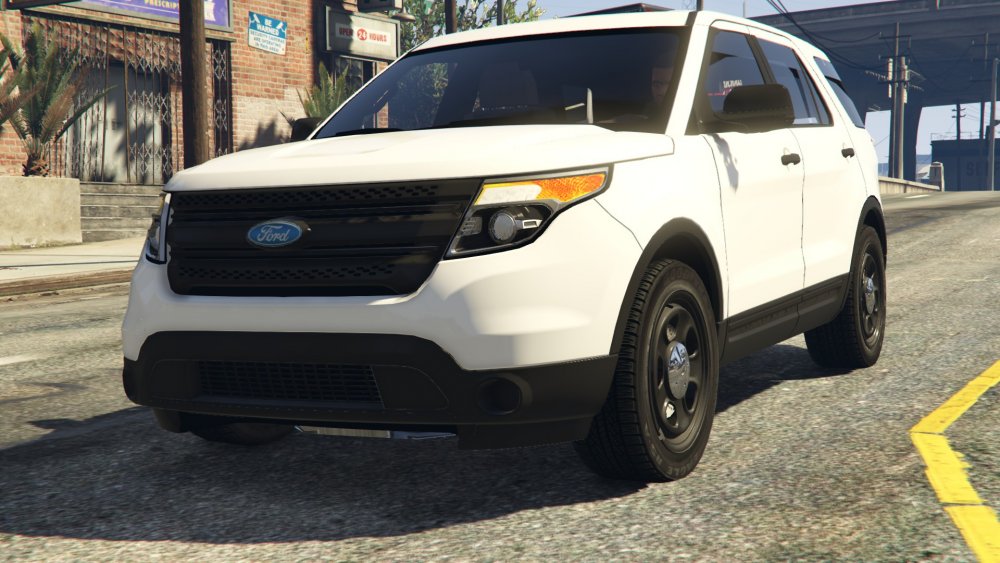
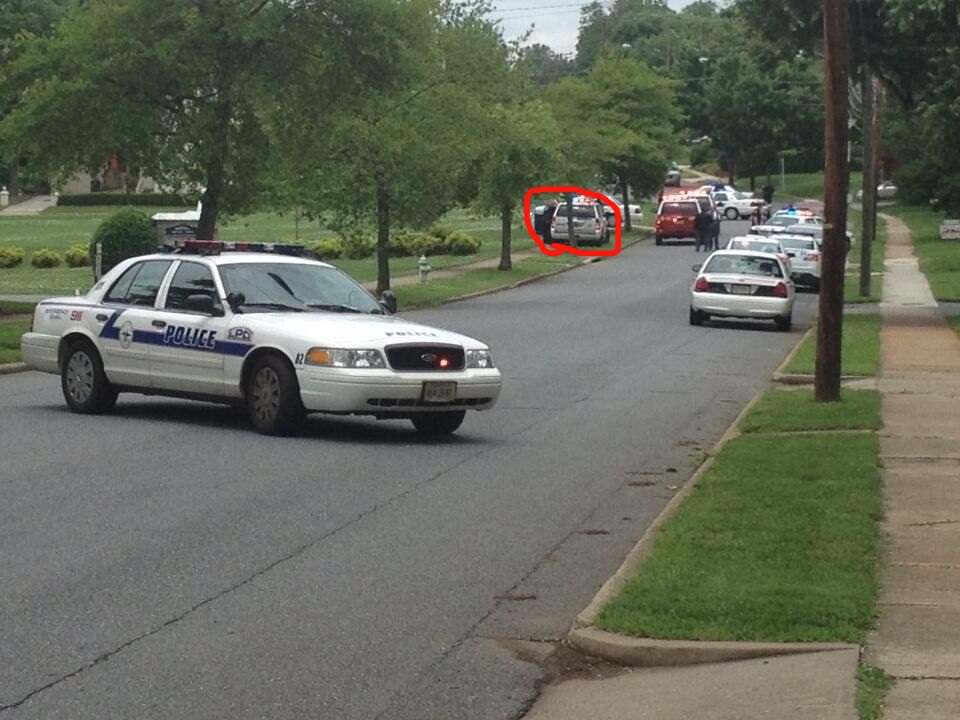
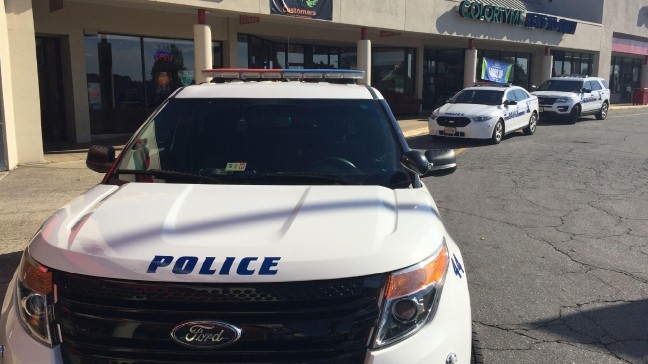
-
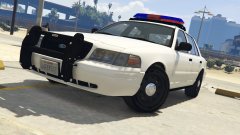 Yes I understand it doesn't look quite right.
 -
True, but it's my home state and I still love it.
-
I'm trying to fix and yes the red is supposed to be in the middle.
-
From the album: My W.I.P
-
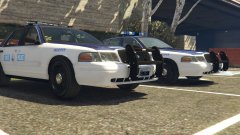 Me too I'm trying to get the lights working really soon.
 -
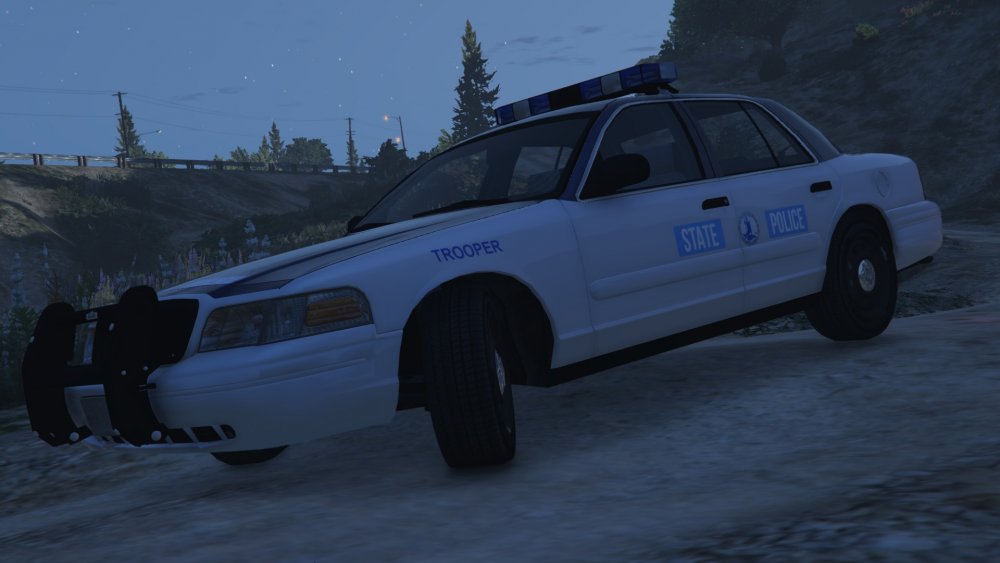
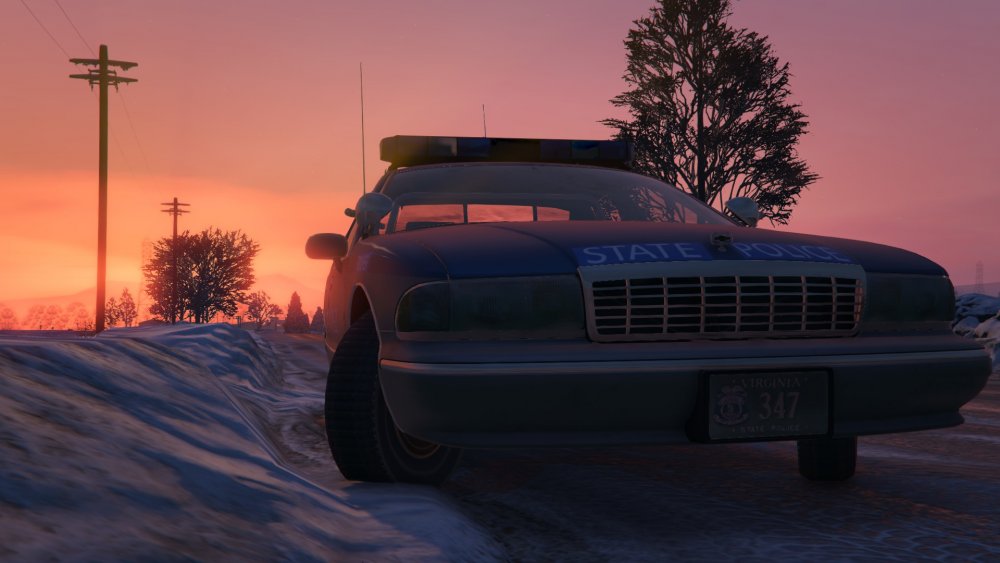
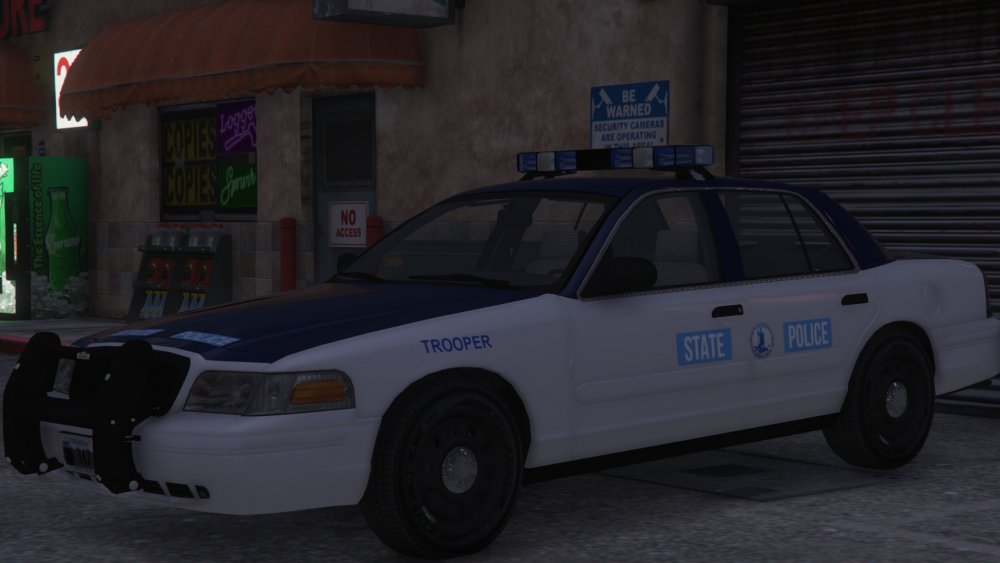
This topic is for my Virginia State Police Pack that I'm currently working on and to show my progress
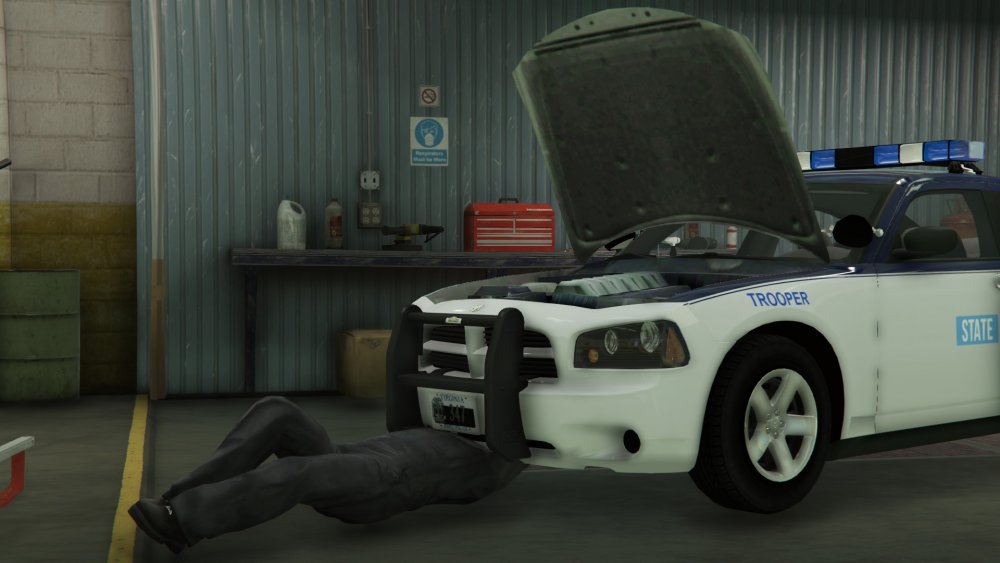
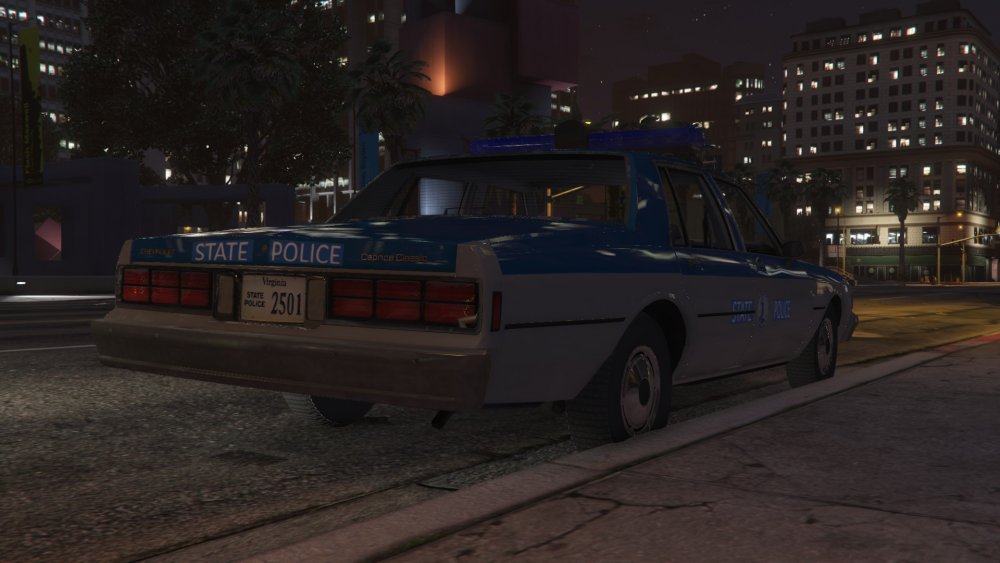
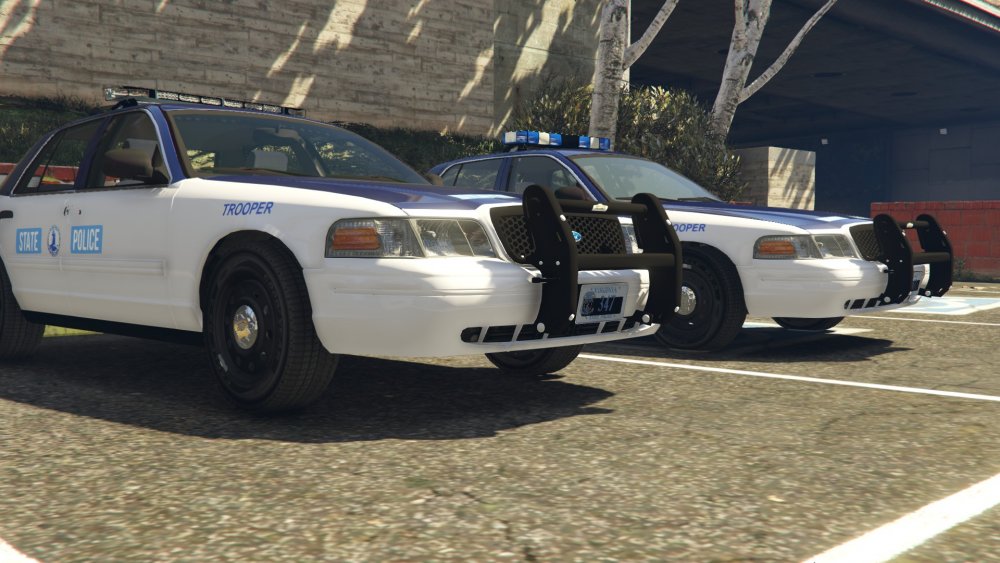
-
From the album: My W.I.P
-
From the album: My W.I.P
-
-
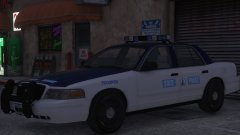
From the album: My W.I.P
-
I converted a Federal Signal Streethawk made by Lt.Caine from GTA IV to GTA V
-
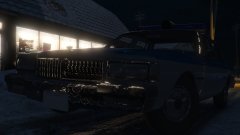 I just fixed it and I need to do the same for the CHP Caprice.
 -
From the album: My W.I.P
-
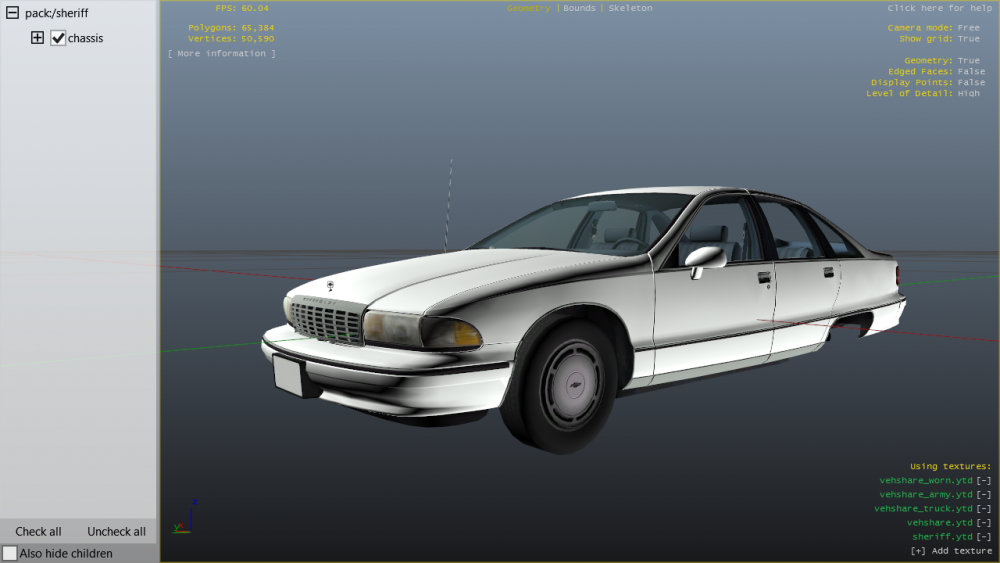
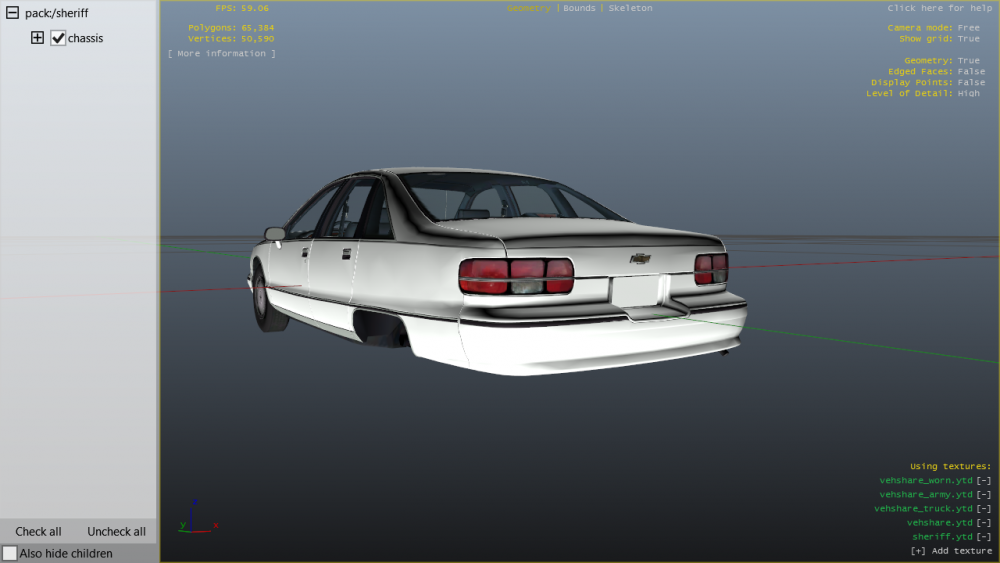
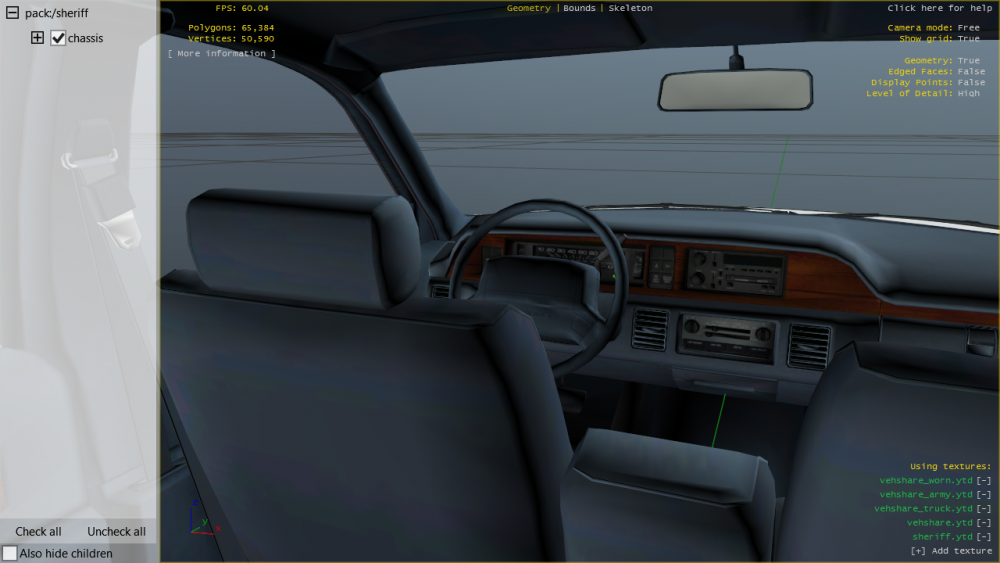
I converted my first car! Still needs some more work with some extras.
-
 The Virginia State Police used both on the 93-96, but until some better onces are released I'm stuck with these.




