


Cameron Waller
Members
-
Joined
Everything posted by Cameron Waller
-
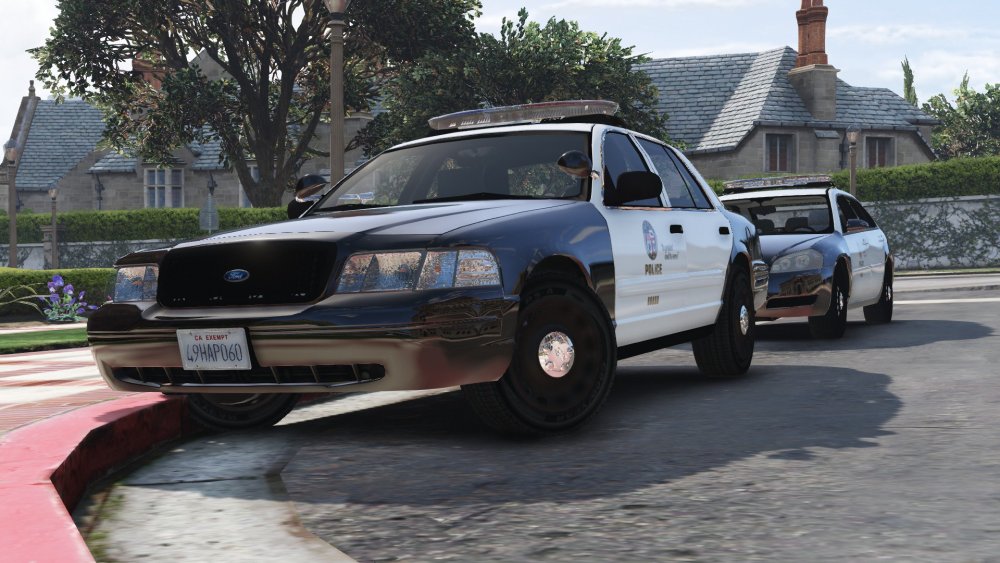
Started working on the 05 CVPI
-
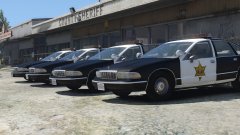
2013 Chevy Impala Marked and Unmarked, 05 CVPI Marked and K-9, 03 CVPI Marked, Unmarked, and K-9, K-9 Ford Explorer
-
From the album: My W.I.P
-
I know I'm fixing it right now.
-
 I know I'm trying to scale it so it will look normal.
 -
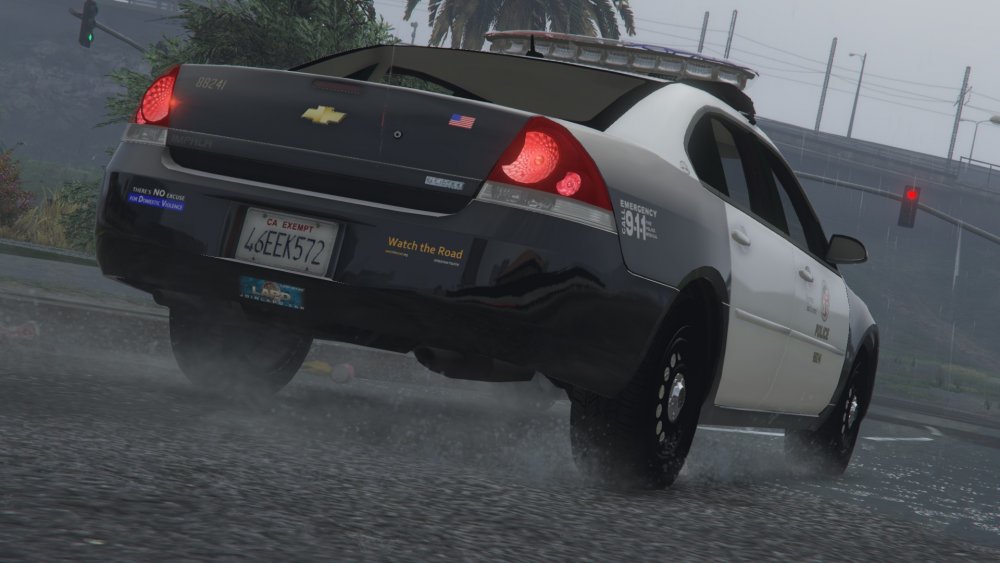
This is my topic where I will be showing the cars that will be in my upcoming LAPD Pack
-
From the album: My W.I.P
-
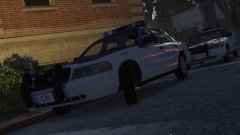
From the album: My W.I.P
-
-
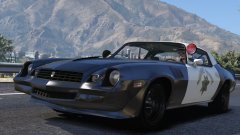 You should add the rambar
 -
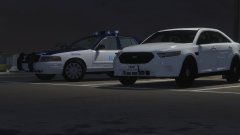 Yep.
Yep. -
Yes it is.
-
Advice.
-
I converted a lightbar from GTA IV and I'm trying to get the lightbar to work in game and with ELS also. Any advice?
-
From the album: My W.I.P
-
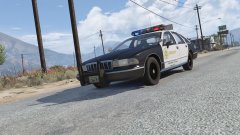
From the album: My W.I.P
-
-
-
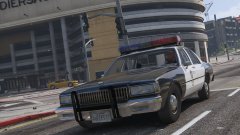
From the album: My W.I.P
-
I'm planning on releasing a little something today, any guesses?
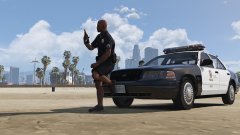
From the album: California Law Enforcement
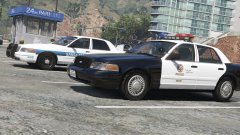
From the album: My W.I.P
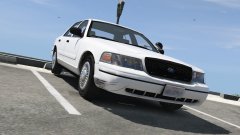
From the album: My W.I.P
 It will be released as soon as I can get the lightbar working.





