


Cameron Waller
Members
-
Joined
Everything posted by Cameron Waller
-
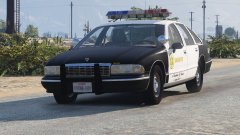
From the album: My W.I.P
-
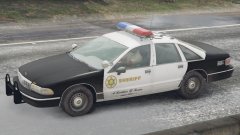
From the album: My W.I.P
-
From the album: My W.I.P
-
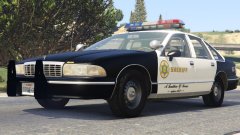 I don't have the lightbar that the caprice had if I did a whole lot of 80s CHP cars would be coming, Lundy also had modeled a LASD Caprice just never released it.
 -
I plan to go further with LASD classics
-
From the album: My W.I.P
-
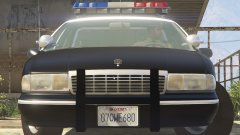 Didn't see that.
 -
From the album: My W.I.P
-
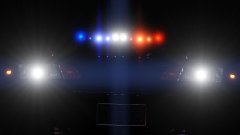 Working TAs?
 -
It will delete the whole inside of the car.
-
I need to remove the lights from Lundy's CHP 1994 Chevy Caprice and I just can't remove it.
-
I'm going to try, but it's hard when every piece of equipment is private and nobody is willing to get it to someone that might need it in the future
-
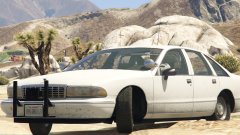
From the album: My W.I.P
-
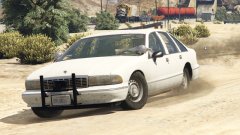
From the album: My W.I.P
-
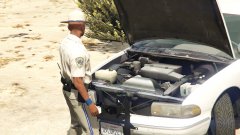
From the album: My W.I.P
-
True and I just looked it up it will match CHP.
-
My bad it looked kinda the same
-
I'm trying to find the signalmaster.
-
I don't think he's going to give it out.
-
I want to model some 90s CHP vehicles but I need a Federal Signal Vision that matches the CHP in the 90s.
-
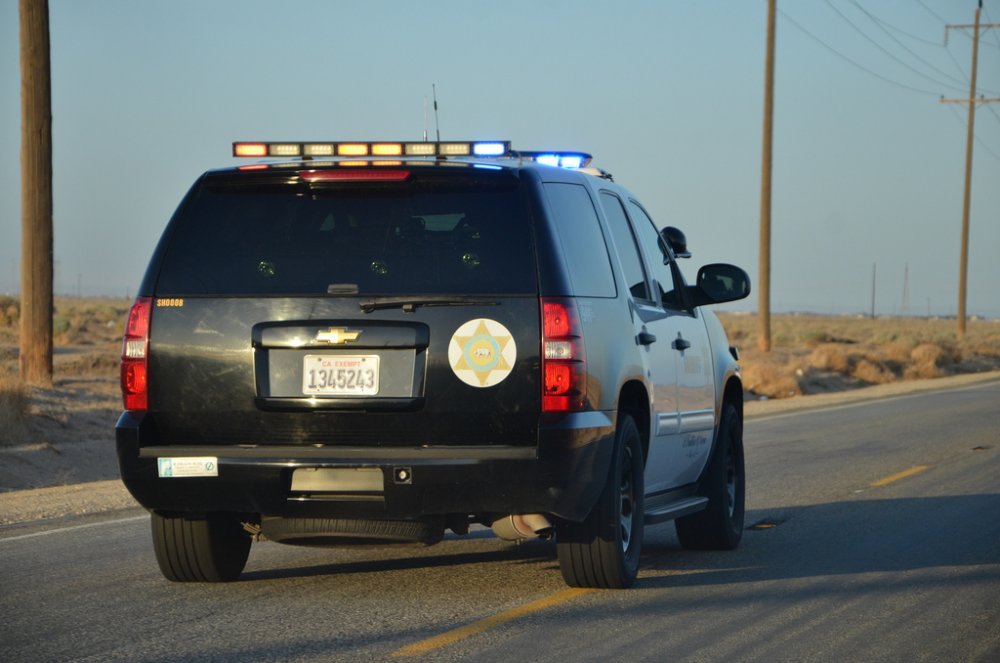
I'm going to be working on a LASD Tahoe once I release the van, Does anyone if there's a unlocked version of this?
-
Does anyone know of a good Federal Signal Vision that fits the CHP in the 90s?
-
I'll try it.
-
I'm trying to find a good one that fits the time period.
-
Anyone know what would the best to put in the back of the transport van?


