



mcdimm
Members
-
Joined
-
Last visited
Everything posted by mcdimm
-
RagePluginHook.log Hi Guys. So i'm in pursuit and calling local swat backup and LSPDFR plugin crashes. Ideas/hints will greatly help me in debugging this 🙂 What i installed: - EUP - EUP Basic - LSPD pack from EUP Basic page (tested to spawn all vehicle, no problem) Thanks a lot backup.xml agency.xml
-
-
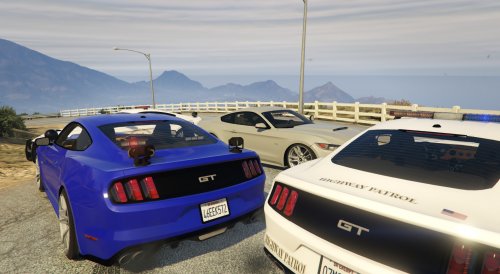 installed this as standalone addon. Im using the police3 model to x64e and update.rpf for vehicle meta. all works only no lights/siren. It just horn like civilian car. i have tried installing other police car with the same method but it works fine.
- 33 comments
- 10 reviews
-
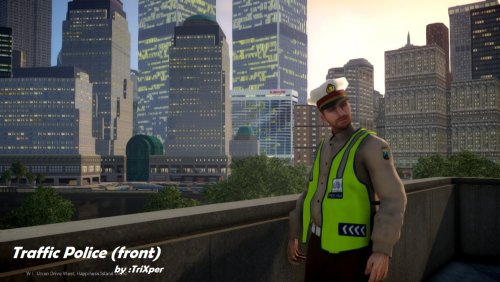 please port this to GTA5
 -
-
.thumb.png.da31fac1cdbed476577a0aaf4ab60f16.png) I started in sheriff station far north, my partner wont enter the vehicle front door (sheriff rancher SUV). It looked like locked as he touches the door then he was stuck. EDIT: i didnt have "more control V" as stated by @AlexGross
I started in sheriff station far north, my partner wont enter the vehicle front door (sheriff rancher SUV). It looked like locked as he touches the door then he was stuck. EDIT: i didnt have "more control V" as stated by @AlexGross- 156 comments
- 25 reviews
-
-
It is time! 86!! ;)

.thumb.png.da31fac1cdbed476577a0aaf4ab60f16.png)

