


TF75Chris
Members
-
Joined
-
Last visited
Everything posted by TF75Chris
-
 Yeah the Impala has been on my list for a while, but realistically it'll probably take me a week or two. And which Crown Vic are you talking about? Can you send me the link? I can for sure put that on the list too.
- 35 comments
- 4 reviews
-
Thanks man, I really appreciate it. Gotta keep the Bay Area folks satisfied too lol. I'll try again one more time to see if I can't get the patches just a little bit better when I work on the pants too.
- 35 comments
- 4 reviews
-
-

- 1
-
-
The pants I can definitely fix (and I appreciate you bringing that to my attention), but as it stands right now that's the best I could do with the patches. I played around with them for hours trying to get them right and unfortunately that's the best I could get them. Once some more development tools come out though, you can be sure I'll update and fix them. Sorry man, I literally just now saw this! So sorry. If you still need help installing them, please PM me and I'd be happy to help.
- 35 comments
- 4 reviews
-
-
- 1
-
-
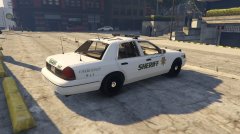 Thanks man! I really appreciate all your support! Also I just finished this one, did some tidying up and polishing, now I'm gonna make some liveries then a few more cars and I'll submit it!
 -
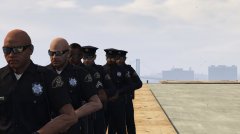 You know what's funny, I literally just now saw this post and I had the same idea! My latest update includes the sheriff variant of the ped. The CHP one actually looked the best because their pants have a stripe going down the side too, but half the cops spawn with motorcycle pants, and no one wants that lol
 -
Any comments, suggestions?
-
From the album: Santa Clara County Sheriff WIP
-
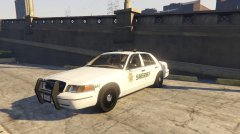
From the album: Santa Clara County Sheriff WIP
-
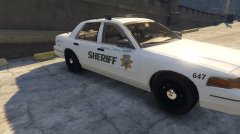
From the album: Santa Clara County Sheriff WIP
-
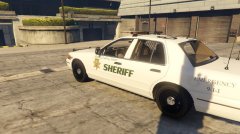
From the album: Santa Clara County Sheriff WIP
I'm going to raise the "emergency" sign -
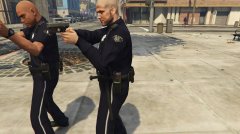 With San Jose PD uniform, of course
 -
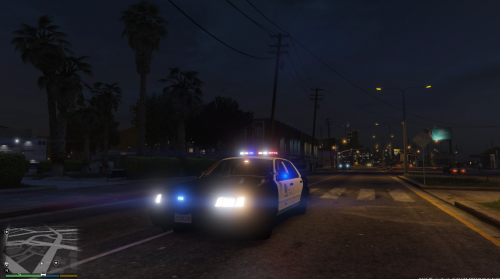 If this helps at all, when I just use his basic model, it woks just fine, it's only after I put your model in. Like I said before though, your model is awesome and I love it so I really hope we get it to work! lol
- 99 comments
- 13 reviews
-
Interesting...I wonder what I'm doing wrong because I don't think many people are having this issue...?
- 99 comments
- 13 reviews
-
-
Yes it does, I managed to fix the chrome push bar, but the back panel is still chrome. I'll get a picture for you shortly.
- 99 comments
- 13 reviews
-
-
Great, thanks! Also, I switched the file to replace the police cruiser (police.) and now the push bar is chrome, as well as the grill.
- 99 comments
- 13 reviews
-
I love it, everything looks great. However I have an issue where the rear panel (where it says ford police interceptor) is chrome. How do I go about fixing this?
- 99 comments
- 13 reviews
-
-
Well that's a disappointment...oh well, thank you very much!
-
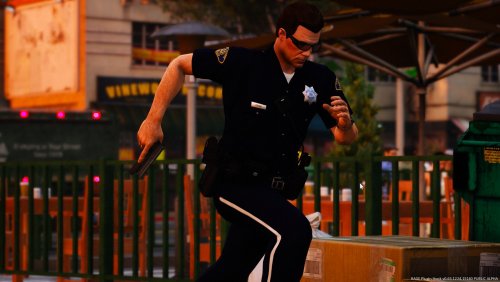
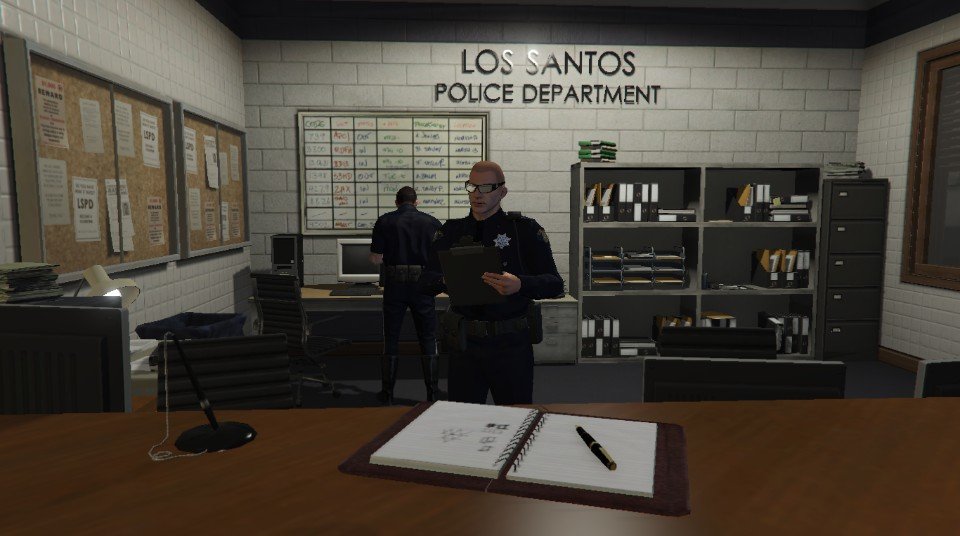
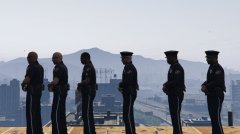
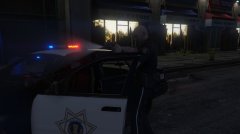
Hi there, I've been working on a San Jose PD Uniform pack and I realized that a better ped to use for the model would be the SAHP Officer. So with the magic of some computer editing, I was able to completely replicate the SJPD uniform (it's similar to CHP). However, when I go in game, about 50% of the LSPD peds are wearing the motorcycle pants, and I don't want that. I was wondering if anyone knows of a way to either remove that model/texture entirely OR make the default pants the non-motorcycle ones. Any help is much appreciated!
-
From my SJPD Pack
-
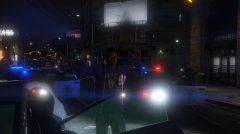 Obey and Survive
-
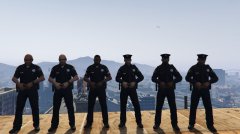 San Jose PD Uniforms
-
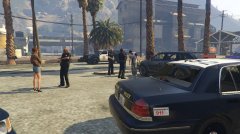 Supervisor on scene
-
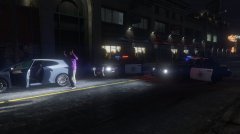 End to the pursuit
-
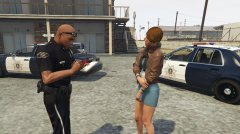 415 paperwork
-
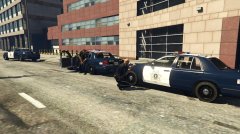 211 In progress
-
 RukM1pTK6ESWANjKW42yUg-0-0.jpg
-
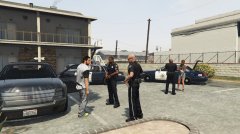 415 Investigation
-
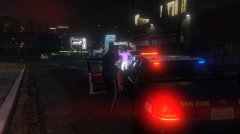 1
1
-
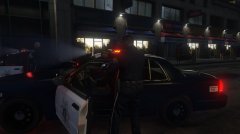 LNAwGtEOt0mh33sL5TKCYg-0-0.jpg
-
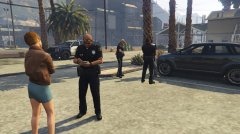 More investigating
-
 Dtx9PbzcOU2SbQMNldHmuQ-0-0.jpg
-
cV6SkSfK6UWkfrhb7u-i6A-0-0.jpg
-
 1
1
-
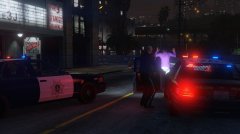 One at Gunpoint
-
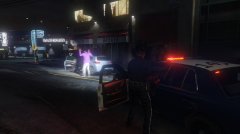 Again, Obey and Survive
-
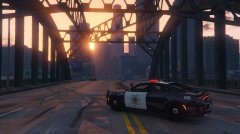 Sunset
-
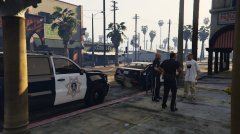 See what had happened was...
-
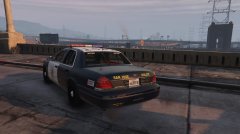 San Jose PD
-
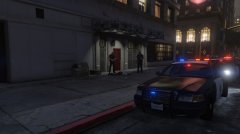 He dead
-
-
From the album: GTAV San Jose PD
-
From the album: GTAV San Jose PD
-
From the album: GTAV San Jose PD


