
Hannibal88
Members
-
Joined
-
Last visited
Everything posted by Hannibal88
-
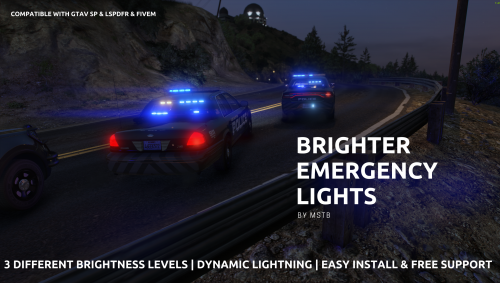
 I use this in FiveM but is there a way to turn down the taxi cab lights?? Like holy heck!
- 337 comments
- 74 reviews
-
-
-
-
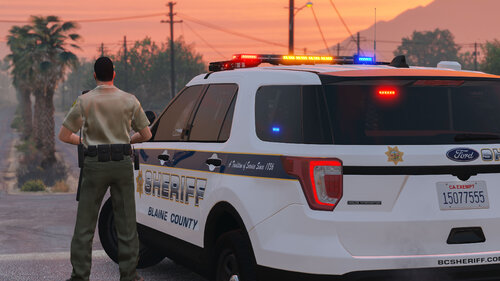 Do i place the DLC in the GTA5 folder or in OpenIV? Ok in regards to my above complaint, I have realized that I didn't put the dlclist line for <Item>dlcpacks:/sheriff2/</Item>. Ooops. Now it runs perfect. Love the model man! Keep up the great work!
- 75 comments
- 9 reviews
-
-

- 1
-
-
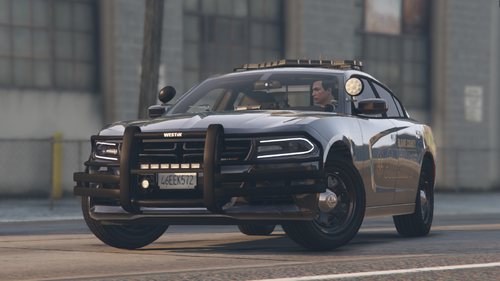 Also, your take down lights are not facing forward but apparently straight down onto the ground. Is there a way to fix that or thats always been a problem?
- 14 comments
- 2 reviews
-
 Why does only the red side of the slick top charger visor lights light up on the second switch for ELS??
- 276 comments
- 46 reviews
-
So i changed my models and I believe it was the policeb that was casing the issue. Game runs fine now. Thank you for the help.
-
Its working. Now i noticed something, the antennas are orange and not black. Any idea why?? I have attached a photo. Even your photos you preview have the orange antennas.
- 14 comments
- 2 reviews
-
Love the model. But why are the side pushbumper lights not showing only a color dot and the same with the back of the light bar. Any ideas why?
- 75 comments
- 9 reviews
-
So basically then its a mod cop car that is causing the issue that broke it? So i might just replace all my cars with different ones.
-
So keep the heap adjuster and custom game config or remove them?
-
And there is no way to tell which mod in the mods folder is broken is there? Bc that will take forever to find which one it is. Ok game runs fine with _mods folder. All cars will load vanilla cop cars. So i take it that one of my cop car mods is broken? RagePluginHook.log
-
Question, what does naming the mods folder like that do? Ive done that before and the game will run. Does it mean something in my mods folder is broken when its named mods and not _mods?
-
RagePluginHook.log
-
I did that and still crashes when I go on duty.
-
So I renamed the folder. When i used Rage it pops up with LSPDFR can't load plugin because it froze the game. And stays in an endless loading loop black screen saying loading lspdfr on the bottom right. I attached the newest log. RagePluginHook.log In regards to running GTA5 without Rage it works fine. Ok so it loaded into the game with Rage and _mods. When i went to go on duty it again crashed. Log is attached. RagePluginHook.log
-
I walk into the station. I hit enter to go on duty and it freezes and crashes every time. I have attached my log and to me i don't see anything. Any and all help would be apricated. RagePluginHook.log
-
So i have this car and its beautiful, but there is a problem with the light bar, its black and not showing any lights. See attached link for picture. https://i.imgur.com/sUT3ZWB.jpg Any and all help would be appricated.
- 14 comments
- 2 reviews
-
 Can you add red/blue option plz. I don't know how to change the colors myself or I would but if you add the file for r/b option it would help out nice. Thanks. Love the model tho!
- 176 comments
- 25 reviews
-
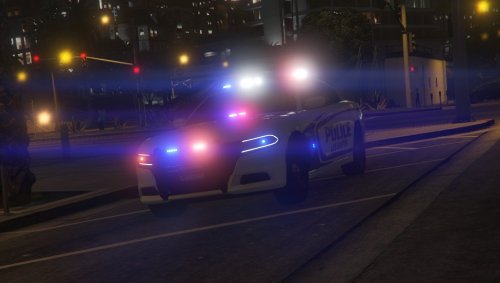 How do you fix the wrap around tail light for the charger to light up? Bc only thing lighting up is the tail lights and not the entire rear tail light. Any fixes for this or the TD yet?
- 21 comments
- 7 reviews
-
-
-
My takedowns are pointing to the rear when I turn them on. Is this an ELS problem or the model? Please fix this. Thank you.
- 176 comments
- 25 reviews
-
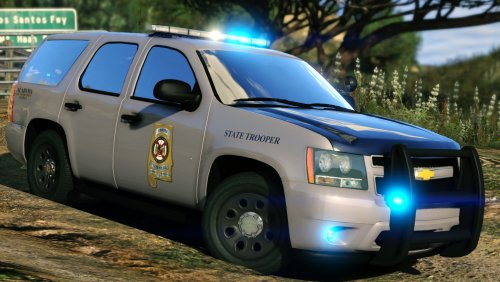 Is there anyway to make the lightbar on the back side be all blue with no amber lights?
- 14 comments
- 14 reviews