
Lee10
Members
-
Joined
-
Last visited
Everything posted by Lee10
-
From the album: Random GTA 5 pics
-
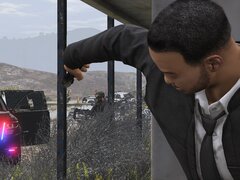
From the album: Random GTA 5 pics
-
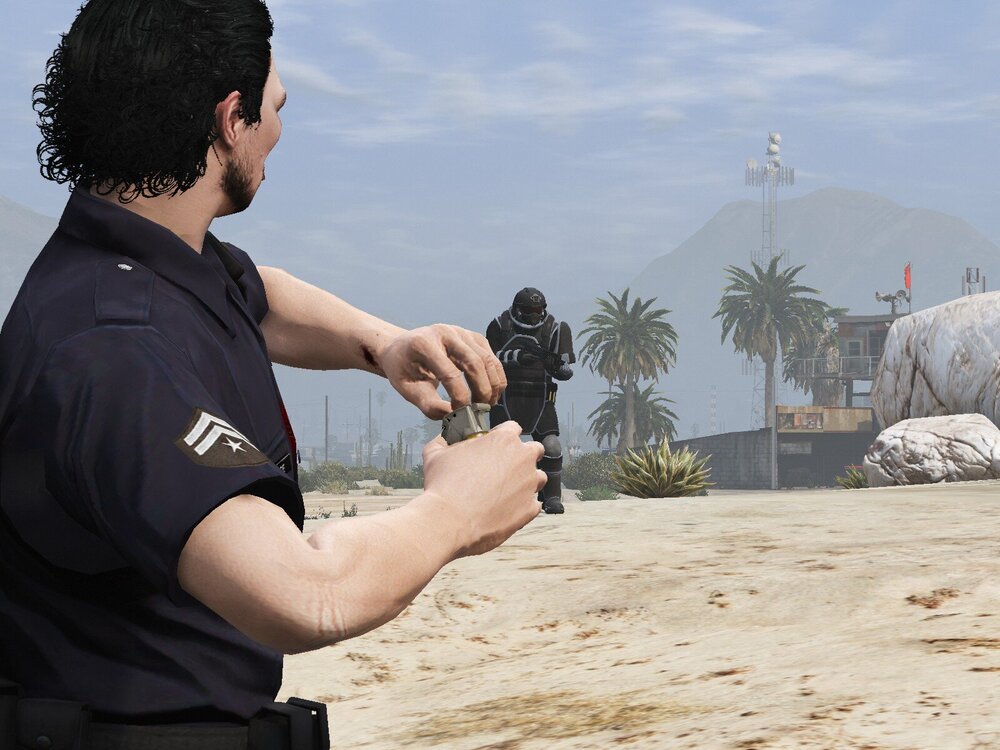
Sometimes you gotta take drastic measures when taking on a big fella like this
-
As the title suggests, whenever I download Non-Els vehicles and put them in the police4 slot, almost none of the lights will work, if any. Is there a fix to this?
-
So just to clarify, is LSPDFR getting another update, because for me, even without any additional mods, I can't even launch LSPDFR, it always crashes.
-
 Just want to say what others are saying, this is a good callout pack in terms of variety, but this really needs to be updated because of the bugs found in the pack.
- 47 comments
- 11 reviews
-
-

- 1
-
-
-
 Hey Ezra, I know this isn't a all blue request, but do you think you could do a red and blue version of this charger?
- 269 comments
- 17 reviews
-
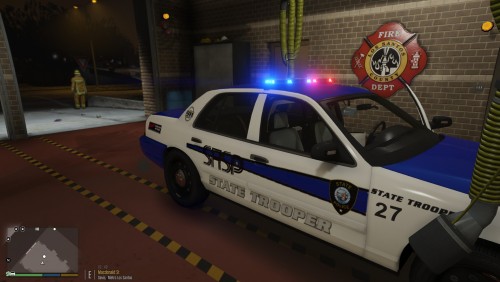 This is a good model man, any plans on adding a rambar or pushbar to it? Would look fantastic on this model.
- 6 comments
- 1 review
-
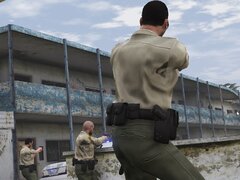
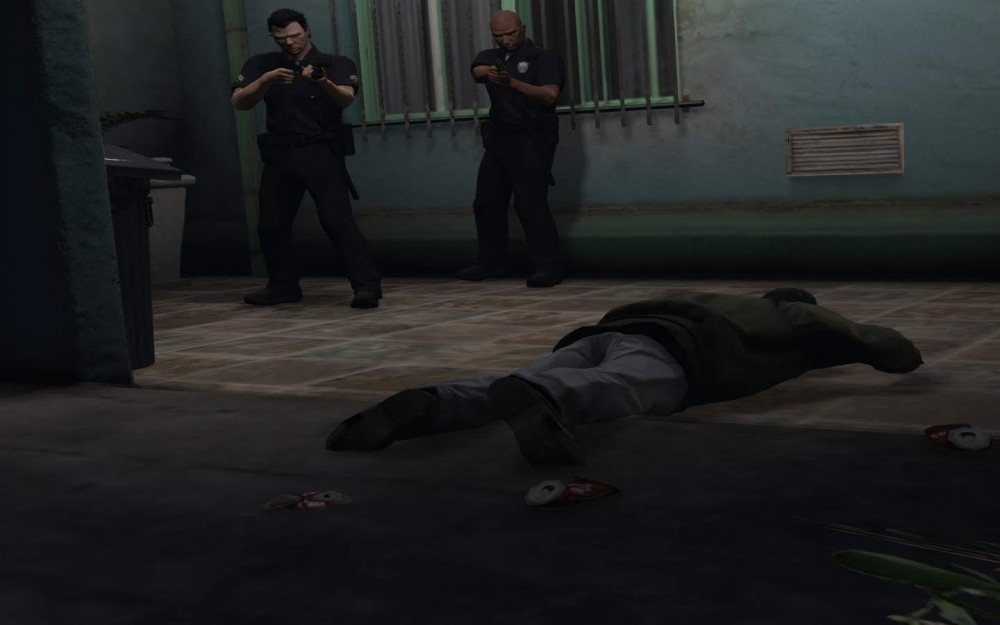
LSPD arresting suspect. @Carrythxd Dude, what graphics mod and what graphics settings are you using? Your screenshots are so crystal clear.
-
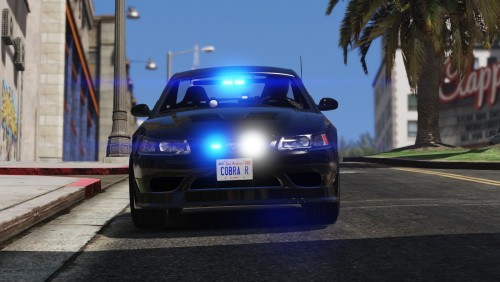 *Me yesterday Alright, I've got enough undercover vehicles, I don't need anymore, sees SVT Mustang Cobra R, proceeds to download Seriously man, great car, I'm really liking the additions of rare cars on this website, keep it up man.
- 11 comments
- 5 reviews
-
-
- 3
-
I know that you're supposed to press the space bar to sync up your character, and I do have one of my characters synced up, but it won't let me sync up my other ones.It looks pretty good, you plan on adding a red and blue version?A better picture this time, LSPD and the Sheriff in hot pursuit of a racer.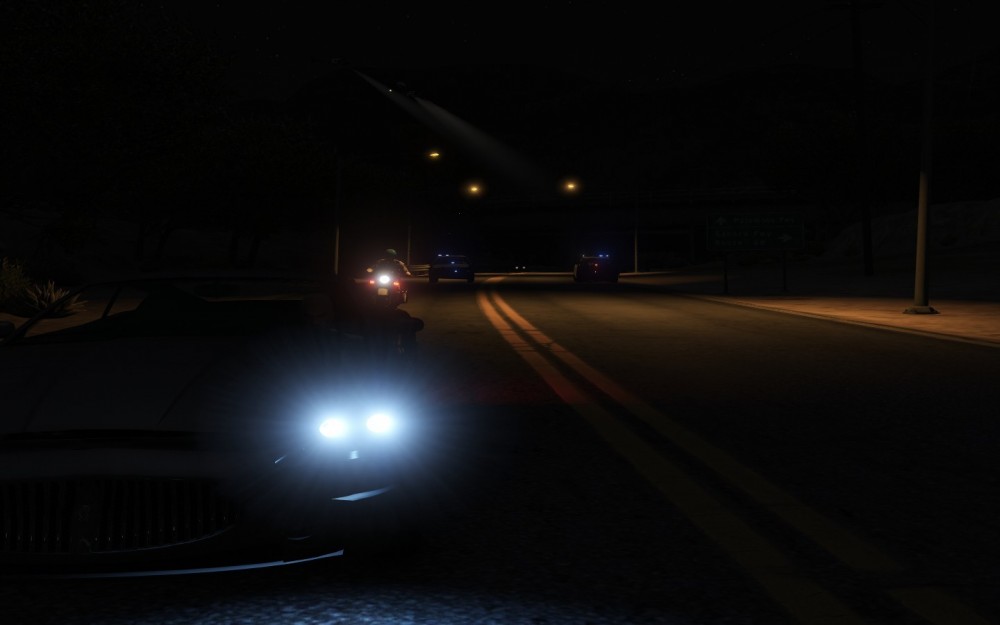 As the title says, every time I push the start button while performing a traffic stop, it cancels it, how do I stop that? Also, my LSPDFR won't sync, says it won't connect, but I have very good internet connection right now.
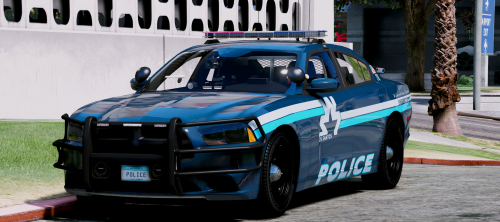 Hey @Maurice97 I have a strange problem, all of the cars in this pack work except the impala, the Impala keeps crashing my game, any ideas?
- 32 comments
- 35 reviews
So for the past few weeks, my GTA V kept crashing randomly, after deleting my mods folder and installing each mod one by one, with a bunch of trail and error, I was able to narrow down the issue to the Impala I had installed. The reason I know it was the Impala because I installed seven different impalas, and out of the seven, two of them worked, one being a BXBugs Impala and the other being a POLICESCO model. There are others I haven't tried, but I don't feel like going back and trying those out.Here's my screenshot.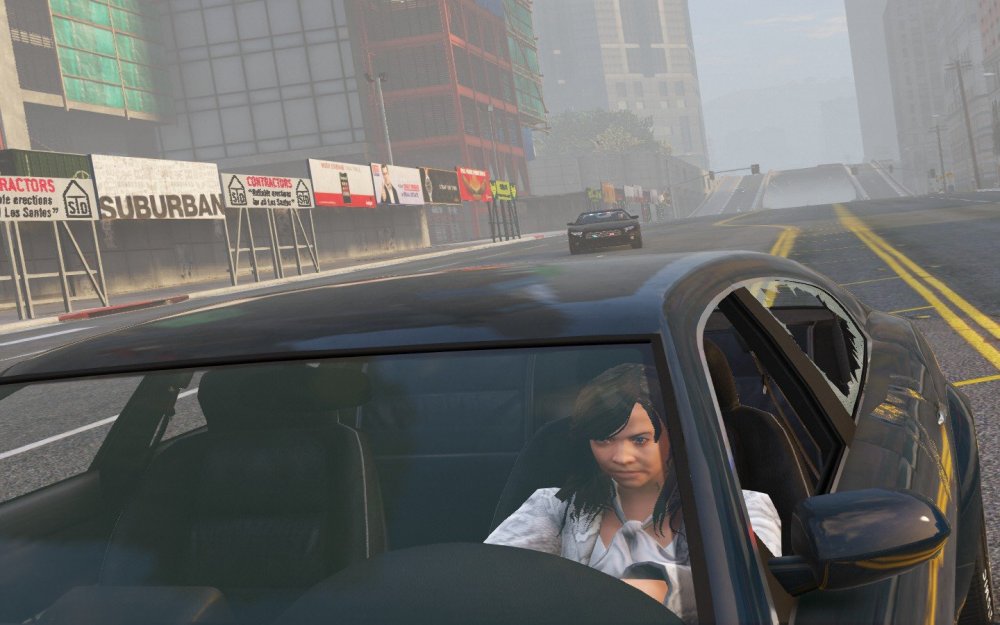 Where do I find all of this, because I can't find this in the lspdfr ini.If they would just get rid of that ALPR, I would happily give this SUV 10/10.Hi guys, so as of right now, LSPDFR has a set of uniforms already preset, well I replaced these uniforms in the componets_peds thing (not EUP), but I'm still seeing the vanilla uniforms in the locker room, any way I can change this?Dude your method worked, thank you.Something interesting I've noticed. I have replaced almost of all of the police cars with their real life counterparts, and when playing without LSPDFR, the game works just fine, however, when I play with LSPDFR, I get huge texture loss, (the image below is an example of this) making the game unplayable. I have VisualV and LA Roads installed too. Don't know if there will ever be a fix for that, but until then, I'll have to play with lore-only vehicles when playing LSPDFR. .
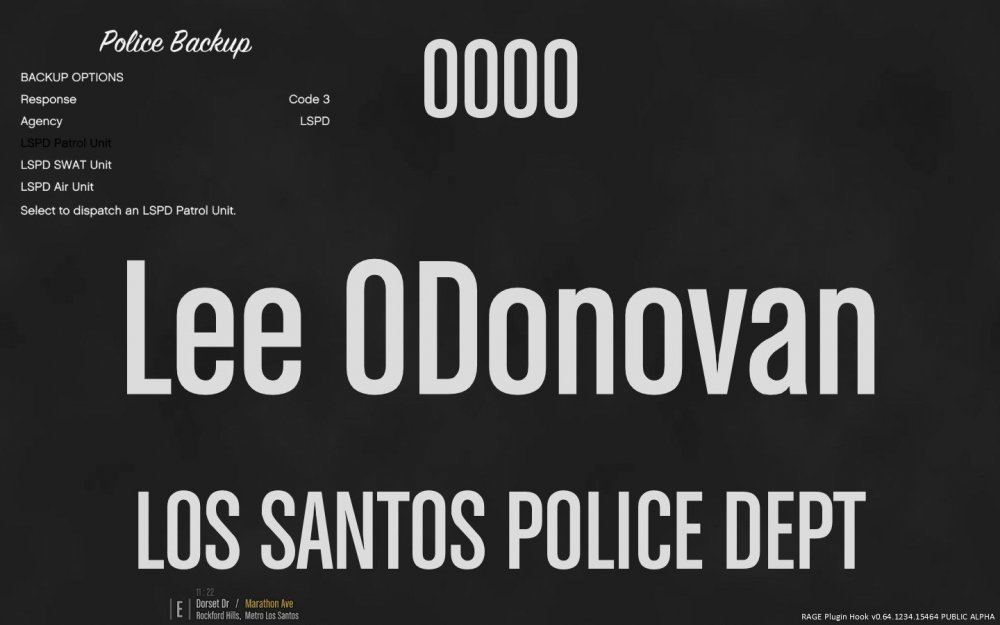
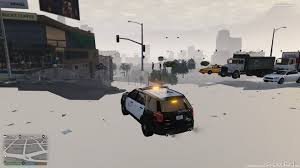 Everything about this mod is great except two things. 1. I replaced the LSPD uniforms in OpenIV, and they don't appear in the customize your character menu. 2. As you can see by the pic above, the backup menu takes up the whole screen and I'm not a fan of that, any to change this? As for everything else, it works pretty smoothly, I'm loving the new addition where we you see a suspect, your screen flashes yellow around the edges, pretty neat. I also like that backup isn't ramming into my car like madmen, you guys did a great job fixing that. Edit: Disregard number 2, fixed it.