



Lee10
Members
-
Joined
-
Last visited
Everything posted by Lee10
-
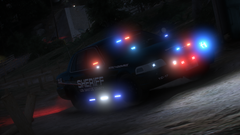
From the album: Random GTA 5 pics
-
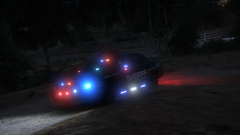
From the album: Random GTA 5 pics
-
-
 Beautiful car man, this is a job well done. Thanks to you, I have the perfect slicktop CVPI to use for my patrols.
- 12 comments
- 2 reviews
-
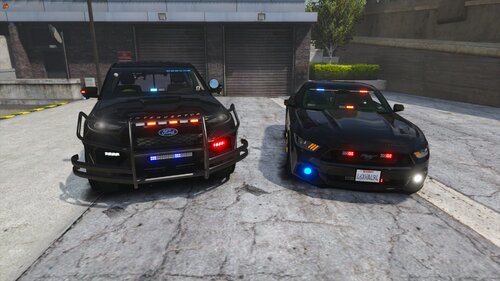 @dtoxgaming Nice car man, a small suggestion if I may, maybe add a small antenna to the back of the car, that's about it really. Also I know it's hard, but I hope this car isn't as high poly as the rest of them.
- 46 comments
- 4 reviews
-
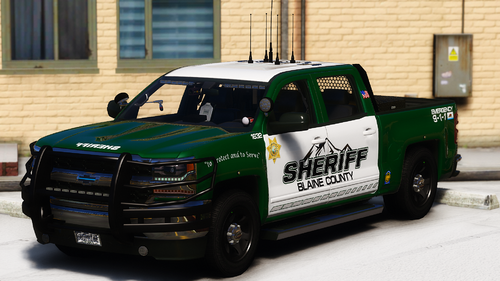 @sergeantFrank Hey man do you think you could make this skin for this Tahoe? It's a beautiful looking SUV.
- 71 comments
- 17 reviews
-
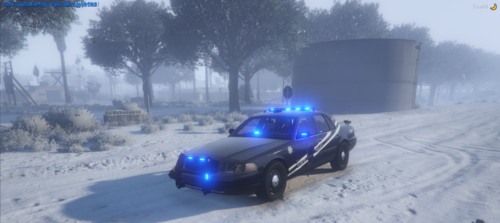 @Trooper Stewart You got a link to that CVPI bud?
 -
Go to mods\update\x64\dlcpacks\patchday__\dlc.rpf\x64\levels\gta5\vehicles.rpf\ and place your vehicle files (.ytd and .yft) in there. Use your latest patchday, which is currently patchday22.
- 46 comments
- 4 reviews
-
Put it in patchday22, that's the latest patch and it replaces any car you want.
- 46 comments
- 4 reviews
-
@LukeD Hey I don't know if this is fixable or not, but whenever I am recording a clip using the rockstar editor, the recording will cancel when I pull up the end callout menu. It's so weird, it seems to be an issue with RageNativeUI maybe? Anyway if you can fix this, awesome, if not then it's no big deal, I know of another plugin modder who has this same issue with his menus.
-
You should man, using the same lighting setup as your FPIU, I think it would look pretty good.
- 46 comments
- 4 reviews
-
-

- 1
-
-
-
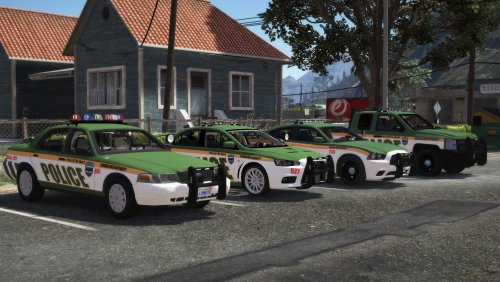 @SCPDUnit23 Hey man, quick question about your crown vic. If I'm using this car for a dispatch mod, but don't want to replace the entire carcol file so that it won't conflict with the mods carcol file, what line do I copy from your carcol file to to get the rotors to work?
- 8 comments
- 6 reviews
-
-
Looking back on it, it seems like it just a one time thing. The issue I had was I was driving under a freeway, and when I accepted the racer the racers spawned on the freeway above me, wasn't able to get to them because of that. But like I said, that seemed to be a one time thing. Oh by the way, I just wanted to say that I like your little message on the whole version check, I sure wish a certain modder wouldn't have it to where I have to have the internet in order with his plugins. But hey, this is a great plugin man.
-
Thank you! You're the best.
-
Okay I see what you're talking about now, it's fixed now, thanks.
-
I think I may have fixed it, whenever i select to go on patrol for the SAHP, my inventory never popped up, I went into the XML file, changed <WEAPON chance="20"> to <WEAPON> and that seemed to have fixed it. Also by police station menu, you mean the one that pops up when you go on duty or the one where you press M?
-
-
Is this where we report 'bugs' or make suggestions? I have a suggestion for the Racer callout.
-
As the title says, why is it that when I go on patrol for the SAHP, my inventory keeps disappearing for them? Is there a way to make them my default agency? I'm using RDE-LSPDFR configs if that means anything. I think this a bug of LSPDFR. @LMS Sorry for the tag, but if this is a bug with LSPDFR, then I thought you should know.
-
-
 The armored person callout is too easy to kill, you should make it harder to kill him.
- 643 comments
- 53 reviews
-
Thought I'd bring it up again that the activity feed is down again.
-
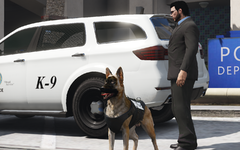
From the album: LSPDFR Patrol



