


jtjako
Members
-
Joined
-
Last visited
Everything posted by jtjako
-
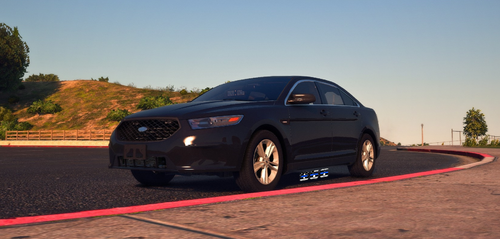 Managed to fix it shortly after by renaming the _hi.yft to .yft and replacing it, though I was stuck with permanent tint on the rear window.
- 42 comments
- 4 reviews
-
Great pack, love to FPIS setup. However, having trouble with the visor lights on the FPIS. Physical light appears to be stuck in the visor and the red glow just flashes over the visor. Screenshot taken from .yft file and appears ingame exactly the same way with ELS on and visor down. The _hi.yft doesn't seem to have the same issue.
- 42 comments
- 4 reviews
-
 Hey man awesome pack, all the vehicles look sick in game. Does anyone know of a way to enable multiple liveries for the cars?
- 779 comments
- 187 reviews
-
Is there a pack of your cars that I can download? Because I see some cars in the background, such as the crown vic and the large swat truck, that I can't find on this site.
- 17 comments
- 3 reviews
