


Element
-
Joined
-
Last visited
Everything posted by Element
-
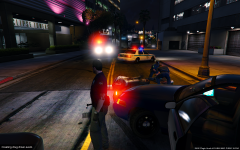
From the album: Baltimore Police Department
Remember everyone look out for cyclist on the roads. -
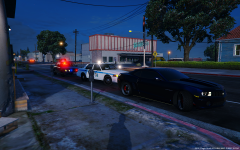
From the album: Baltimore Police Department
-
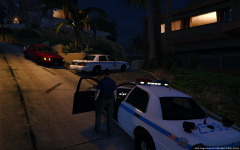
From the album: Baltimore Police Department
Baltimore County Police arrive on scene of a burglary in progress. -
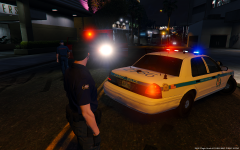
From the album: Baltimore Police Department
-
From the album: Baltimore Police Department
-
From the album: Baltimore Police Department
-
From the album: Baltimore Police Department
-
From the album: Baltimore Police Department
-
From the album: Baltimore Police Department
-
From the album: Baltimore Police Department
-
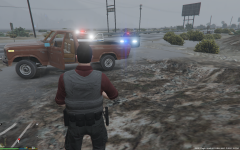
From the album: Baltimore Police Department
-
-
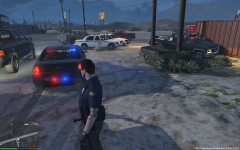
From the album: Baltimore Police Department
-
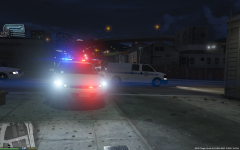
From the album: Baltimore Police Department
-
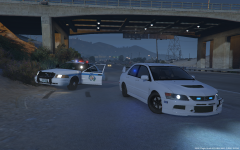 Yeah I know Subaru`s as well. So epic.
 -
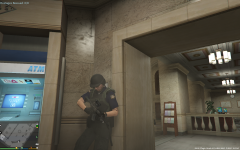 https://www.gta5-mods.com/weapons/payday-2-colt-m727
 -
-
-
When your a cop but race car is life.
-
-
-
You must be installing the cars to the wrong vehicals.rpf`s .They are all spread out in the directory. Police1/police4 are in {X64e}, sheriff1 sheriff2 and police 2 are in {Patchday3} , And police 3 is in {Patchday 4}. That`s the weird way to do it. Most ppl use Mod folders.
-
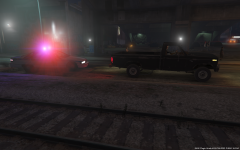
From the album: GTA V Random Screens/ WIP`s
A Baltimore County 1991 Chevy Caprice conducting a traffic stop. -
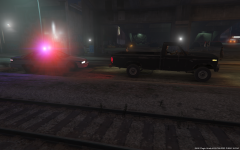
From the album: GTA V Random Screens/ WIP`s
-
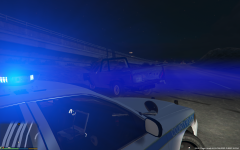 Baltimore County Police. End of pursuit




