


Element
-
Joined
-
Last visited
File Comments posted by Element
-
-
-
-
-
-
-
Edited by Element
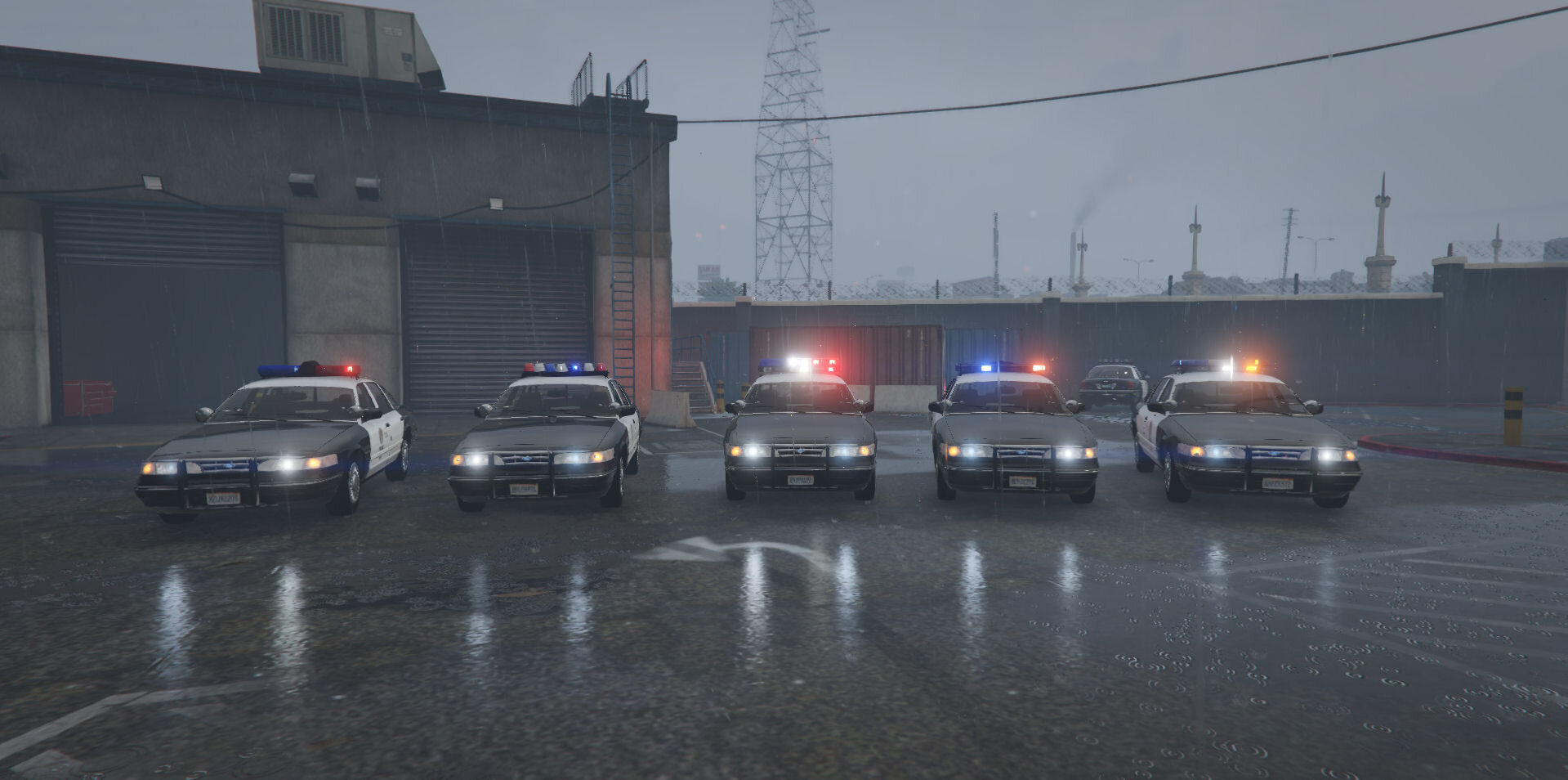
5 hours ago, Guest Andrew said:Hey Element,
BCoPD uniforms don't look like this anymore. The mailman pants were replaced with BDUs that match the color of the shirt.
You are correct. As of a month or 2 ago they changed it to that. Same time they rolled out the new ford explorers. I guess this is now the old BCPD uniform. lol. I don`t live or work in Balt Co anymore so i have not seen it yet. Thanks for the info mate.
-
-
-
6 hours ago, Dippa said:
Element....we need one for BxBugs123 2014 Charger if you would be so kind lol Also I'd like to get with you about PG County uniforms if you don't mind, as I have the patches and pictures but for some reason the patches never come out clear. I don't know how to use PS so I use this free program called Gimp.
2014 Will be coming out soon. Unfortunately i`m booked atm and wont be able to take on any additional projects at this time.
-
-
-
-
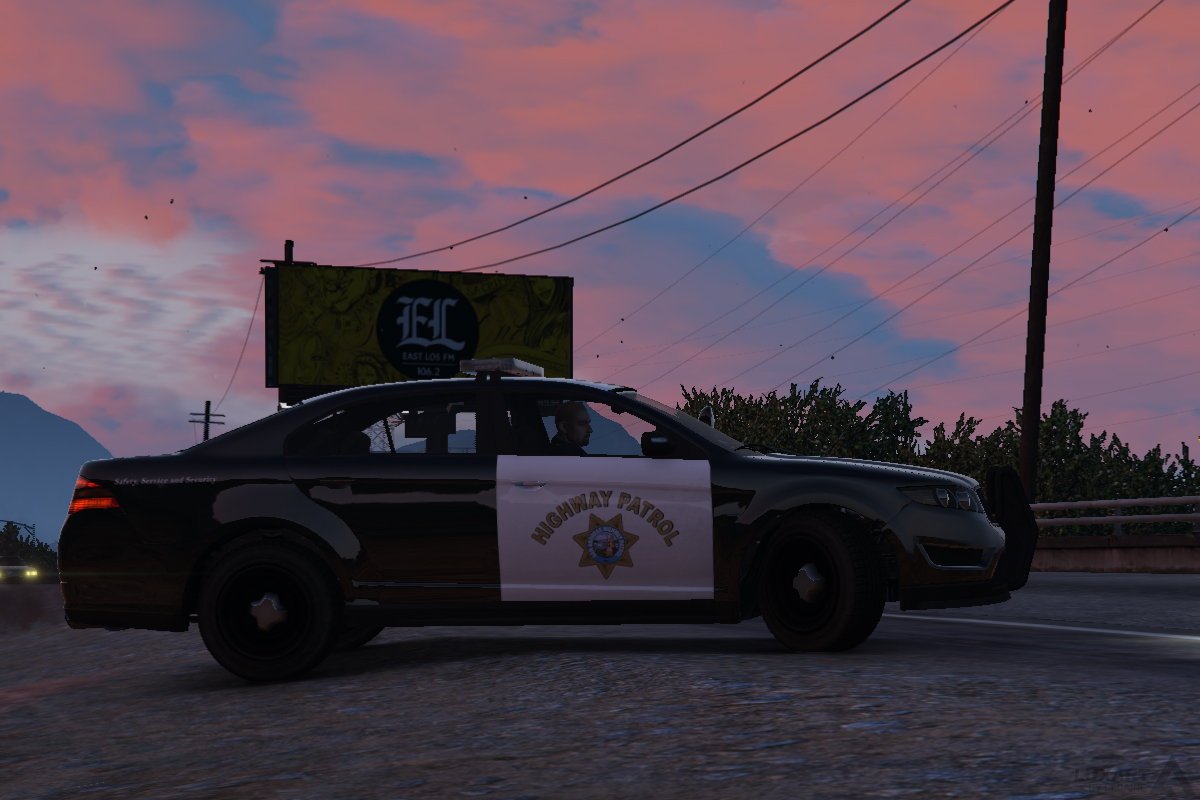
-
-
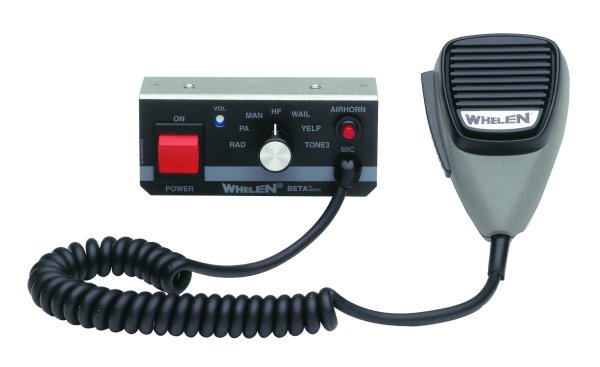
-
-
-
-
-
-
Ok i will do my best here .Please bare with me.
Step 1 Export the Ytd file you want to edit from Open IV to your desktop
Step 2 Open the YTD file with Texture toolkit and export the DDS texture files inside it that you want to edit.
Step 3 Edit your files (PhotoShop,Paint,Paint.net I ended up using all 3 for mine. Whatever works for you.)
Step 4 Take your newly Edited DDS files and import them back into the YTD file with Texture ToolKit . Save and Close TTK
Step 5 Now you have your Freshly edited YTD file on your desktop.Use OpenIV to put this back in your game.(You can import YTD and such into your game you just cant import the DDS files inside of the ytd`s yet. That`s what Texture ToolKit is for) Save OpenIV and your Good to go.
I feel like this should have just been a tutorial topic.But TTK will probably only be around for a little bit. Until OpenIV can operate at full capacity with V.Seems to just be a work around for now.
Ok i pretty sure that made sense.
-
When I try to do my Improved LSPD/LAPD Pack, it wont let me import but export? And yes, my edit mode is on, any help?
OpenIV cant import the DDS files yet only export.You need to pull the YTD file out of open IV and open and edit it with this.
Also it may be different for you but for me MS Paint and PhotoShop wont load the DDS files you Might have to use this to edit em.Been working fine for me.Its like paint but not as basic.
Hope that helps.
-
-




.png.c9ba602ccf858a42ddd606dc941407c7.png)


Los Angeles retro taxi minipack [ ADD-ON ]
in Vehicle Models
Epic! Not enough of these Mid 90`s Crown Vics. Thanks