




Lt.Caine
Friends of LSPDFR
-
Joined
-
Last visited
Everything posted by Lt.Caine
-
 @Sizzlenuts: It does use the names from the GXT for the most part, but not entirely, as I make some swaps along the way. So, it is normal to see some default-themed names display with PLD despite having installed a GXT mod. This is because I couldn't devise an efficient way to apply the changes I wanted to the default names, all the while accommodating GXT modifications. It is something I have kept in mind, however, and I should be looking into it for future iterations of the mod.
- 220 comments
- 55 reviews
-
 Hehe @BlazeFace, thanks, I'm trying! @ToastinYou: No, unfortunately it does not support wheel lock at this time, but it is something I plan to add in the future.
- 108 comments
- 24 reviews
-
-

- 6
-
-
BVA–Basic Vehicle Actions is a script modification that adds some simple vehicle functionality, including persistent braking lights, the ability to toggle the engine state, indicators, and parking mode. It also allows custom vehicle exit styles to better suit the user's gameplay. DESCRIPTION − BVA provides several simple vehicle features. − You can toggle a parking mode (to save your vehicle), toggle a vehicle’s engine state, and use indicators, among other things. − BVA allows for persistent braking lights whenever a vehicle is stopped. − BVA also allows the user to choose an exit style (from 3 available) for both short and long presses of the vehicle exit button. − BVA includes a seatbelt feature and the ability to shuffle vehicle seats. − BVA includes custom sounds for added immersion. NOTES − Consult the FEATURE INFO file to learn more about BVA and its features. − The parking mode feature is disabled by default, as it may cause issues when using a controller. − You may enable the feature in the BVA.ini file. INSTALLATION − A GTAV ScriptHook must be installed for any .asi modification to work. The original may be found HERE. − Using script modifications in GTA Online can result in a temporary or permanent ban from the service. − 1. Place the .asi and .ini files provided in the download inside your main GTAV game directory. − 2. Modify the .ini file as you see fit. − 3. Start your game. CREDITS − BVA is coded by Lt.Caine. − Thank you to Alexander Blade without whose work scripting for GTAV would not be possible.
- 108 comments
- 24 reviews
-
-
-

- 63
-
-
Sorry for the inconvenience. The Vehicle Essentials features will be repackaged into another mod called Basic Vehicle Actions (BVA) which should be releasing soon.
- 220 comments
- 55 reviews
-
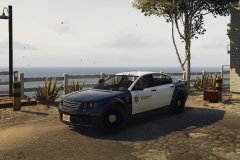
From the album: Luxart V
A work in progress. -
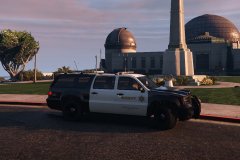 Now available.
 -
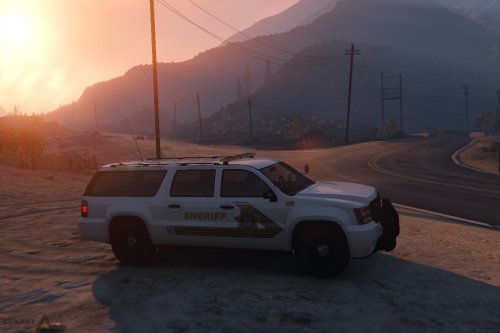 This is the default Granger, remapped to accept custom decals and with some slight adjustments. DESCRIPTION − A modified version of the default Sheriff Granger (sheriff2) vehicle model. − Features a completely mapped body with template for custom decal textures. − Vehicle dirt mapping is intact. − Features 4 custom liveries and some slight adjustments. CHANGELOG − Vehicle glass collision issues fixed by Yard1. NOTES − N/A INSTALLATION − Always make sure to create backups before overwriting any original game files. − To avoid the need to overwrite original game files, use the “mod” folder method provided by OpenIV. − 1. Using OpenIV, open the file “update/x64/dlcpacks/patchday4ng/dlc.rpf/x64/levels/gta5/vehicles.rpf”. − 2. Once inside, find and replace the vehicle files with the corresponding ones provided in the download. − 3. Close OpenIV. CREDITS − Base GTAV vehicle model made by Rockstar Games and modified by Lt.Caine. − Vehicle body remapped by Lt.Caine. − Vehicle glass collision issues fixed by Yard1.
- 36 comments
- 6 reviews
-
-
- 17
-
-
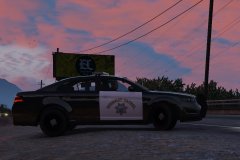 The V Interceptor, completely remapped. Now available.
 -
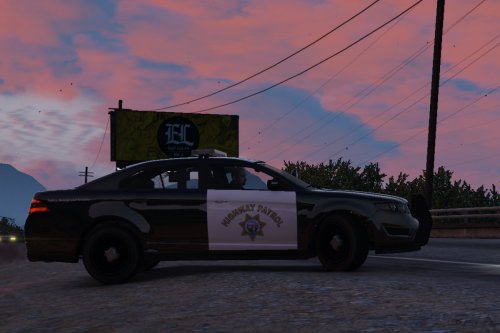 This is the default V Interceptor, remapped to accept custom decals and with some slight adjustments. DESCRIPTION − A modified version of the default Police Interceptor (police3) vehicle model. − Features a completely mapped body with template for custom decal textures. − Features 4 custom CHP/LAPD inspired SAHP and LSPD textures. − A texture template is provided in the download. CHANGELOG − Vehicle glass collision issues fixed by Yard1. NOTES − N/A INSTALLATION − Always make sure to create backups before overwriting any original game files. − To avoid the need to overwrite original game files, use the “mod” folder method provided by OpenIV. − 1. Using OpenIV, open the file “update/x64/dlcpacks/patchday4ng/dlc.rpf/x64/levels/gta5/vehicles.rpf”. − 2. Once inside, find and replace the vehicle files with the corresponding ones provided in the download. − 3. Close OpenIV. CREDITS − Base GTAV vehicle model made by Rockstar Games and modified by Lt.Caine. − Vehicle body remapped by Lt.Caine. − Vehicle glass collision issues fixed by Yard1.
- 27 comments
- 15 reviews
-
-
- 30
-
-
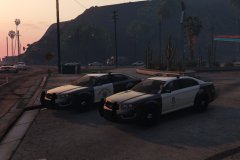
From the album: Luxart V
Still getting the hang of ZModeler 3. -
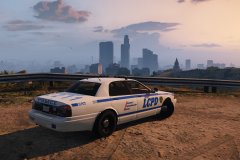
From the album: Luxart V
-
@Ganter66: Do you mean that the engine--and, therefore, the lights--remain on when you exit a vehicle? If so, then that is normal and due to the GTA IV-style vehicle exit feature. If you want to exit the vehicle and turn the engine--and the lights--off, then you need to keep your exit vehicle button pressed about until the player character has left the car. Also, if you don't like this feature, you may disable it in the PLD.ini file by setting the "IvEnterExit" option to "off" (without the " ", of course).
- 220 comments
- 55 reviews
-
-
-
Firstly, I want to apologize for any inconveniences caused by PLD. More on the issue, I think the parking brake problem might be caused by some sort of a conflict with controllers. It never manifested itself during testing, and I use a keyboard and mouse setup which doesn't seem to trigger this particular issue--at least on my end. The idea behind adding "Vehicle Essentials" to PLD is to have all basic vehicle functions, including location display, seamlessly rolled into one mod. This is in order to facilitate installation and mod management, all the while preventing overlap. Nevertheless, it is certainly fair to request having choice over a mod's features--particularly as it increases in complexity. Indeed, I too appreciate the ability to choose what things to keep and what to discard. This is why PLD has been updated to V2.18. Via the .ini file, it now offers the user control over which Vehicle Essentials features they wish to use. For those experiencing issues with the parking feature, it is recommended--at least for now--that you set the "ParkingMode" option to off (as it is on by default).
-
 Yes, documentation is provided in the download, as always. Just look inside the DOCUMENTATION folder. Everything you need should be there.
- 534 comments
- 206 reviews
-
A showcase of current and upcoming GTA IV Luxart modifications.
-
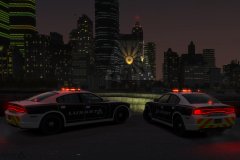 ELV V8.51
-
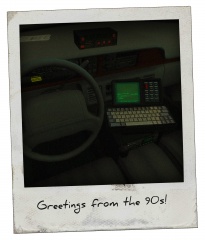 A blast from the past
-
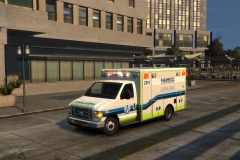 E-450 Ambulance
-
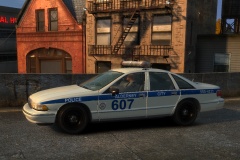 Another work in progress
-
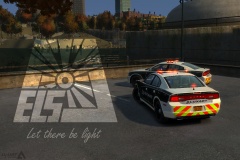 Better late than never
-
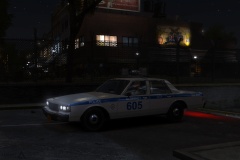 ACPD 1989 Caprice
-
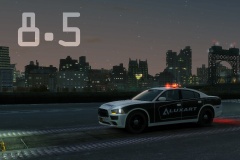 Coming soon
-
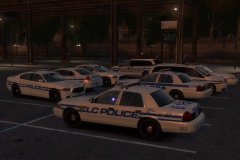 Full lot
-
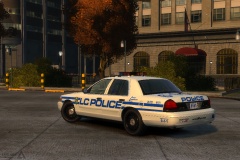 LCPD CV
-
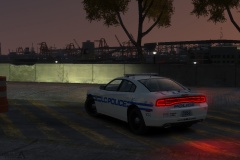 Looking out for speeders
-
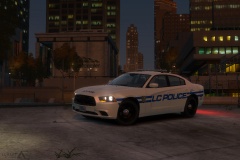 Favorite time of day
-
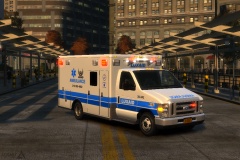 Testing DRO2
-
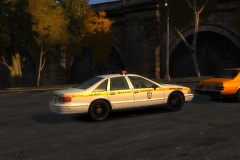 No Tender Loving Care
-
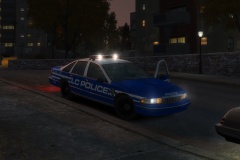 Dusk takedown
-
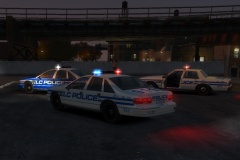 Trouble at the Triangle Club
-
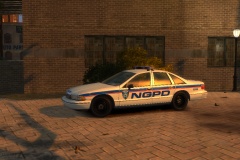 Probably time to update the fleet
-
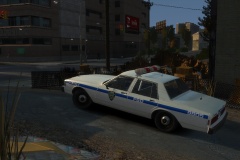 Old Caprice still stalking the alleyways
-
 ELS 8
ELS 8
-
 Thankfully a rare occurrence
-
 Lux
Lux
-
-
From the album: Luxart IV
A minor update to ELS-IV has been released: V8.51. -
I'm afraid I don't know, Verenikin. I play with a keyboard and mouse, so it's hard for me to test anything else. That said, the IV-like exit vehicle feature uses the game's set control button for entering and exiting a vehicle, so it, at least, should work seamlessly with any controller.
- 220 comments
- 55 reviews
-
I suppose so. Nothing it provides is essential to gameplay. Rather, like most mods, it adds to the experience. Though, you could say the parking feature--since it saves your car and prevents it from disappearing--has both immersive and functional properties.
- 220 comments
- 55 reviews
-
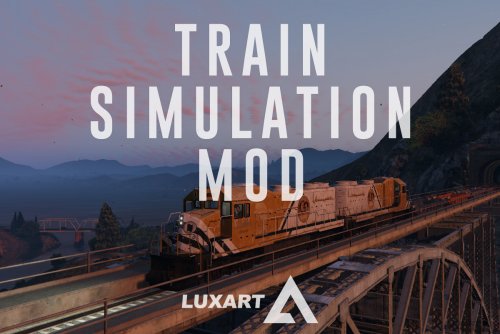 @nilsweb11: Indeed. TSM uses a somewhat more realistic approach to throttle now which also requires more attention from the user. The metrotrain has 4 throttle settings (N and 1-3), and the freight has 9 (N and 1-8). Neutral applies no forward power to the train, whereas every following notch or "run" in turn applies a greater amount of power. This is useful when you need to regulate your acceleration or deceleration. To maintain a speed, you should generally keep the train in the N notch. However, physics will kick in, and every so often you'll need to make micro adjustments by increasing power slightly or applying the brakes.
 -
Thanks, I'm glad you like it, Scalp!
-
-
Yes, sorry about that, dbock. It seems when I reconfigured the exit vehicle code, I inadvertently used a method that simply was not suitable for controllers. I've gone back and reworked it again, and I think it should work fine as of V2.16--just download it again and give it a try. Again, my apologies.
- 220 comments
- 55 reviews
-
Sorry Goose, I think there might have been a corruption with the file. I've uploaded a new one, so try downloading and installing it again to see if that fixes the issue.

