wessle45
Members
-
Joined
-
Last visited
Everything posted by wessle45
-
.thumb.jpg.37cdb54de83d6dee03b6b15e76b2f5fd.jpg) same for bait car but mine doesn't crash until suspect enters car but other then that good callout
same for bait car but mine doesn't crash until suspect enters car but other then that good callout- 184 comments
- 24 reviews
-
-
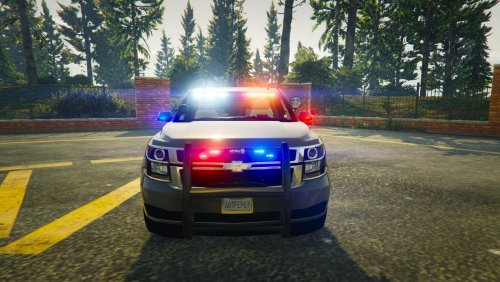
Hello so my Rage Plugin Hook isn't launching GTA V ALL THE TIME so if i keep trying to launch gta threw rage hook after so many times it will launch and work fine but it keeps giving me the problem when launching, an before this was never a issue even with all the cop cars changed this was never a issue but after downloading the costal callouts i started receiving this issue and not because of the plugin it actually all started AFTER DELETING all the costal callout stuff i have deleted gta and redownloaded it and it still didn't work and after deleting it now sometimes it says not enough memory when starting but if that was the case wouldn't it say that the first couple times having all the police cars changed literally never had a issue until now cause after taking out my mods folder with my cars it works fine so i even made a second mods folder and just and put the cars in the second folder and same thing? why is my cars just now causing this too happen when it didn't before should i try deleting the cars actually off my computer and reinstall? I haven't added any cars recently so i don't understand
.thumb.jpg.37cdb54de83d6dee03b6b15e76b2f5fd.jpg)