
BlueSteelShield
Members
-
Joined
-
Last visited
Everything posted by BlueSteelShield
-
Now Available! CVPI and Chargers, still deciding to do them... 50% chance I will, stay tuned... Happy Holidays!!!
-
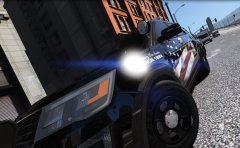
From the album: This is a sexy 2016 FPIU
NOW RELEASED -
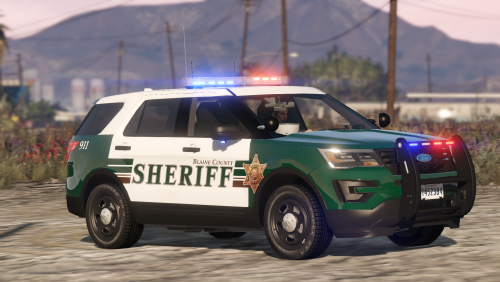
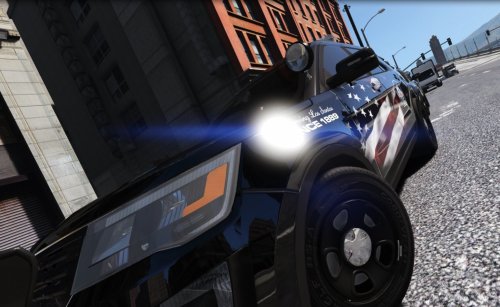 Los Santos Police based on Clay County Sheriff's Test Design ------ Required: @Thehurk 's 2016 Marked and Slicktop FPIU (Skin works on both models) **ELS TOO** -------- Credits: @Thehurk - Main FPIU model @BlueSteelShield - Texture and Pictures @ClayCountySheriff - Main Design (Test Design which is not in use) -------- Information: American flag on both sides of the FPIU with a faded design from timeanddate.com Containing "Serving Since 1889" based on what the original "LSPD/LSSD" patch says Thin Blue Line flag on trunk and Dare sticker Roof Number (Vehicle#) 096 on roof MERRY CHRISTMAS!!
- 12 comments
- 10 reviews
-
-

- 1
-
-
-
Download this to go back - https://support.rockstargames.com/hc/en-us/articles/200145406--May-28-2010-Grand-Theft-Auto-IV-Patch-7-Title-Update-v-1-0-7-0-English-1-0-6-1-Russian-1-0-5-2-Japanese-
-
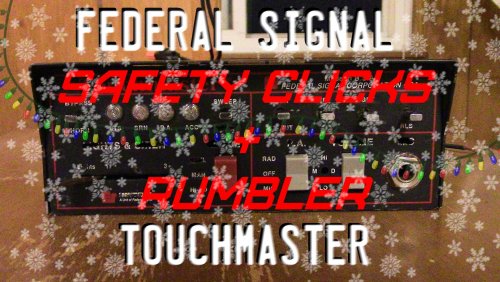 Welcome to my final modification for 2016 and my Christmas Present for all you people out there! Federal Signal Touchmaster w/ Safety Clicks + Rumbler -------- Information: Vehicles.oac version Siren Mastery version Rumbler or Safety clicks are two different options for .oac Installation for Siren Mastery is in README.txt NOW ELS COMPATIBLE --------- Installation for vehicles.oac: Open - OpenIV mods (If you dont have a mods folder, I highly suggest making one) > x64 > audio > sfx > resident.rpf > Enable "Edit Mode" Right click in a empty area, then click select "Import open formats .aoc" Find the vehicles.oac inside the folder Press "Ok". ---------- Credits: Moneybags BlueSteelShield QuentinJericho CaptainSugarFree Vegas725 -------- Video: Click here (Thank you Vegas725 for the video) Non-Rumbler Touchmaster In Real Life
 -
 HOT!
HOT! -
Synced with your real life time? If you have trainer v (https://www.gta5-mods.com/scripts/simple-trainer-for-gtav) you can sync your time in the "Time" section to real life time.
-
-
Ever since the Biker DLC, OpenIV.asi crashes. This causes my Audio files not work, so all standard sounds come up in game I also used FiveReborn and crashes that too... Here's what I have done that has not worked which is why I'm here: Rename OpenIV.asi too - mods.asi, mod.asi, OpenV.asi, & gta.asi FiveReborn support, no help Changing the mods folder to stuff to test if I still crash with the .asi in, still crashes so which means my mods folder is not corrupted I tried both FiveReborn Update.rpf and the most recent GTA V Update.rpf
-
You have to enable in ELS.ini in the directory [ INTERFACE ] LocationDisplay = onincar
-
-
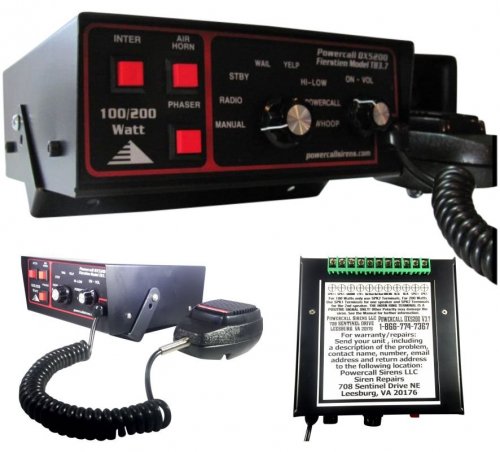 These tones are garbage and low quality!! JUST KIDDING They are great, perfect loop, and great high volume!!
 -
These are mine: (There's a non-siren mastery version in Easy Install)
-
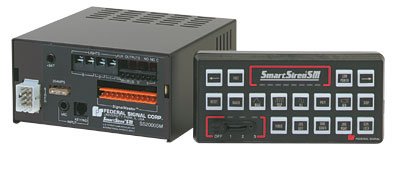 The airhorn doesn't sound like a Smart Siren, maybe cause all of the tones sounds like they were recorded from inside the car, but good looping!
- 12 comments
- 2 reviews
-
-
- 1
-
-
-
-
 I thank you for recommending my old LAPD siren but this one is more accurate and sounds better: Made for Siren Mastery and non-siren mastery
- 139 comments
- 38 reviews
-
-
-
-
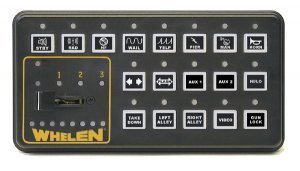 GTA IV, GTA V has been posted. This is for IV, just an V demonstration... But I use VisualV
- 5 comments
- 2 reviews
-
This was fan-made, not actually real... Sorry
-
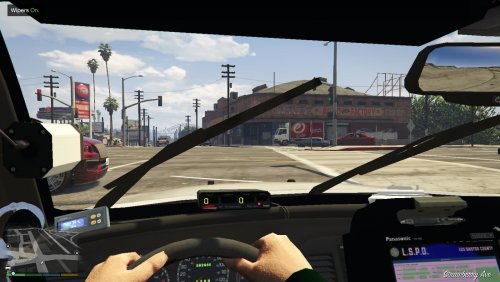 AMAZING, But maybe a better CVPI Model? Like an '11 with better customizations (Talons, Lightbar, and etc)
- 49 comments
- 22 reviews
-
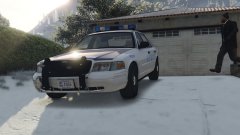 SEXXXXXXXY