


KetsaKunta
Members
-
Joined
-
Last visited
Everything posted by KetsaKunta
-
-
 I wasn't aware that there wasn't a model of a bear, though a boar sounds like a good challenge too. I remember watching Alaska State Troopers and they have quite a bit of a moose and bear problem up there.
- 303 comments
- 66 reviews
-
-
Add in a callout to save hikers or campers from bears, cougars, wolves? Perhaps a bear is taking residence in someones back yard. Dispatch the problem.
- 303 comments
- 66 reviews
-
-

- 1
-
-
 It's definitely your mod. Latest version with LSPDFR, plugin unloaded has no problem. Plugin loaded, problem. Effects police computer, on-foot radio, RageHook console, and the in game phone. I would like to refer you to this thread,
- 125 comments
- 11 reviews
-
-
- 1
-
-
I have problems with your mod. It makes patrols so much more realistic. But... it crashes now even with 0.9 and when you try to type in the console or the police computer then it starts effecting the game. Like if I press "p" on my keyboard in the console then it pauses the game. Or when I use the "N" interaction menu and use the arrow keys it will pull the phone up and make a smaller window appear.
- 125 comments
- 11 reviews
-
Agreed
-
It's been a feature for quite a while, but recently when I'm in the console or using the on foot radio it interacts with my phone and objects around me. I am using alot of mods, Gonna use my startup file because its easier. Also using all of the callout plugins too.
-
You can't. Currently they simulate this by holding down the horn button to make a traffic stop easier.
-
Theres a new RageHook version that fixes the d3d graphics stuff. You still can't launch the game with fraps open but if you are already in-game it will work again.
-
-
Then try turning off fraps. If you have fraps on while the game is playing AT ALL it will crash. I've tried loading without fraps and sneaking it back on and it crashed, so just don't use it. This solved my crash problems. Hope this helped.
-
Not too much longer now.
-
Avast is really good and has a silent mode for the more-than-casual user .
-
AMD FX-6300 3.8GHz GTX 760 4GB 8GB G.Skill RAM 1TB HDD 50-60 fps on high & ultra.using high priority batch file and waterfox closed out.
-
4PM for me, gonna take a cheeky little nap.
-
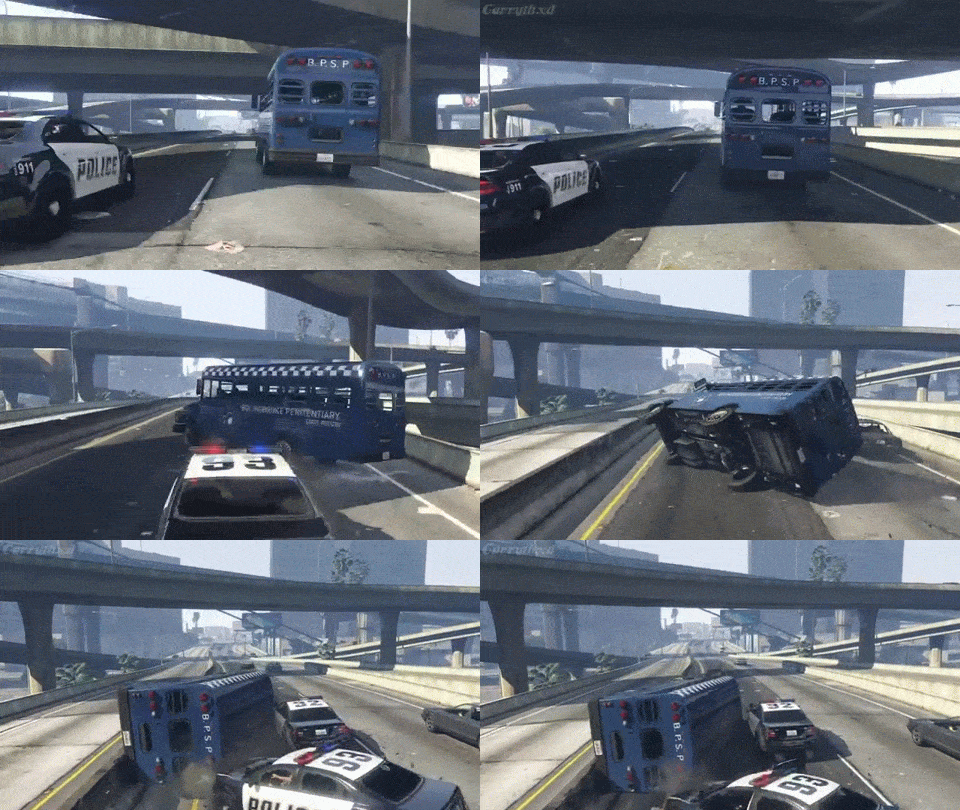 Vapids are hardcore




