


EvanMPC
Members
-
Joined
-
Last visited
Everything posted by EvanMPC
-
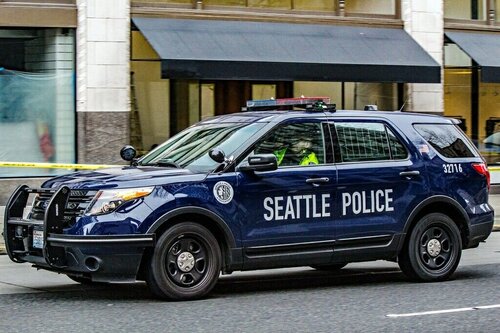 Here is one with the Air Horn which is long enough to put in game! Video just uploaded on 9/17.
 -
I don't know why this was rated 2 stars originally. An absolutely gorgeous and accurate model.
- 18 comments
- 13 reviews
-
I like it. I think you should release Version 2!
-
My all time favorite is the Federal Signal PA300 siren. Still used today in many cars. I love the Yelp on it especially. It has three primary tones activated by a knob: Wail, Yelp, and Hi-Lo. It is an extremely atractive Hi-Lo and the entire siren is just amazing to hear when clearing traffic and responding code 3. Second to that is the Federal Signal Smart Siren, and then the Federal Signal Touchmaster Delta. I lean towards Federal Signal products, as you can see. Federal Signal PA300: '?do=embed' frameborder='0' data-embedContent>> Federal Signal PA300 on Federal Signal's Website: http://fedsig.com/products/109/pa300


