


Creative
Members
-
Joined
-
Last visited
Everything posted by Creative
-
-
This is simply 4 textures for Double Doppler's "". The skins are: Westfield (Shopping Centre/Mall) KitKat Hailo (An American co. that came to London) Cycle London Credit goes to: Model - Double Doppler Skins - Me Rules: 1. Do not edit the model without Double Doppler's permission 2.Do not reupload elsewhere.
-
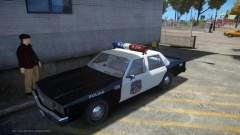 No problem, it is a good skin to use. Keep doing more.
 -
From the album: Liberty City Police
Model is made by Kinksta and the skin is in a recent pack uploaded on LCPDFR.com -
-
-
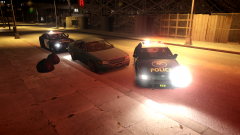
From the album: Liberty City Police
-
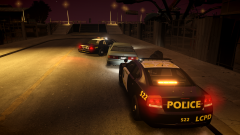
From the album: Liberty City Police
-
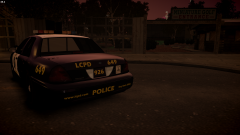
From the album: Liberty City Police
Here I have BxBug123's Ford Crown Vic. Custom skin by me. -
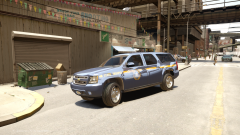
From the album: New York State Police
-
Post in this album showing your New York State Police (ONLY) and share to the rest of the community. From traffic stops - high speed pursuits and police breakins, upload them as much as you want. Make sure to put the credits of who made the mods. Thank you.
-
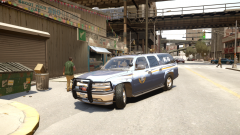
From the album: New York State Police
-
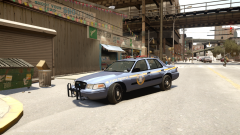
From the album: New York State Police
-
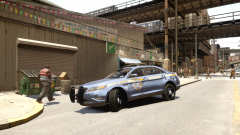
From the album: New York State Police
-
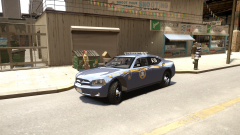
From the album: New York State Police
The 2007 Dodge Charger made by BXBUGS123. The skins are made by RidgeRunner. Download the skin pack: http://gtapolicemods.com/showthread.php?6549-Ridgerunner-Designs Vehicles are included on the thread. -
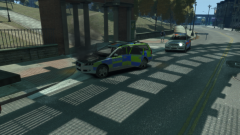
From the album: Warrant on a car
Read description on pic 1. -
This Bobcat has a warrant for drugs use, robbery and believed to have weapons on board.
-
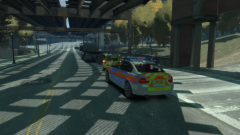
From the album: Warrant on a car
After the fleeing car was stopped, officers had to help another fellow officer. This Volvo was in the chase and rammed by the Bobcat. -
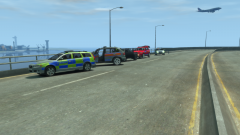
From the album: Warrant on a car
Read the desciption on pic 1. -
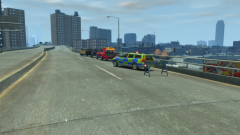
From the album: Warrant on a car
CS019 brung in to tackle down this Bobcat. Has weapons, drugs and robbery markers on it. -
-
I read the post on Facebook SwedishModding. banditsvscops, HE MOTHER FUCKING DID IT HIMSELF!
- 14 comments
- 1 review
-
-

- 1
-
-
Hey Double Doppler. Just wondering if I could possibly get the Area Vision Light bar please.
- 20 comments
- 9 reviews
-
"Well, the Volvo was a chase and the car we were chasing slamed into us" is what the officer said.


