



East Coast Mods
Members
-
Joined
-
Last visited
Everything posted by East Coast Mods
-
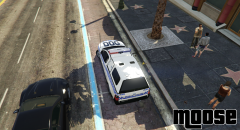
From the album: Moose's Grand Theft Auto Five Mods
-
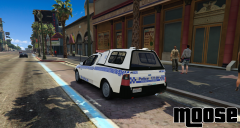
From the album: Moose's Grand Theft Auto Five Mods
-
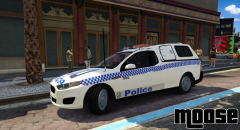
From the album: Moose's Grand Theft Auto Five Mods
-
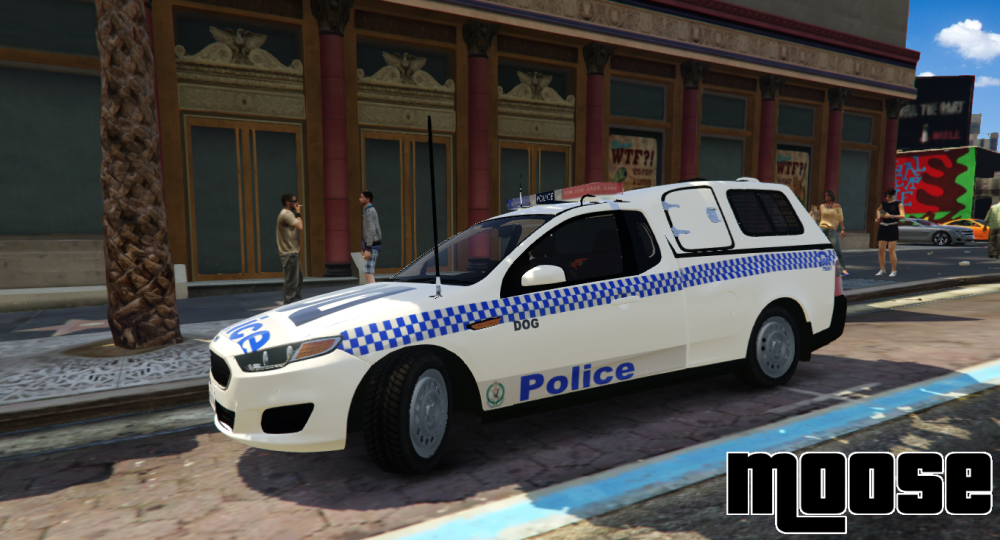
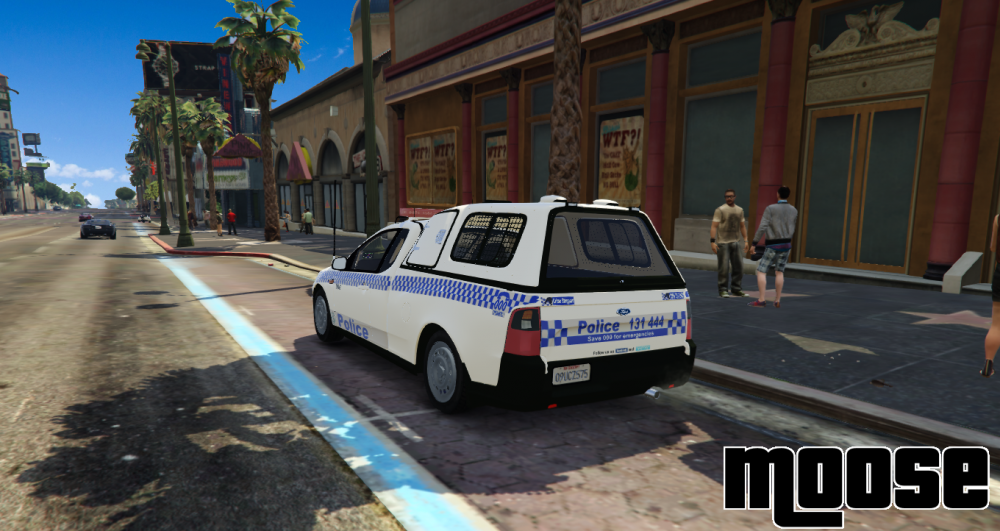
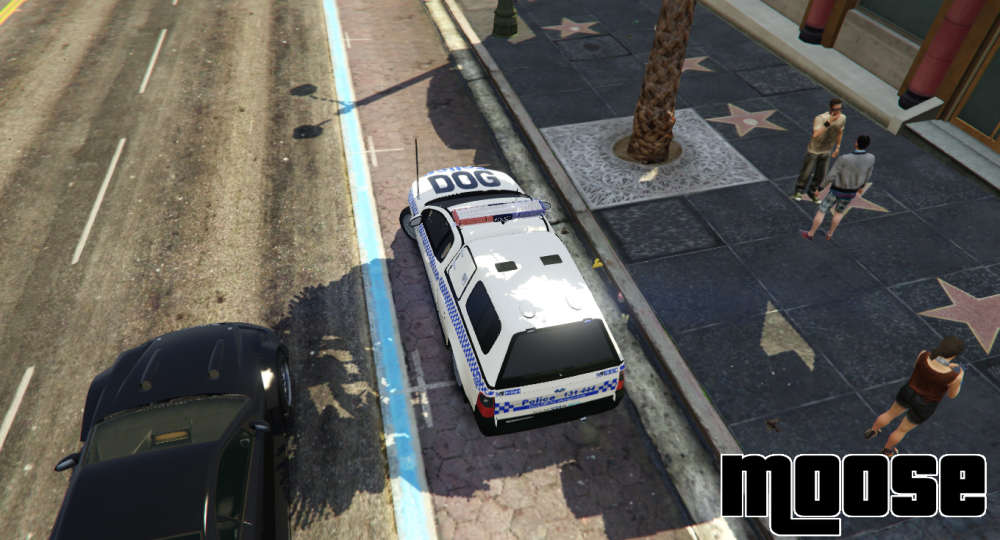
Dog 16 on scene to possible stabbing. Yeeeeyaaaa new canopy :)
-
From the album: Moose's Grand Theft Auto Five Mods
-
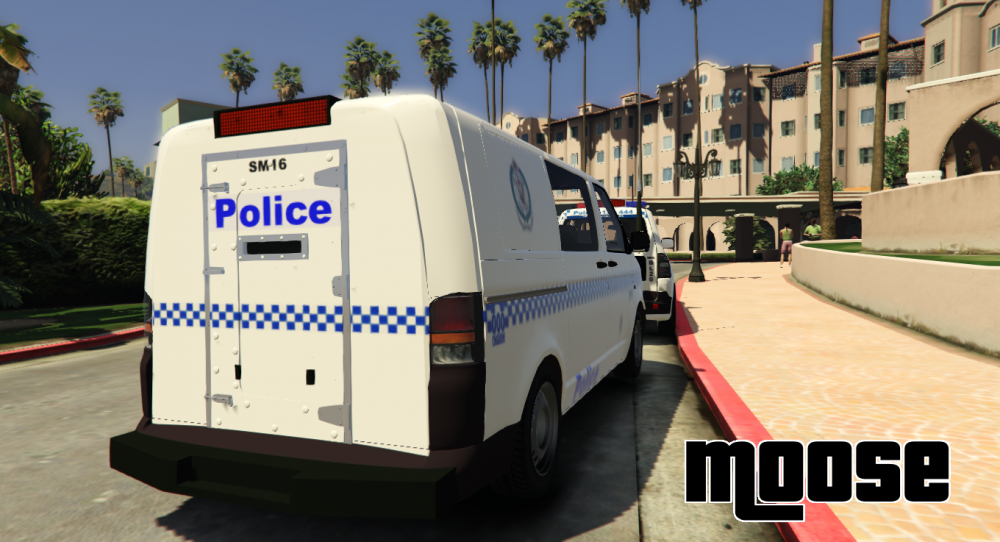
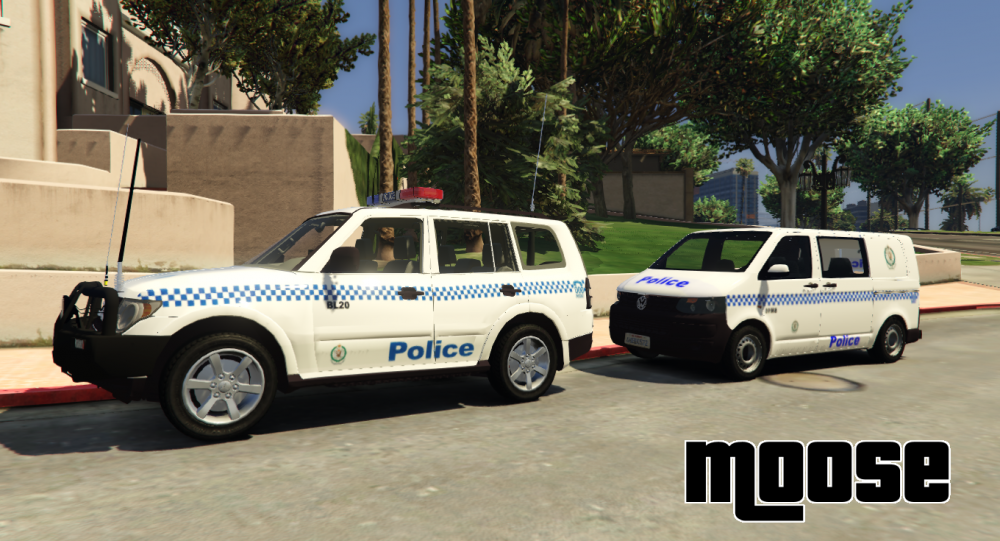
St Marys Police assisting Blue Mountains Police.
-
Looks dope
-
am i delusional or is that a highway territory?
-
google failed me
-
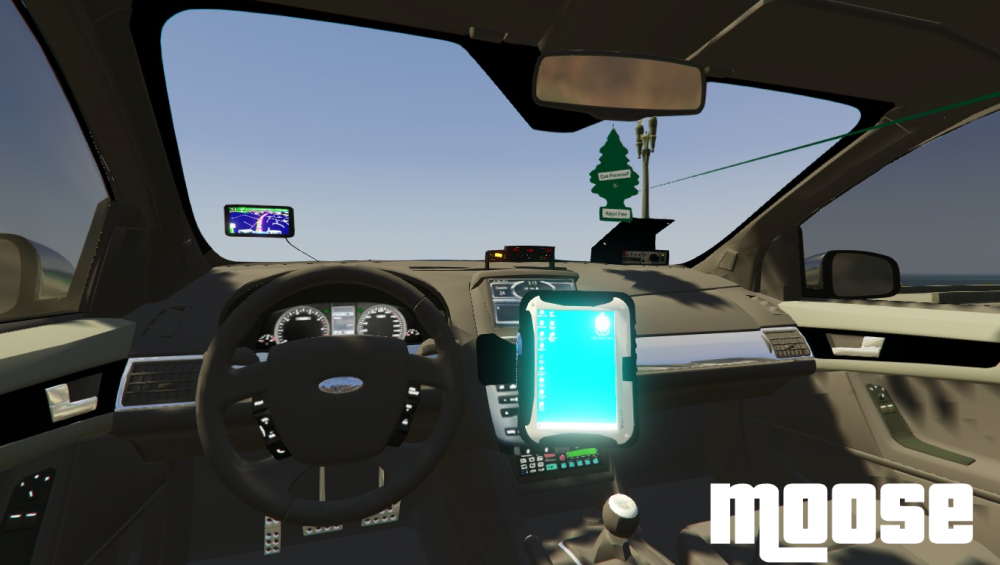
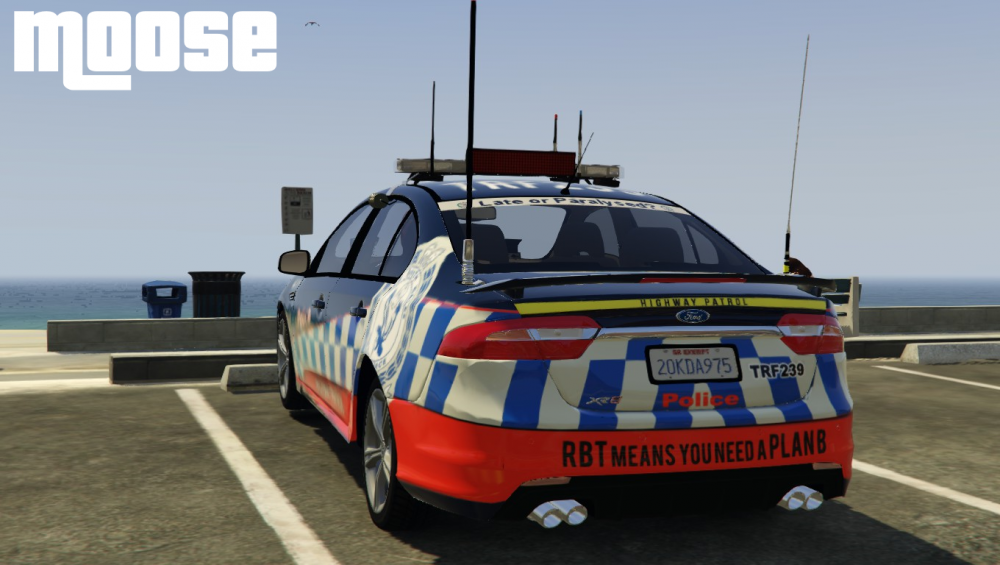
Ooohh up wit hall the pot heads ahahhaWhere abouts in the mountains ?Where havn't you lived?I think its becoming pretty obvious im in love with this xr8
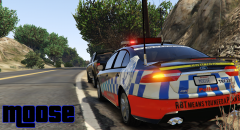
From the album: Moose's Grand Theft Auto Five Mods
Its okee I picked up a few more shifts should have a new pc soon, Ill try stick to photos for the mean time hahaha. The bb-8 looking thing is supposed to be a 360 camera, might give it a remodel tomorrow not sure yet. it will be an extra so you can remove it if you don't like it :P Another High Qulity video by King Land Dolphin! JKS Its horrible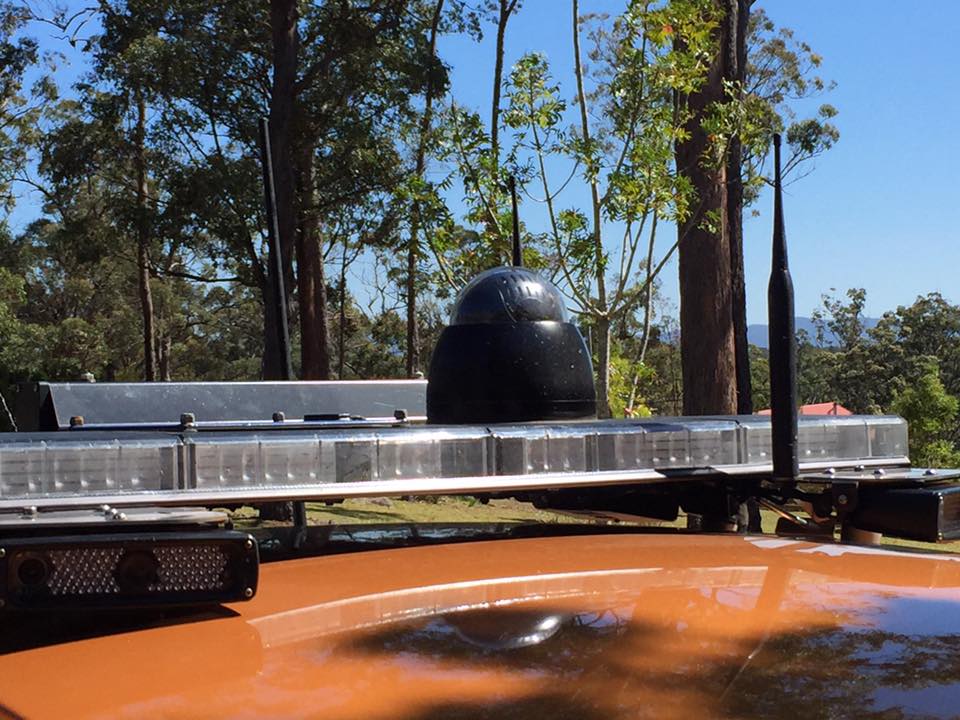
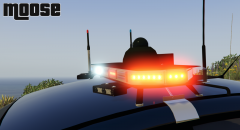
From the album: Moose's Grand Theft Auto Five Mods
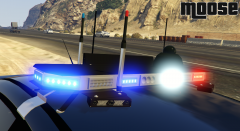
From the album: Moose's Grand Theft Auto Five Mods
From the album: Moose's Grand Theft Auto Five Mods
Update Yo!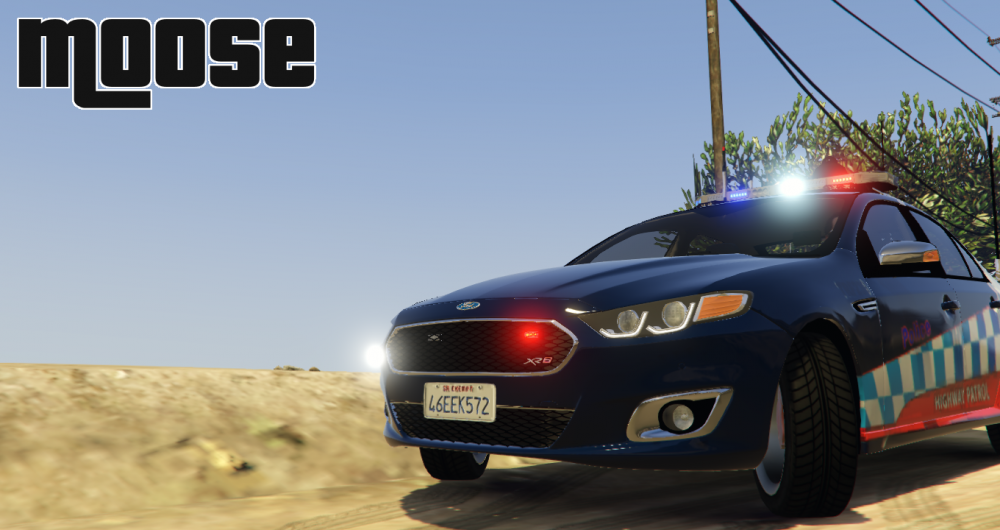
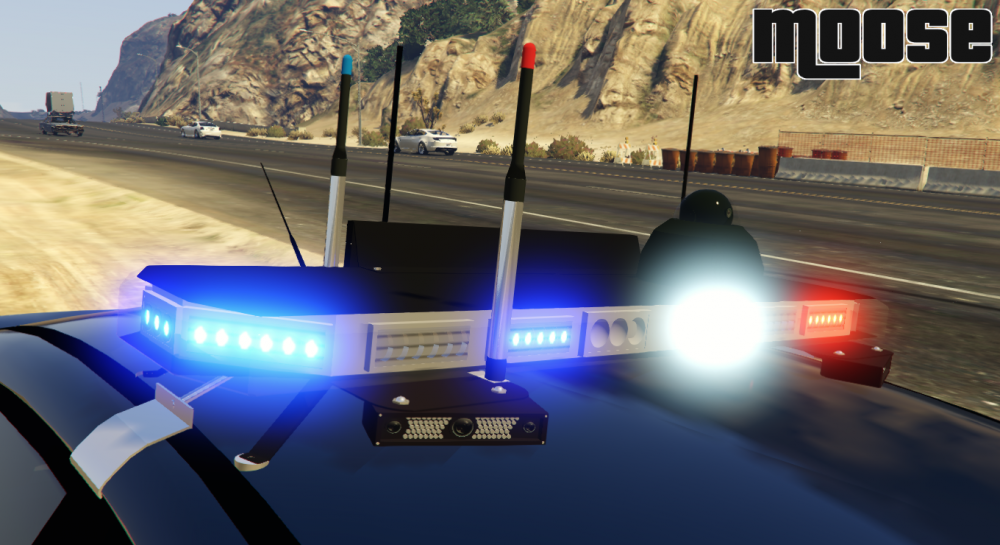
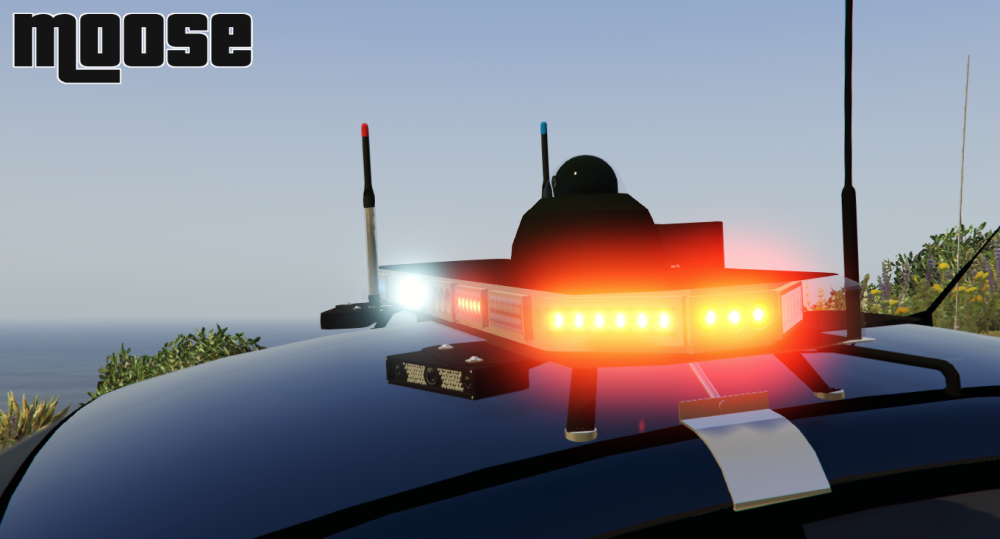 Just to add to the nsw band wagon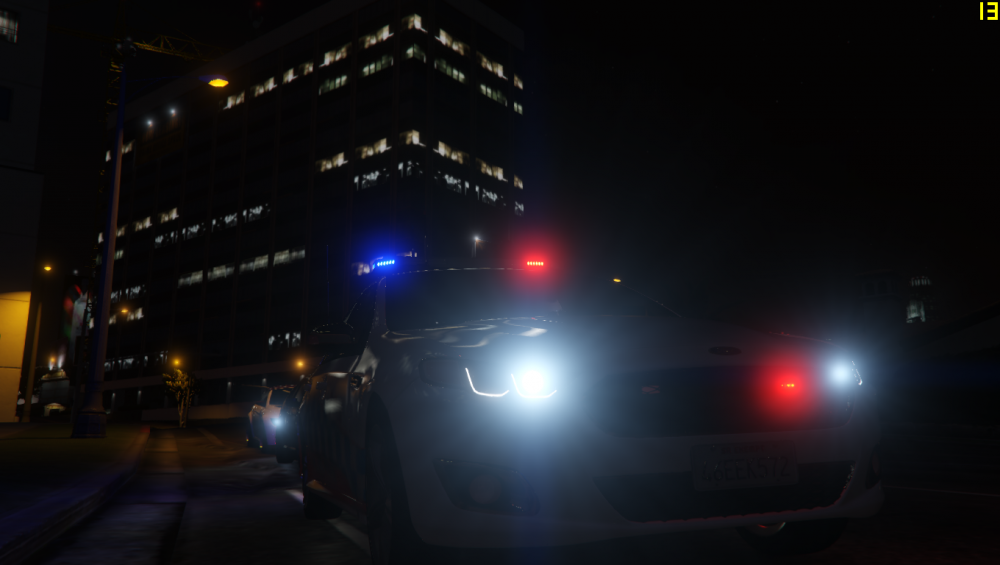
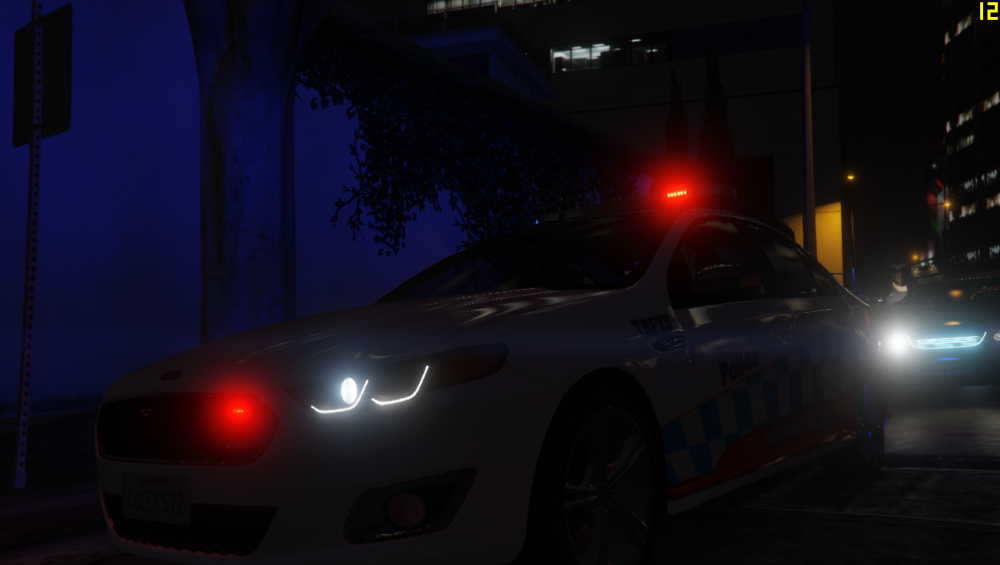 Maybe in the future, idk about anyone elsBecause this thread is for discussing Australian modifications not to smart ass comments. Oh look an xr8 I wonder what that is for?
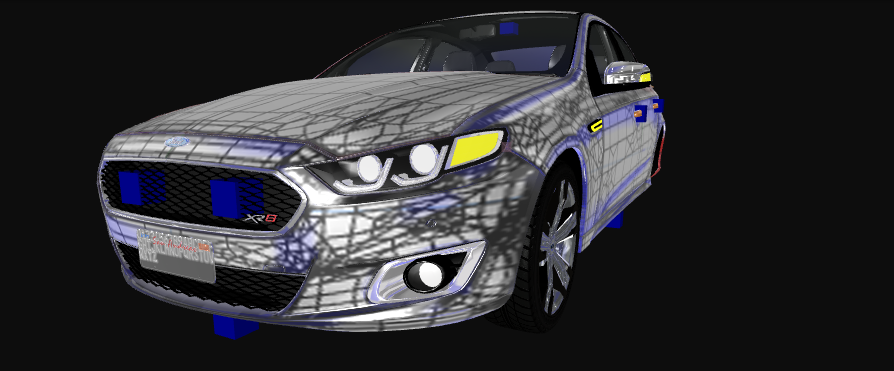 They literally went over me and did the other side of the mountain haha




