



DakotaM990
Members
-
Joined
-
Last visited
Everything posted by DakotaM990
-
Ah okay. I'm not too familiar with the updated real vehicles, but I'm sure if you look around in textures you'll find lore friendly ones and the matching vehicles to boot. D
-
I don't know if you're looking for a Lore/Vanilla friendly pack or not, but I've started leaning toward that way and thoroughly enjoy it. I don't have a specific pack but here's some Black & White Lore/Vanilla vehicles/textures that are either LSSD-only or include LSSD: https://www.gta5-mods.com/vehicles/declease-alamo-emergency-template-add-on https://www.gta5-mods.com/vehicles/vapid-police-cruiser-utility-emergency-pack-sa-add-on https://www.gta5-mods.com/paintjobs/lspd-lssd-skin-pack https://www.gta5-mods.com/paintjobs/lssd-contract-liveries-for-stanier There's some all white textures out there if you want those. D
-
My body is ready for this. Hyped to see what 0.4 shall bring us.
-
@PgUp Totally didn't expect to get mentioned in this Month in Review! Gotta admit it was quite chaotic showing up to a suspect with a RPG Thanks for the mention, it's much appreciated and I enjoy providing screenshots to the community
-
From the album: GTA V Screenshots
Popped into the neighborhood gas station for some shelter and possibly a snack for the road -
-
Temporary shelter & a snack
-
 Back at it again
-
 Beating crime back, one perp at a time
-
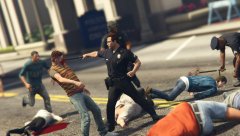 Handing out those Wood Shampoos
-
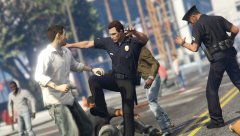 Playtimes over!
-
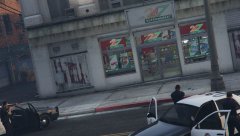 211 in Progress in Northern Vinewood
-
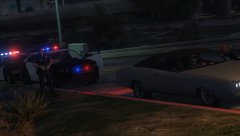 Covering
-
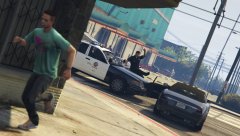 South LS keepin ya in shape
-
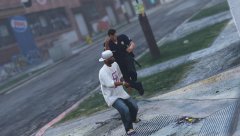 GUN!
GUN!
-
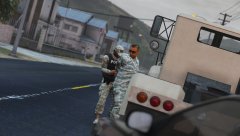 Just MP things
-
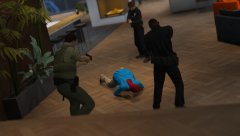 Not a good day for this guy
-
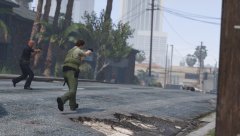 Shoot and move
-
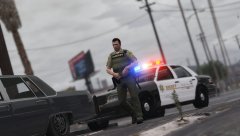 Just another day in Davis
-
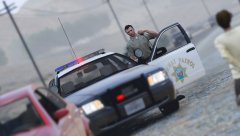 Dispatch, show me with one in custody
-
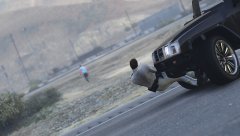 It's gonna be one of those days
-
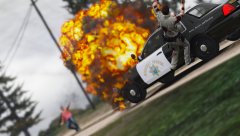 Someone is having a bad day
-
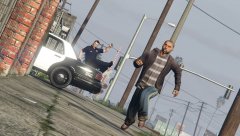 Just another day on the beat
-
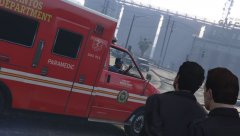 The "friendship" between LSPD and the local Paramedics
-
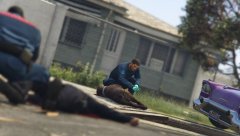 Bro I don't think we're veterinarians
-
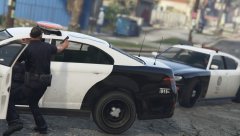 No, not again!
-
-
From the album: GTA V Screenshots
Nothing like some good ol' community policing in South Los Santos Sidenote: And back at it again with ingame screenshots by yours truly. Performance issues popped up back in the fall if I recall and kinda ruined playing soooo -
 Installed 3.01, haven't had a chance to try it out but will be testing it in a few. After playing: Thorough enjoyed the experience I had with RDE, absolutely impressed with it and thank the developers for fixing it. 5/5. D
- 1,524 comments
- 85 reviews
-
-

- 1
-
-
You and me both. I'd settle for a substitute just so I can actually try it out.
- 1,524 comments
- 85 reviews
-
This is the first time I've ever attempted to install RDE 3.0, and didn't get to experience it yet. I followed bilago's YouTube installation tutorial on 3.0, have all Scripthooks installed, ASI Loader & OpenIV .ASI Installed, cleared my Mods folder out, and received the following error from OpenIV when I tried to install RDE 3.0 via Package Installer (As an Administrator): [12/23/2016 19:40:35] [6968] ERROR -> Unable to read XML DOCUMENT with path "common\data\dlclist.xml" in archive "C:\Program Files (x86)\Steam\steamapps\common\Grand Theft Auto V\mods\update\update.rpf" [12/23/2016 19:40:35] [6968] INFO -> ARCHIVE "update.rpf" processed [12/23/2016 19:40:35] [6968] INFO -> ARCHIVE "GTA V" processed [12/23/2016 19:40:35] [6968] INFO -> Installation FAILED Following this error, I installed the RDE 3.0 Patch into the proper directory inside the mods folder, and when I went ingame I had the same issue as SoloMan, except I was able to encounter a Police Cruiser, Interceptor, Buffalo, and atleast 2 Mavericks at a time but this finally ceased and I would find only the FIB Granger & a solo Officer next to the Granger. I was running GTA V via Steam and not RAGEPluginHook I'll post below what components I selected while building my RDE package: The Sheriffs of Blaine Federal Law Emergency! Balanced Simple Native Trainer config Spawn MP Vehicles in SP I did notice that on gta5-mods, Yard1 mentioned the installation failure is a OpenIV bug, I would like to have some type of substitute so I could atleast have experience of RDE 3.0.
- 1,524 comments
- 85 reviews
-
I posted a topic on here back in September, where as I experienced the same issue as you and I had all modded Emergency Services vehicles, quite a few plugins, and I was getting a solid 55-60FPS while on High/Very High and then after one of the updates I'm lucky if I can get 55 solid and it'll be about 38-50 depending on what's happening ingame. I've reinstalled the game at least 4 times (In the process of doing it again right now) and have even lowered the settings to Normal and I'm not even getting an increase in FPS with VSync turned off. This is also the only game thus far that I've even noticed a change or decrease for that matter in FPS so I'm very confident that's it's not my PC that's having issues. I haven't played in at least a month so I'm hoping there might a positive change in performance but I can't say I'm very hopeful. I just got my build in December and swapped out the GPU for a better one. Also, if it gives you any comfort knowing that there's quite a few members on here that have had the same issue. Specs: Window 7 64-bit Motherboard: MSI 970 Gaming HDD: 1TB Seagate GPU: AMD Raedon R9 290 PCS+ CPU: AMD FX(tm)-6300 Six-Core Processor @ 3.5GHz RAM: 16GB Corsair Vengeance D
-
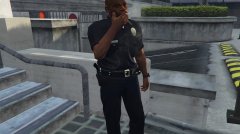 Is that a revolver I see?
 -
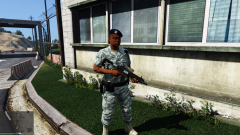 I vote Yea on this. So sick of those ****ty 8-Points that shouldn't be used by the Airmen at Zancudo.
 -
Update: I gave GTA V a shot with just LSPDFR installed and I was getting the same results. I read that turning of VSync would actually fix it because if you couldn't reach 60FPS then it would actually drop, it did infact help but it will still drop down to the 30s-40s. I uninstalled, cleared everything out including my Profile, and I decided to set all my Graphics/Advanced Graphics off or to Normal and I STILL was getting upper 30s-60. I then proceeded to defrag my C Drive, check my Computer Health, check to see if I had memory issues but discovered no issues what so ever but am still stricken with low FPS. At this point I'm honestly dumbfounded. Does anyone know of any other procedures/tests I could do to see what the problem is?
-
Has anyone found a possible fix for this yet? Would really like to get back into LSPDFR.
-
As stated before, glad to see I'm not the only one. I honestly hope that Rockstar fixes the FPS issue, if not I kinda blew $35 on it.
-
Thanks for the input guys. Glad I'm not the only one noticing performance issues. It wasn't until this latest update that I actually noticed any issues. I got so tired of the FPS drop, I uninstalled my game and installed solely LSPDFR (No Vehicle Mods, etc.) and I was receiving the same result as when I had LSPDFR, Plugins, and Vehicle Mods. It's quite frustrating. Like I said earlier, glad I ain't the only one D
-
About 2-3 months I was able to play GTA V w/ LSPDFR and numerous Plugins loaded at a good 50-60 FPS, but just about a month ago I've started getting 38-45 FPS with LSPDFR & Plugins loaded (Also tried with just LSPDFR on a fresh install, still 38-45 FPS). I'm curious if it's a GTA V update that ****ed it up. I never had this problem before and it's been quite annoying as it's not enjoyable to play anymore. I've played GTA V w/ LSPDFR + Plugins since January and haven't had a problem until now. I've noticed some similar issues on the forums but have yet to come across a solution and hoping to find one soon. PC Build System: Window 7 64-bit Motherboard: MSI 970 Gaming HDD: 1TB Seagate GPU: AMD R9 390 PowerColor CPU: AMD FX(tm)-6300 Six-Core Processor @ 3.5GHz RAM: 16GB Corsair Vengeance
-
From the album: GTA V Screenshots
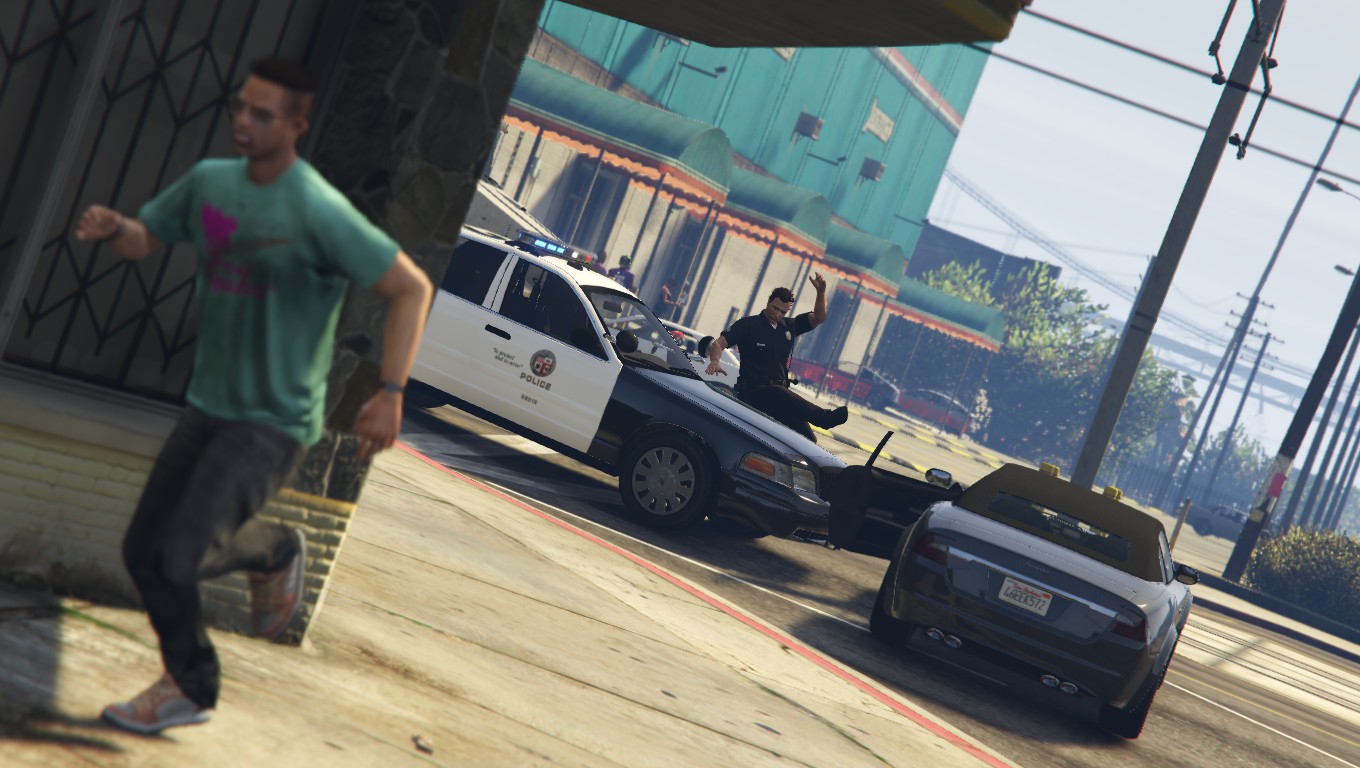
Nothing like tackling a dirt bag on a hot sunny LS day Credit: @Lundy for the sexy 2006 CVPI -
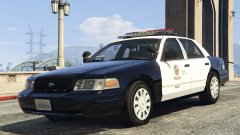 Perfect to go with your Charger Lund! D
 -
From the album: GTA V Screenshots
After protestors converged on the Officers standing by at a Rockford Hills Protest, they were forced to hand out good ol' fashioned "Wood Shampoos" -
From the album: GTA V Screenshots
-
From the album: GTA V Screenshots
Officers assigned to Vinewoood respond to a 211 in Progress at the local 24/7 Super Market. -
From the album: GTA V Screenshots
Gotta make sure we have each others backs. -
From the album: GTA V Screenshots

