



TheRealNBK71
Members
-
Joined
-
Last visited
Everything posted by TheRealNBK71
-
-
awesomeburodude
-
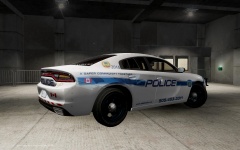 2015 Dodge Charger Pursuit(1)
-
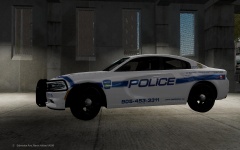 2015 Dodge Charger Pursuit
-
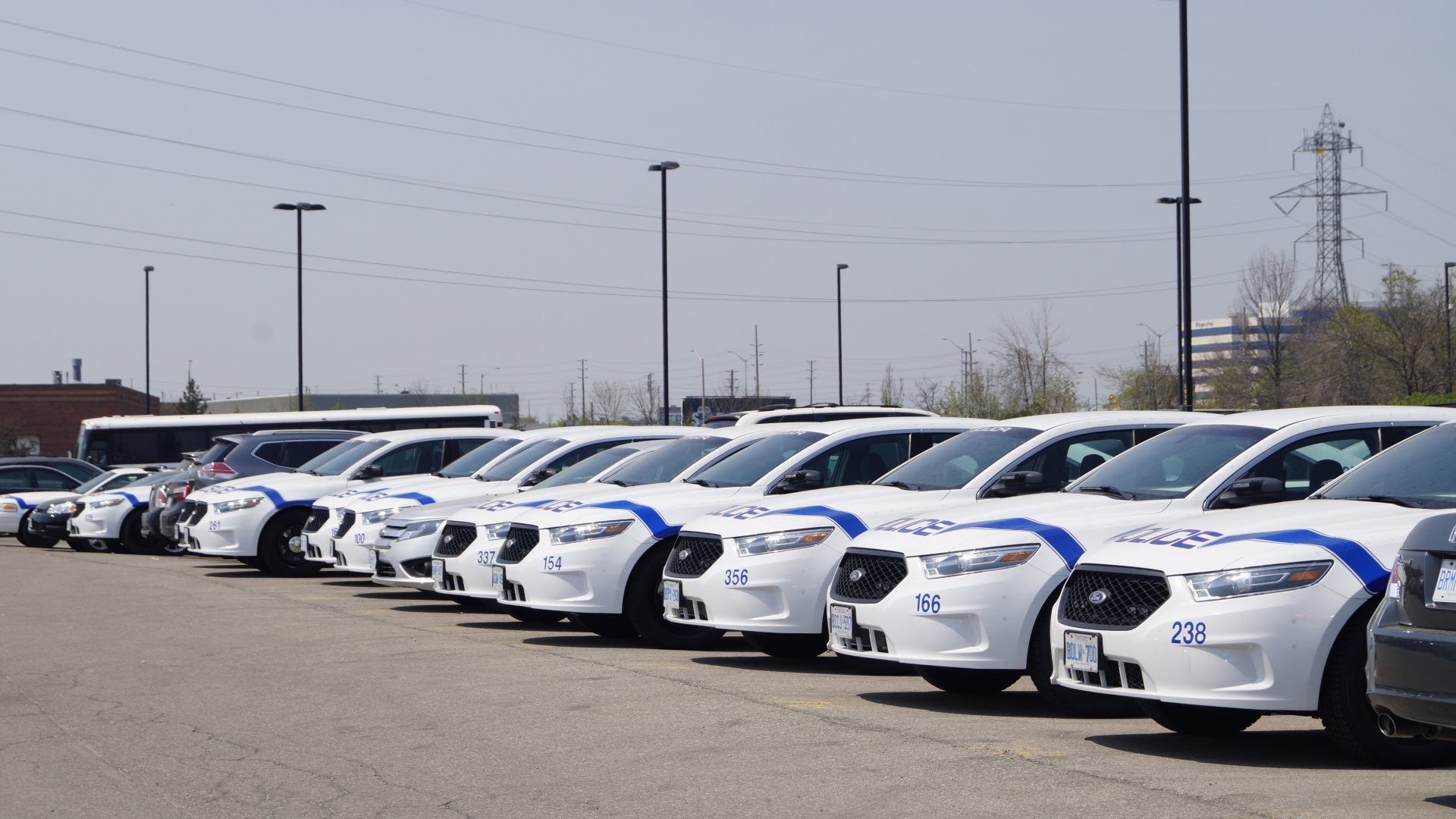
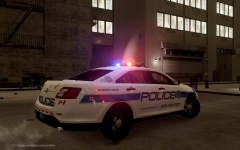 Peel Regional Police Service - 2014 Ford Police Interceptor (Napoleon Model)
-
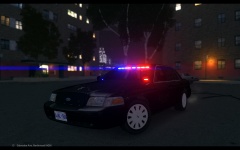 Peel Regional Police Service - Canine Unit
-
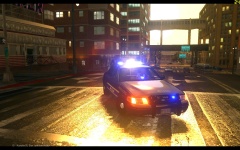 New ENB Settings
-
 New ENB Settings
-
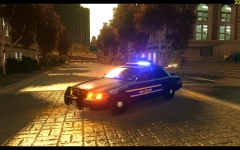 New ENB Settings
-
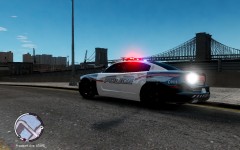 2013 03 23 00059
-
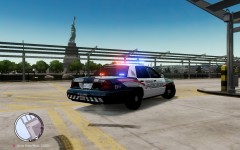 2013 03 23 00073
-
 2013 03 23 00072
-
 2013 03 23 00087
-
 2013 03 23 00089
-
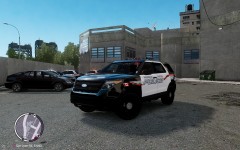 2013 03 23 00095
-
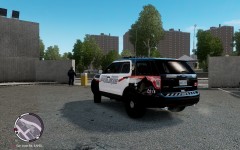 2013 03 23 00096
-
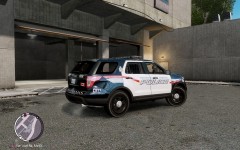 2013 03 23 00097
-
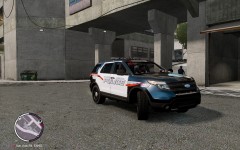 Waterloo Regional Police - 2012 Ford Explorer Interceptor
-
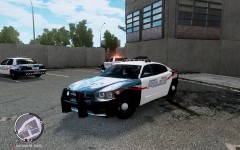 Waterloo Regional Police - 2012 Dodge Charger
-
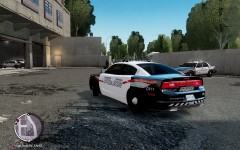 Waterloo Regional Police - 2012 Dodge Charger
-
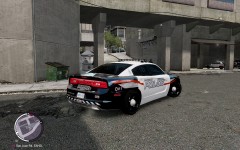 Waterloo Regional Police - 2012 Dodge Charger
-
 Waterloo Regional Police - 2010 Ford Taurus Police Interceptor
-
-
From the album: awesomeburodudes LCPDFR
The skin is to be released soon with the new Peel Regional Police Service 40th Anniversary Skin Pack. -
From the album: awesomeburodudes LCPDFR
The skin is to be released soon with the new Peel Regional Police Service 40th Anniversary Skin Pack. -
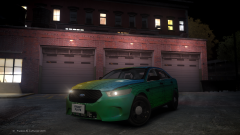 you did an outstanding job..dont mind these people...theyre everywhere
 -
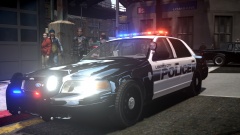 lightbar?
 -
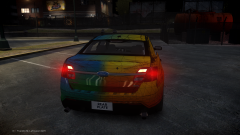 great work rainbow! looks amazing!
 -
ok then why dont you do it yourself instead of appreciating his work....
-
-
-
thanks man! im trying to release the new skin pack with this skin in it before christmas but a lot of them still need work
-
From the album: awesomeburodudes LCPDFR
This is the new Peel Police skin I reworked to fit the Napoleon Model of the New Ford Interceptor -
-
-
-
This siren is made by a company called D & R Electronics in Bolton, ON (Canada). This is my second siren ive done and its been a lot more challenging than the first.....Any feedback and constructive criticism is greatly appreciated.... And if you do not like the SuperHyperYelp (4th Tone) there will be a version where that is replaced by a Hi-Lo tone in the future. Enjoy! This siren is best used with any canadian EMS Rapid Response Unit (Peel Paramedics, Toronto EMS ERU, Halton EMS RRU, etc.) Here is a demonstration of this siren on my channel:
- 21 comments
- 2 reviews
-
-

- 1
-

