


Boz
-
Joined
-
Last visited
Everything posted by Boz
-
-
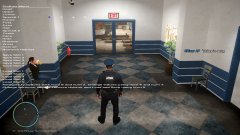
From the album: Multiplayer Adventures
-
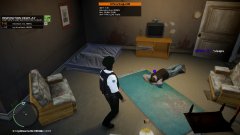
From the album: Multiplayer Adventures
@krazzy @Officer AF -
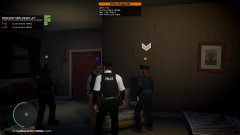
From the album: Multiplayer Adventures
@krazzy @Officer AF -
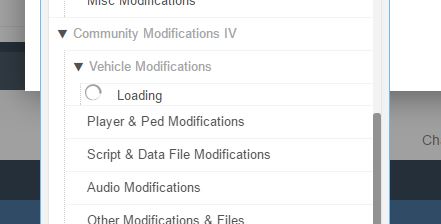
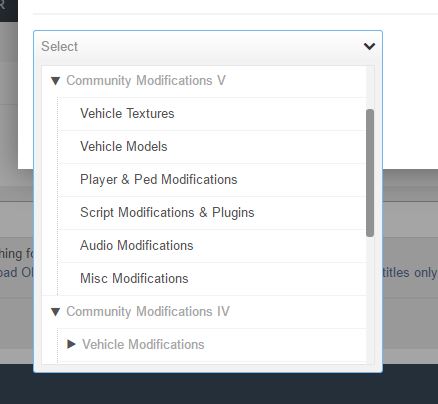
Recently I've noticed some people mentioning that it is impossible to upload mods in either the Vehicle Models and the Vehicle Textures sections in 'Community Modifications IV'. Until now the problem hasn't bothered me, as I have no need to upload files here. However now that I want to upload a mod, it won't allow me to select either of these categories. Instead, when I use the (rather unnecessary) drop-down box it displays the following: The icon next to the "Loading" text isn't even moving. It's just a solid image. This continues for a seemingly endless amount of time. Recently this issue has resulted in members uploading their vehicle mods to the Miscellaneous mods section, and in GTA 5 mods. From what I've seen the only way this has been fixed is by LCPDFR staff moving each mod to GTA IV Vehicles once it is uploaded. I've thought of two possible fixes. Potential solution 1: OR Potential Solution 2 Now I'm no whiz at website coding, so don't complain to me if it doesn't work. But I'd imagine that both ideas would be rather easy to do. Until a fix for this issue is found, my mods will be uploaded on GTA IV Miscellaneous section. -I Have checked the forums and used the search tool to find other posts about this, however it yielded no results. Don't sanction my account please.-
-
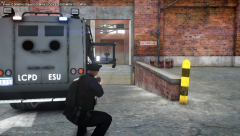 Custom private LCPD ped by me.
 -
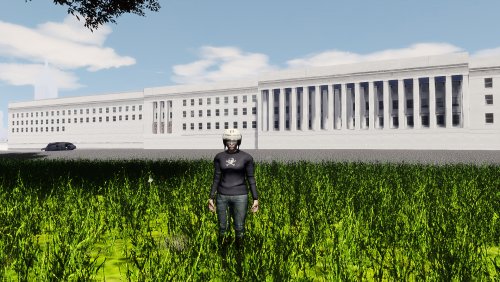 Nice work. I would recommend having this moved to GTA IV Misc mods, not in GTA 5 as this is a mod for IV. Still closer than California.
 -
-
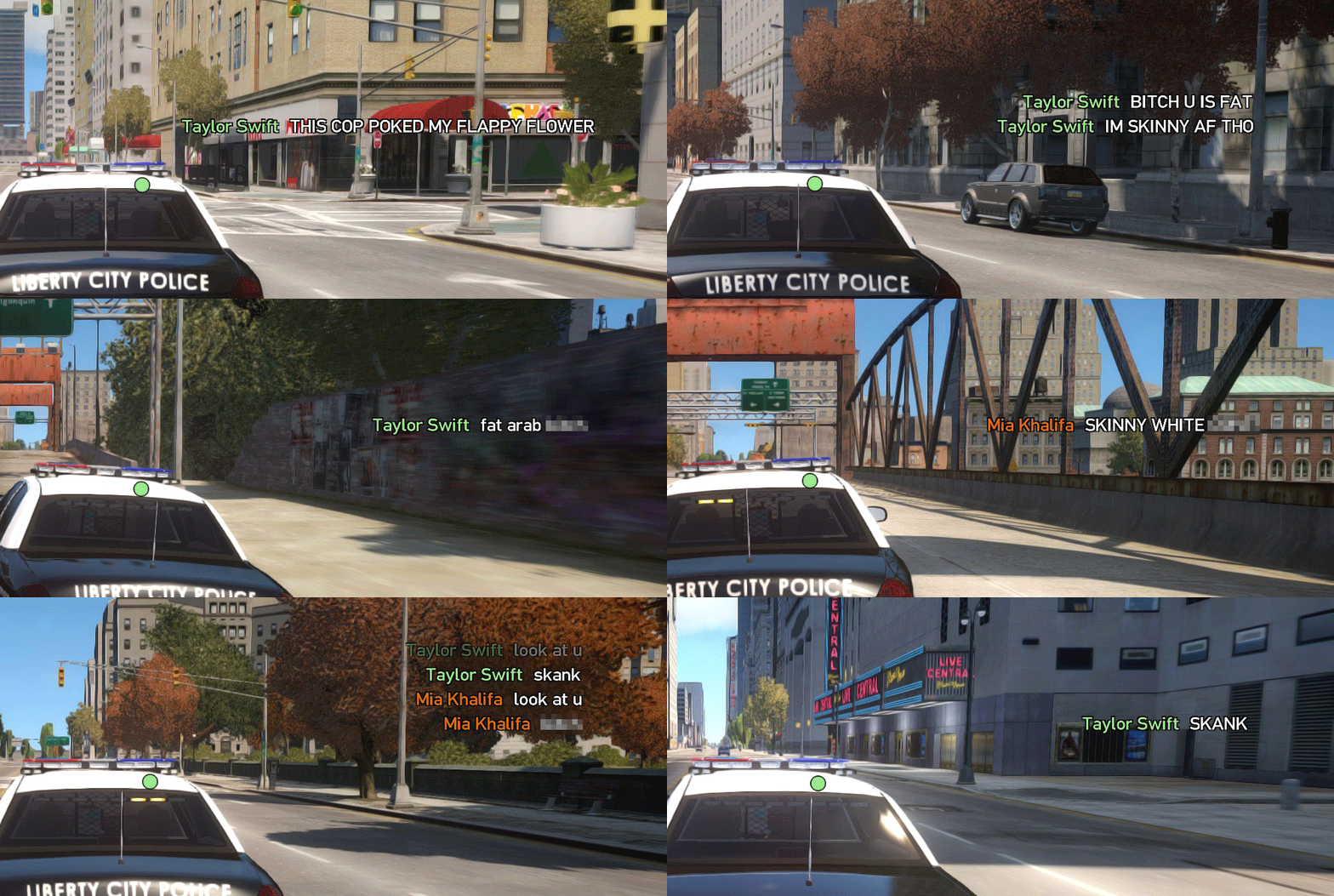
From the album: Multiplayer Adventures
@Officer AF -
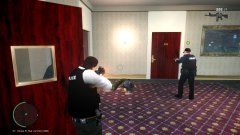
From the album: Multiplayer Adventures
@Officer AF -
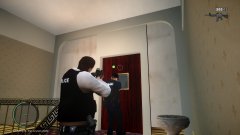
From the album: Multiplayer Adventures
@Officer AF -
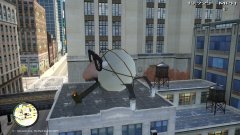
From the album: Multiplayer Adventures
@Officer AF @FutureLVMPD -
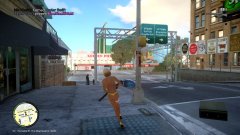
From the album: Multiplayer Adventures
@Officer AF @FutureLVMPD -
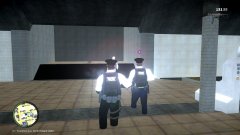
From the album: Multiplayer Adventures
@Officer AF -
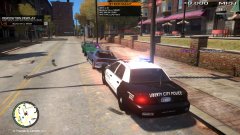
From the album: Multiplayer Adventures
@Officer AF @krazzy -
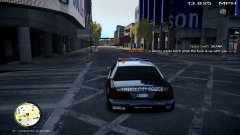 I'm making a gif of this when I wake up tomorrow.
 -
That's odd. Never seen anything like that before. Maybe try joining a game that is already running? If you can't find any I could start one.
-
Put Paul.dll back in your game and keep trying to log in. There is normally a short period every 2 and a half hours where it lets you in to the game when clicking play. Once it has let you in, exit the game and then immediately delete, move or rename Paul.dll. From there it will never ask you to sign in again and you should be able to play online and never worry about this glitch again. This is how me and most of my friends are still able to play GTA IV Multiplayer. Personally I've also removed it from my backup after I have done this method. It prevents me from accidentally adding it back in when restoring backups. You don't need to be signed in to Social Club to access singleplayer. You only need it to get in to Multiplayer and the Video Editor.
-
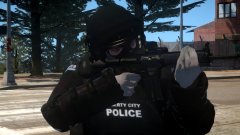
From the album: My GTA IV Gallery
This a ped model, not a playerped. -
From the album: Multiplayer Adventures
-
From the album: Multiplayer Adventures
-
From the album: Multiplayer Adventures
-
From the album: Multiplayer Adventures
-
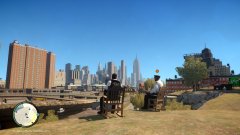
From the album: Multiplayer Adventures
-
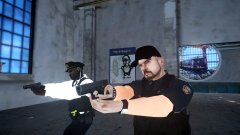
From the album: My GTA IV Gallery



