


Boz
-
Joined
-
Last visited
Everything posted by Boz
-
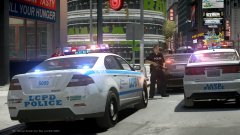
From the album: Policing Moments (IV)
-
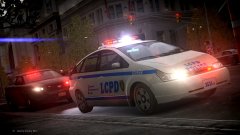
From the album: Policing Moments (IV)
-
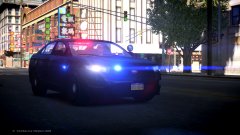
From the album: Policing Moments (IV)
-
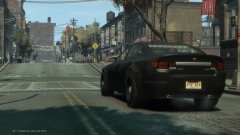
From the album: Policing Moments (IV)
-
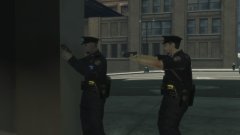
From the album: Policing Moments (IV)
-
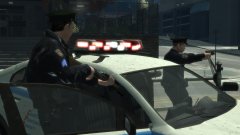
From the album: Policing Moments (IV)
-
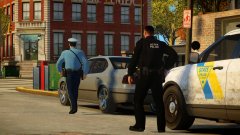 They're custom models.
 -
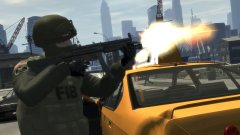
From the album: Policing Moments (IV)
-
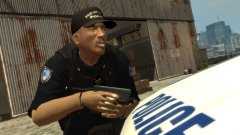
From the album: Policing Moments (IV)
-
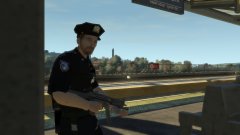
From the album: Policing Moments (IV)
-
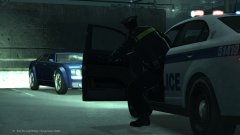
From the album: Policing Moments (IV)
-
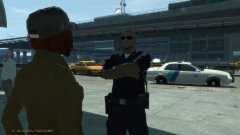
From the album: Policing Moments (IV)
-
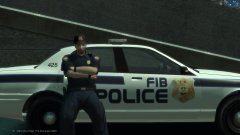
From the album: Policing Moments (IV)
-
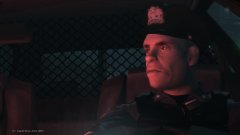
From the album: Policing Moments (IV)
-
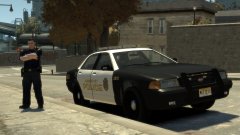
From the album: Policing Moments (IV)
-
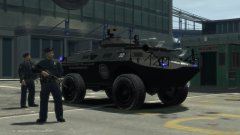
From the album: Policing Moments (IV)
-
From the album: Policing Moments (IV)
-
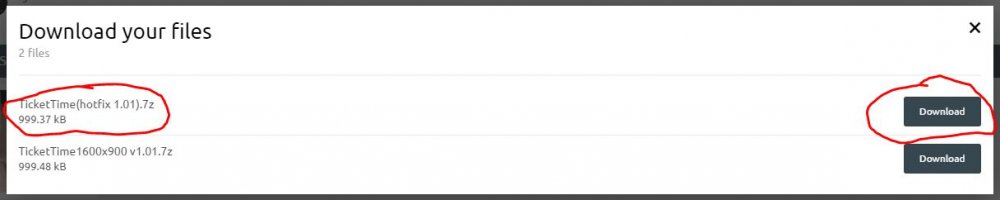
The monitor you are hooking up needs to be able to go to either of the required resolutions for it to work properly. There is no problem with your game, your monitor/screen needs to support 1080p (1920x1080) or the other resolution that TicketTime uses.
-
 Never before have I been this excited when seeing a new DEV part uploaded for IV. Thanks for sharing!
 -
GTA IV and EFLC only spawn the first two vehicles in the POPCYCLE_GROUP_COPS line. If you want to use them in singleplayer I recommend using a mod that can spawn cars like Simple Native Trainer, or use a mod that spawns other cop cars in traffic like this one:
-
You can only assign one voice per head part. If you want to change the voice it uses then remove the existing voice and only have the one you want; you should remove the old voice and replace it with the new one. Unfortunately, it is not possible to have more than one voice.
-
If you can't change your resolution to 1600x900 then your monitor most likely doesn't support it. However, if you are able to set it to 1920x1080 you should be able to use the other version available for download.
-
From the album: Multiplayer Adventures
-
From the album: Multiplayer Adventures
-
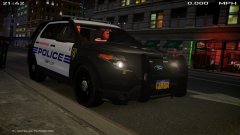
From the album: Multiplayer Adventures



