


NDKOTA
Members
-
Joined
-
Last visited
Everything posted by NDKOTA
-
Those look amazing! Thank you so much!
-
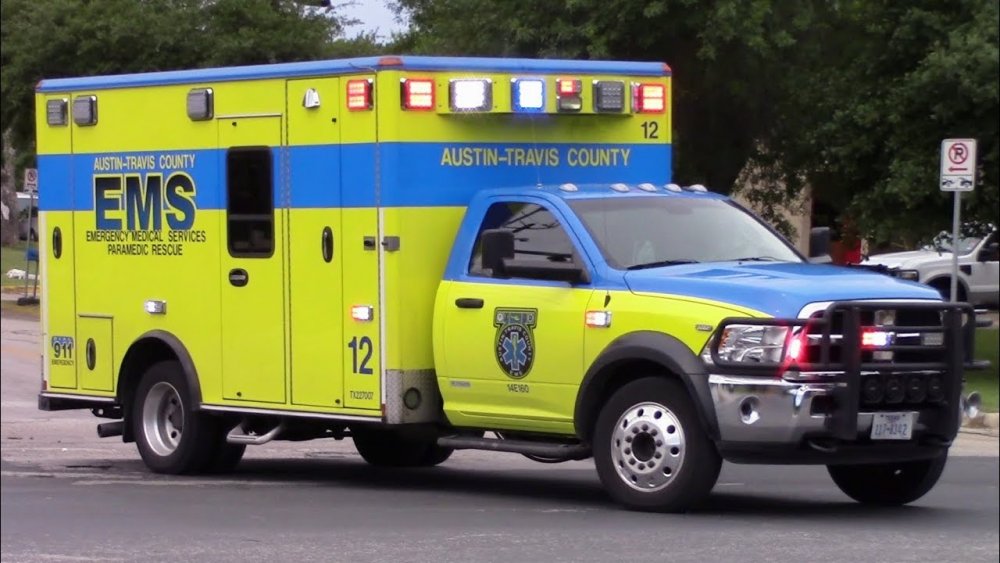
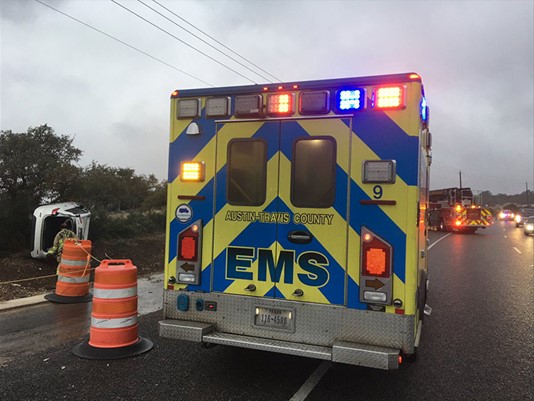
I'm looking for someone who would be interested in making a skin for an existing rambulance, or even a new vehicle. This department would go well with the Austin PD packs I've seen.

-
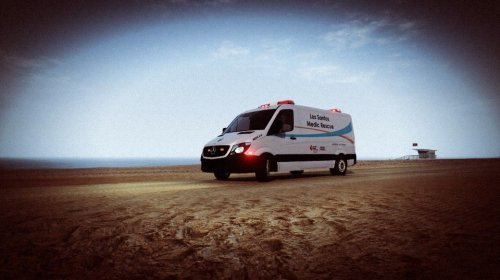 I drive these stupid things at work and I hate them, so I shant be installing it. but It looks amazing, really spot on
- 6 comments
- 3 reviews
-
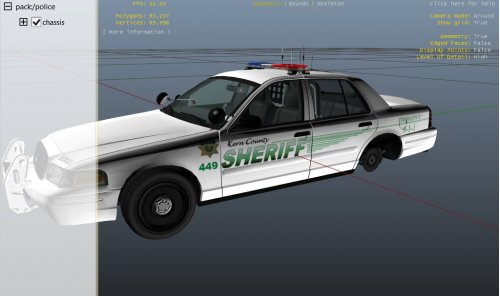 Of all the counties I never expected to see lol. Of course I'm still in LA county, just barely
 -
I'm having this problem as well. It's with update 1.0b correct?


