


skynyrd47
Members
-
Joined
-
Last visited
File Comments posted by skynyrd47
-
-
-
-
-
-
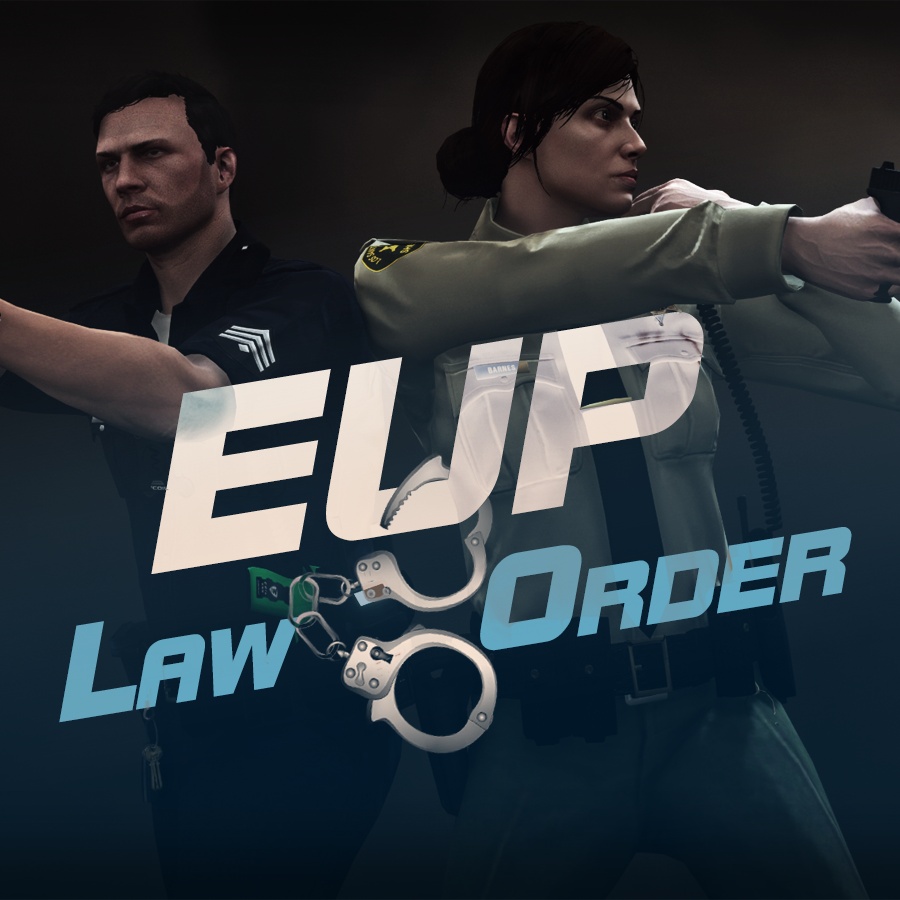
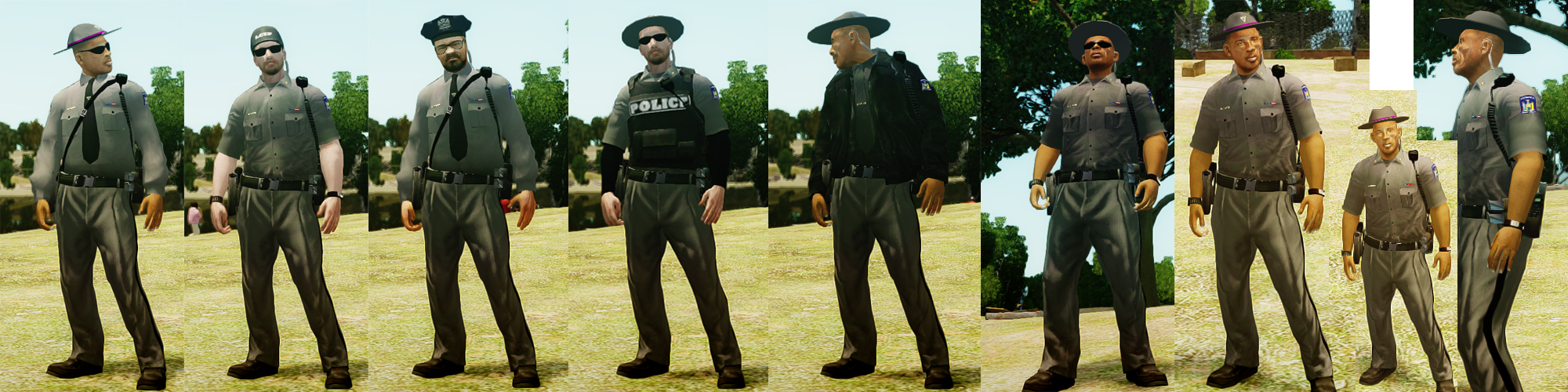
Alex_Ashfold I have a suggestion for ya, I too had problems getting the clothes to work but I simply followed you pictures, you literally gave me the patterns for your edits and I was able to figure it out from there. It might behoove you too mention this in your readme or on your mod page. I noticed alot of the question in your comment section were people like me trying to figure this awesome dude out. Amazing work bud thanks for answering me about the voice I will give it a shot.
-
-
-
-
-
-
-
-
-
-
-
-
-
-
-
-
-
-
-





Stow That Weapon
in Script Modifications & Plugins
Hey brother are you saying with those positions it will work holstered on the front?