CrossFire
Members
-
Joined
-
Last visited
Everything posted by CrossFire
-
 I see a residential part of town.
 -
-
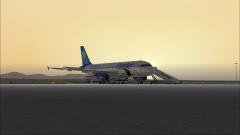 I want GSX. Don't have the money for it. :(
 -
 Yes.
Yes. -
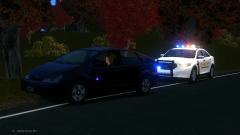 Oh. I never knew the blips showed up on people in cars.
 -
What's the blue light on the Prius?
-
Wow. I was thinking it was going to take longer than this. But you guys got right down to business!
-
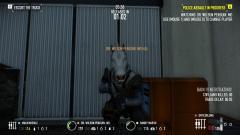 PLOT TWIST: Penguin is a Unicorn.
 -
-
 "lcpdfr logo png"
 -
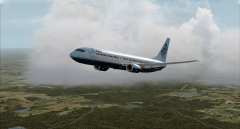
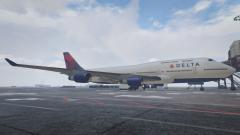
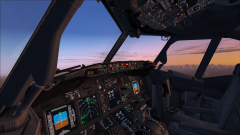 Flying Delta 744 from Atlanta to Minneapolis/St. Paul. Addons used: PMDG 737-800 with a Delta livery by PMDG REX Essential +OverDrive Professional Flight Planner X for flight planning
 -
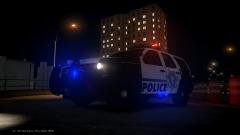 I like it!
 -
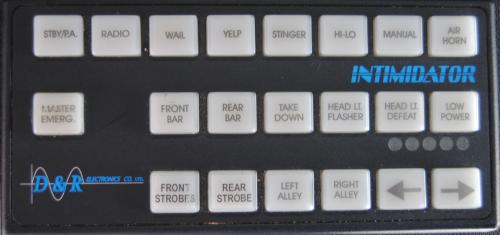 The wail loop needs some work, but I really like it!
 -
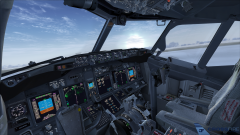 Flying American Airlines 928 from Managua, Nicaragua to Miami. Flight time: About 2 hours and some change. Flightaware for AAL928.
 -
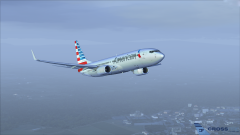 Flying American Airlines 928 from Managua, Nicaragua to Miami. Flight time: About 2 hours and some change. Flightaware for AAL928.
 -
The CVPI is the best car.
-
Welcome! Hope you enjoy your stay!
-
If the OP believes that you shouldn't go to school because they don't teach you things that you should learn for yourself, there is seriously an issue with our society. (Well, there already is because the person in the video believes that, but, he looks like that kid in school who doesn't pay attention and gets in trouble all the time. So they probably taught half the things he mentioned, but he didn't listen.) You're not going to be taught everything, there are times where you have to learn for yourself.
-
Very nice! Always loved the RX2700.
-
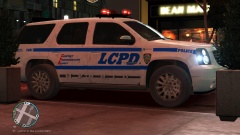 It's found >here.
 -
It is now day 3. I have reason to suspect that GTA V should be done by tomorrow night. For the sake of my router, I hope it does.
-
Slow and steady wins the race.
-
We don't have SAT here, I think we have our own state made test (Alabama). I usually do very well on it, though, but don't know my exact score. We're starting them next week.
-
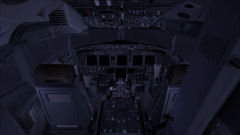
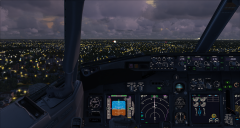
From the album: Flight Simulator X
After a long day of flying, the pilots of this 737 say goodnight and go get some much needed sleep. -