


Tom S.
Members
-
Joined
-
Last visited
Everything posted by Tom S.
-
I personally think that LSPDFR is the future here. It has been 5 years (I think) since LCPDFR was first released and while a lot of amazing mods from different categories like vehicles, scripts and enhancements etc have been made, GTA IV on PC is just a joke of a port for me which is a shame. GTA V on PC however is definitely more optimized and having played a number of LSPDFR gaming sessions, I've hardly had any crashes but maybe once or twice and that's purely down to the mod itself. It's quite amazing how stable LSPDFR is though in it's early versions compared to LCPDFR so really it is a step forward.
-
A possible suggestion, any way of implementing a keypad interface for the police computer for controller users? That way, when we're searching for suspect or vehicle records it won't interfere with any keybinds on the keyboard and it would keep it separate. Just an idea that may be worth considering.
-
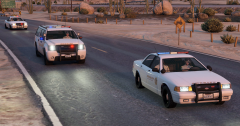 LSSD in pursuit throughout Los Santos County.
 -
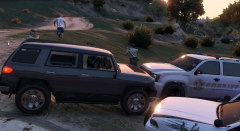 A suspect evaded the LSSD this evening when a deputy pulled him over for reckless driving. As the deputy was about to give him a warning the the suspect took off and initiated a pursuit which took place throughout Los Santos County.
 -
At least he didn't use comic sans.
-
After having spent a good amount of hours on LSPDFR 0.2, I want to give out my own opinion on the pros and cons of this version as well as my own suggestions. Some suggestions may have already been mentioned previously but I figured I'd share them anyway. As always, I appreciate the effort that has gone in to developing 0.2 and would like to thank G17 Media for providing us with an epic free police simulation mod for all of us to enjoy. I understand that this mod is subject to change and will definitely improve over time so this review is my opinion on the current state of the mod. Pros: * I have not experienced a single crash from playing LSPDFR 0.2 and this shows how "stable" the mod really is. This is quite an achievement especially in it's early stages of development when bugs and glitches are bound to exist. * Arresting has been improved in this version and it's nice to see other AI officers deal with the apprehended suspects properly. * The new search areas definitely expand on the pursuits feature and it is really handy to see where your backup units are located. * The communication between officers and dispatch during pursuits is probably my favorite thing about this mod and it really is the icing on the cake. Cons: * I'm unsure what anyone else thinks but I still feel the pursuits could be slowed down a bit as sometimes you could have a pursuit start in Los Santos and end up in Paleto Bay within 5-10 mins. This seems to only happen though if the suspect is on a motorcycle or in a sports car which kinda makes sense but I still feel it's a bit unrealistic. * Police and suspect AI vehicles appear to be "heavy" and seem to have a "speed boost" which can sometimes make it difficult to pit and ram them off the road. * Pursuit backup AI think it's funny to ram you off the road. Suggestions * This is just what I personally think but could the search area be made smaller without air support and once you request air support, the search area would be larger? Maybe include a more in depth line of sight feature as well so if you or your backup units lose sight, the red blip would disappear until you've regained sight of them again. * In the next version, could we maybe have the option of choosing the LSPD Helicopter during vehicle selection and have it on a nearby helipad? * The ability to request roadblocks during pursuits.
-
-
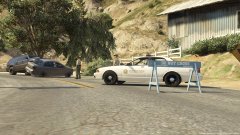 The LSSD responded to an RTC which occurred in Grapeseed at 3:45 involving two vehicles. Upon further investigation, one of them was found to be over the drink drive limit and was apprehended as a result. The victim of the crash received medical attention and was taken to Sandy Shores Medical Center.
 -
I'm really having an enjoyable experience so far with 0.2, I just had a 10-15 minute sheriff pursuit throughout Los Santos County with other units including air support and the AI has been improved a lot from what I've seen. The communication between the officers and dispatch on the radio really does add that extra immersion in which is in my opinion, the icing on the cake. I really can't wait to see more call-outs created by other people and hopefully world events if possible; in future versions.
-
Same, the waiting is agony. =P
-
Amazing how much work has been put into the update in the past few weeks, I sincerely hope you manage to fix all of the issues=)
-
For the mods folder to work, you must ensure that OpenIV knows where the file is. For example, when editing vehicles from x64e, you would have mods/x64e. Some require you to have additional folders inside it so in this case for update.rpf, it would be like this: mods/update/update.rpf. I recommend having a look at this guide: http://openiv.com/?p=1132 Also don't forget that you must have OpenIV.asi installed in the main GTA V directory otherwise the files you replace won't be loaded.
-
Really appreciate the passion you guys have for not only providing us with a free mod to play with but also improving and expanding upon it. This is great news=)
-
Until vehicles can be mapped with a template of some sort then I'm afraid we're stuck with this unfortunately.
-
This mod has so much potential and I'm so excited for this, glad to see the pursuits and traffic stops are being improved.
-
Seen as Open IV has audio editing, I hope there's more sounds to LSPDFR like LCPDFR 1.1 had to make it more immersive=)
-
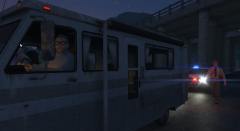 "Is he about to kick my ass?" - Suspect. 28/06/2015
 -
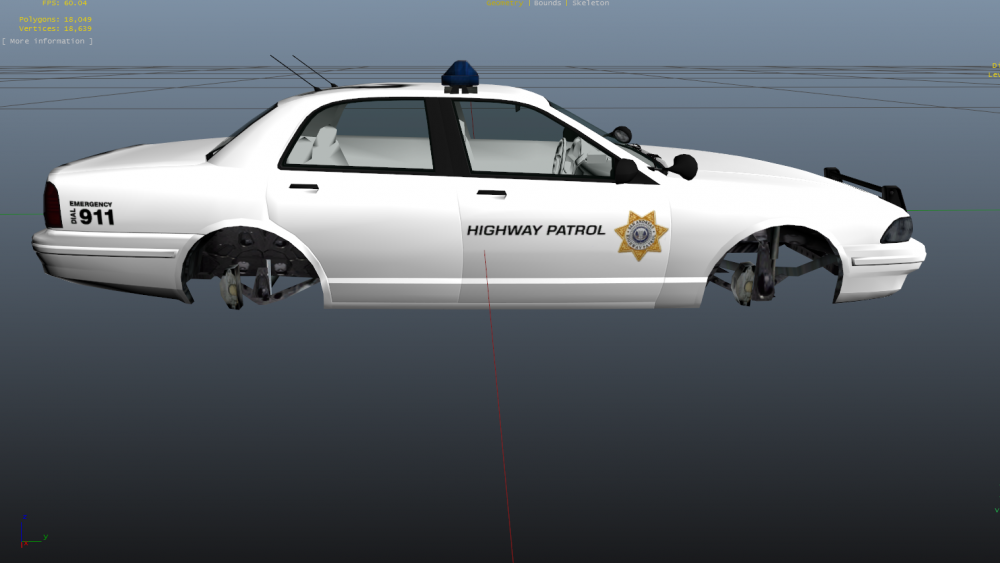
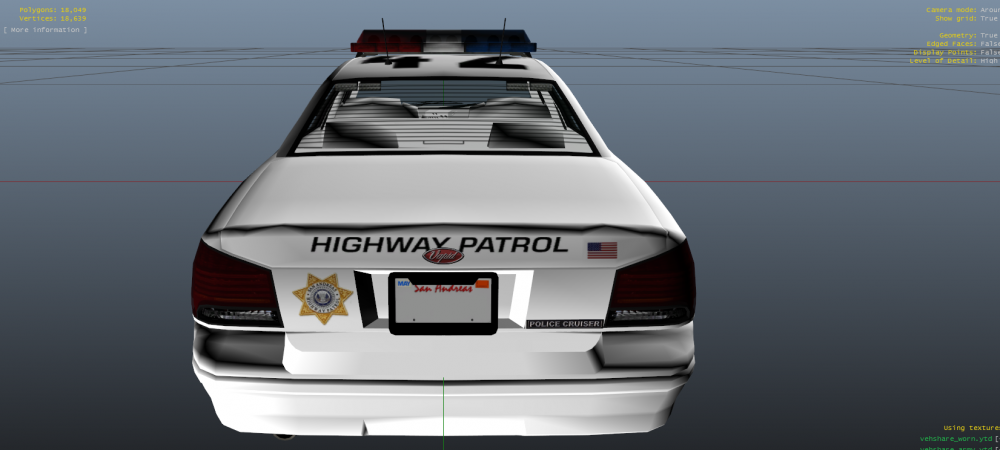
Yes, I do intend to create a pack which would add in the SAHP cruiser; a change to the SAHP's bike texture and also modifying the officers to make them look more realistic/interesting. My initial idea was to give the SAHP an all white patrol car with a completely fictional livery that would fit in with the bike but I may look into doing a CHP based livery. I may also show a few designs I have in mind and I might do a poll on this to see what people think. Thanks for the suggestion; I will look into this and see what I can come up with=)
-
In my opinion, seen as the SAHP in GTA V is a bit bare bones, I figured I'd give them an additional vehicle that would really improve the agency a bit. The design for this is rather simple and I would like to hear your thoughts on it:
-
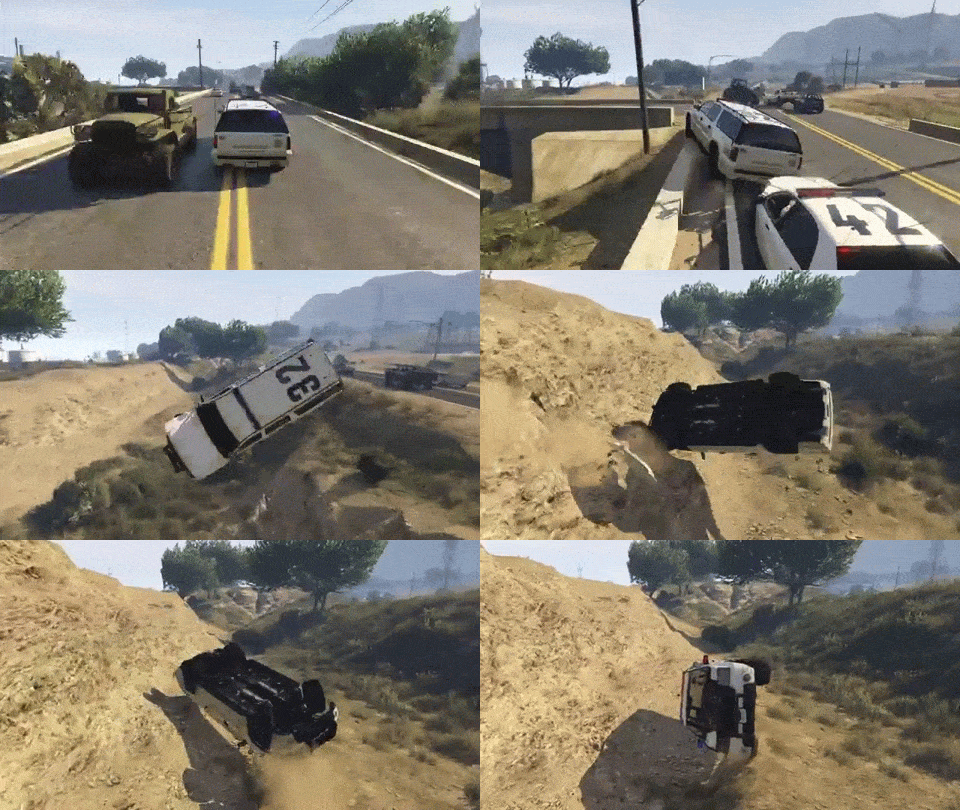 Well that escalated quickly...
 -
 Good to know that an update is being worked on :D and that is a crap ton of police vehicles.
 -
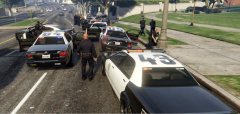 LSPD officers arresting a perp after a pursuit took place in the Rockford Hills area.
 -
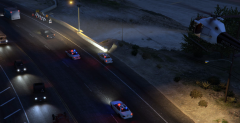 LSPD air support assisting sheriff deputies in a pursuit.
 -
 Where do I start? I've been having a blast with this at 5 in the morning as I couldn't stop thinking about playing it. I remember being super excited for the first LCPDFR release and it's incredible to think that that was 5 years ago and here we are in 2015 with the first glorious release of LSPDFR.The first release does indeed lay down the basic foundations like traffic stops and pursuits etc. While it's not incredibly in-depth like LCPDFR 1.1 is at the moment, LSPDFR does open up a lot of potential and I can't wait to see this develop into something big over time with more call-out variation and different policing activities. I've already had so much fun playing as a deputy sheriff in Los Santos county and the pursuits are a real treat to play especially with the new AI which in my opinion, seem to function really well. My game did stutter once during a chase which was on a rare occasion but it hasn't made the game unplayable. Other than that, I've not experienced a single CTD or a game freeze in an hour of playtime which is quite impressive for a small release like this. I really look forward to see future updates of this mod unfold over time with more features and squashing out bugs.
 -
There might be a chance the site won't go down when LSPDFR releases as it did get a major upgrade so fingers crossed.





