Bueno
Members
-
Joined
-
Last visited
Everything posted by Bueno
-
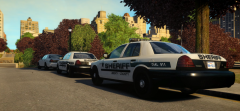
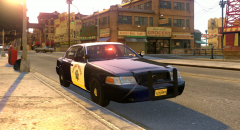
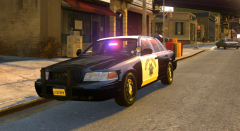
 That be a legacy. And yea the bumper is mapped to the template. For release my opinion the CVPI may eventually be released but the Explorer with the Liberty will probably never be released.
 -
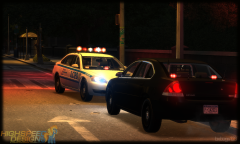 Exactly how are they wrong?
 -
ETS2 Livestreaming now! http://www.twitch.tv/trooperdashie Feel free to post your livestream events in this thread
-
-
-
-
-
-
-
-
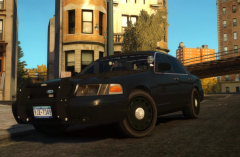 2016 Style Its the enb,DENSE
 -
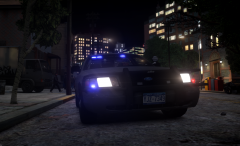
From the album: Released Models
-
-
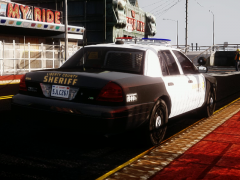
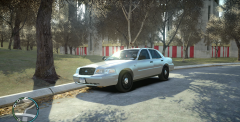
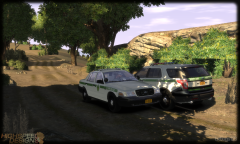
As soon as i get home ill upload the other versions, both the 11' wheels and the hubcap version, This unmarked as well as a marked.
-
From the album: Released Models
Released on another site -
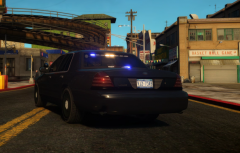
From the album: Released Models
Released on another site -
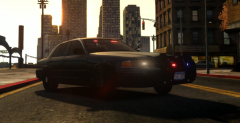
From the album: Released Models
Released on another site -
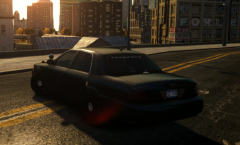
From the album: Released Models
Released on another site -
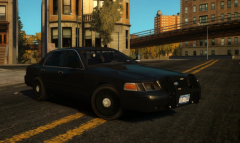
From the album: Released Models
Released on another site -
Make sure to import with sliced mode on, and export with it off.
-
Its your hierarchy, make sure the els is set up like this http://gyazo.com/7a6a7653bcd101bd7d24f01ba87ac459
-
There nothing wrong with his stuff, i suggest you watch some video's or get some help from someone.
-
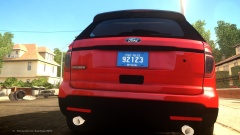 No EcoBoost badge?
 -
I live in frankfort :/ My armory is ready
-