KertFaceMan
Members
-
Joined
-
Last visited
Everything posted by KertFaceMan
-
Hello, This is an Automated message from Virgin Trains from the Llanfairpwllgwyngyllgogerychwyrndrobwllllantysiliogogogoch branch, Your issue is not fixed at the time of posting this message. We appreciate your patience.
-
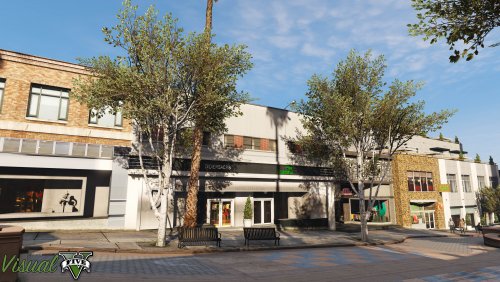 I would 10/5 if I could ps actual review It's good, why? well here's why - It's not over-saturated and it still keeps that sweet balance of GTA V cartoony style and realistic style, this is amazing. This the only creator that I have seen that doesn't believe contrast and saturation mean everything.
- 42 comments
- 19 reviews
-
-

- 1
-
-
This sucks, This means Most (If not all) GTA V Police Vehicles will be ELS only. I think GTA V's Lighting system is better.