
Chris780
Members
-
Joined
-
Last visited
Everything posted by Chris780
-
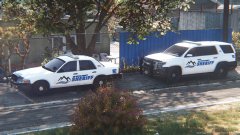 Really like this screenshot lol
 -
Only served for a year, and was recently married. Kinda hit home with this one, finding out he's only 23. Prayers for his family over new years.
-
Well.. It's obvious authors are emerging with numerous different variants of vehicles right now. Obviously Bugs and Kane I'm sure were in a partnership to release ELS V the same time Bugs could release a working model so people could utilize it on.. Tbh this is quite a useless topic..
-
Hi Guys, With new RPH Albo's Traffic Policer isn't updated. is there any current radar mods that are known to work on the newest RPH / ScriptHook? (: Merry Christmas Chris
-
Thanks. *4000th post. I feel special.
-
Hi There, I signed up years ago as a pre pubescent teen, signing up with my Twitter account that now I want to deactivate. If I deactivated it would I lose my account as well? If so; is there a way to unlink the account from Social Media? Thanks
-
-
Anyone know a work around to the trainer's snow option? I'd love to use Make Visuals Great Again but I cannot enable snow with it D: Seems Albo was able to do it some how haha. Getting this error: Snow is not possible on this version of GTA
-
Does this work for the Steam version as well?
-
So is there a fix for this? Do we use VisualV or? Thanks(:
-
Same issue here! Edit: Seems to be with certain vehicles. Captain14's ELS vehicles and BxBugs' vehicles don't seem to work, but the default ones do. Going to test some other mods.
-
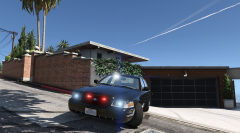 Ah. Well I know nothing about him :P Just figured I'd chime in and help. But I get it, we see it all the time nowadays.
 -
I think it's a WIP, bud.
-
It's NYPD highway patrol. They (used to) patrol in unmarked crown vics with minimal lighting. Now they utilize the Charger and have overwhelming visability
-
-
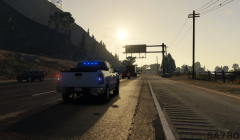
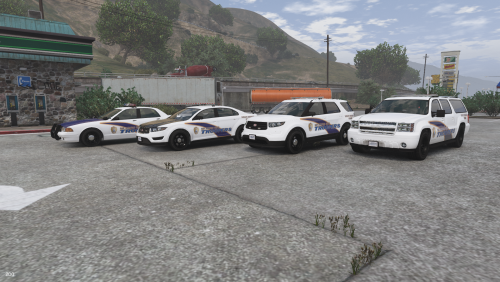
From the album: Chris' Screenshots
-
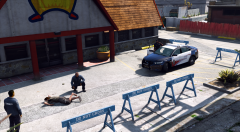 What car is that? ;o and what lightbar? Looks really large and chunky but kinda cool. Ambivalent xD
 -
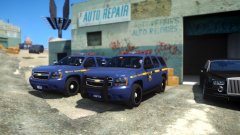 The blue should be a bit darker imo
 -
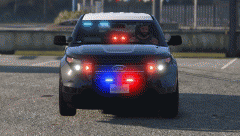 Could you release a version of this as police or police2. I'm a clutz when it comes to vehicles.meta or carvarations. That'd be really cool! Especially considering LAPD are swapping to this vehicle over many others.
 -
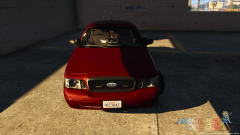 Yea I agree. I like that red
 -
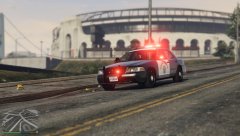
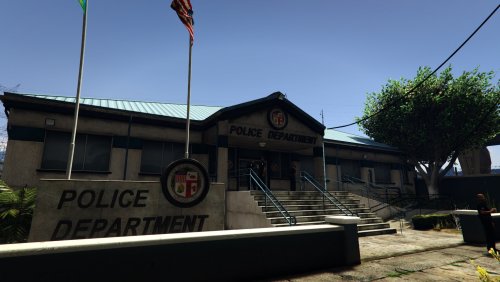
From the album: Chris' Screenshots
-
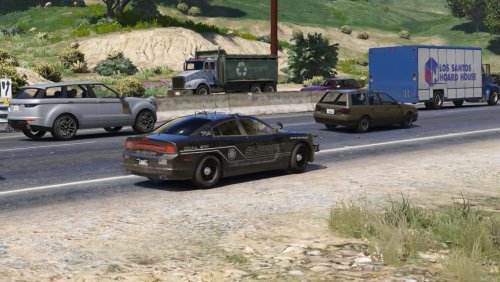 Ya I did this and no luck. Rear lights are still red and police2 is fast as hell =/
- 13 comments
- 3 reviews
-
-
Hey guys, Well.. I just found out that this sub forum exists... Even though I've been on here everyday since 2011... Short quick thing about me that you won't read. I'm Chris. Started LCPDFR commentary back in 2011/2012. I've been playing and running clans ever since last December when I closed my final community with great success. I decided to focus more on my LSPDFR videos and bring back the squeaky prepubescent me back to YouTube. People say I'm funny but I pay them to comment on my videos so I look popular. You can join me and the rest of my 13000 slurpscribers by checking out my videos below. I also tend to do airsoft videos and the random other gameplays that you might see uploaded onto my channel. I will post my most recent videos from this point onward by replying to this post. Thanks ya'll. As always, viewer discretion is advised. I do tend to portray a "Watchdog" style of policing. (Shoutout to ya criminal justice majors that know what that is...) Channel: https://www.youtube.com/user/STARTairsoft780/ LSPDFR Playlist:
-