


misterkibbles
Members
-
Joined
-
Last visited
Everything posted by misterkibbles
-
So I don't know why it started doing it, but my EUP stopped working and would say I didn't have the Serve and rescue pack so couldn't load, so I install the pack and my game crashes, remove the pack and the game works fine. I'm confused on whats going on.
-
Thank you so much for your help, it was much appreciated!
-
this is the pack.
-
Thank you, it worked, I think it might have been the pack, I think it was missing files I was supposed to have.
-
All of them, im trying to download a pack, but it just doesn't want to work.
-
I put them in vehicles.rpf and it does it almost every single mod I install, forgive me for all this, im fairly new to modding.
-
im putting them in patchday19, which is my most recent.
-
The problem is, ive completely renewed the mod folder, and it still does it, to any mod that I install. I feel like this is more user error than the game itself, its just I don't know what Im doing wrong.
-
My most recent patchday folder. honestly it does it put it in most of of the patchday folders.
-
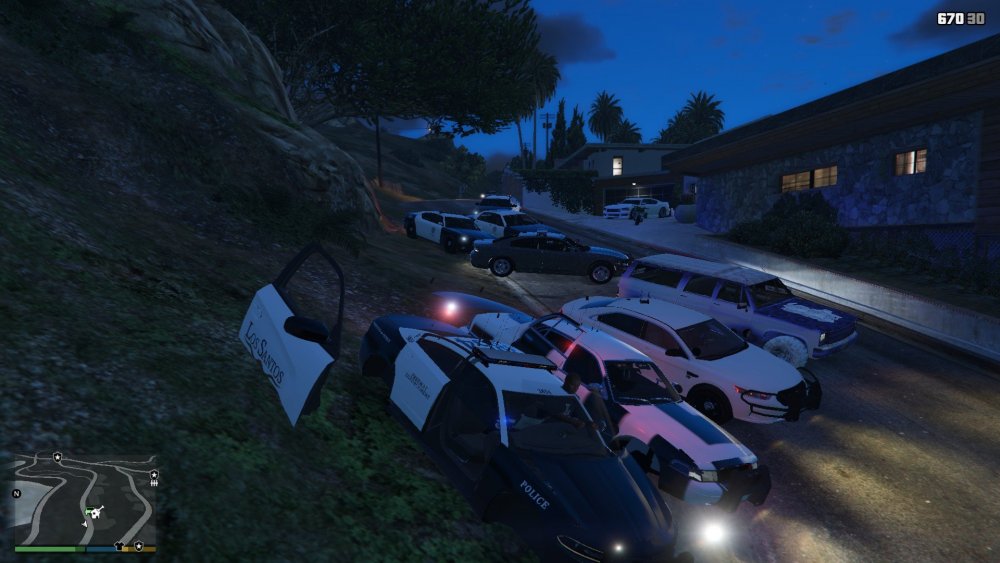
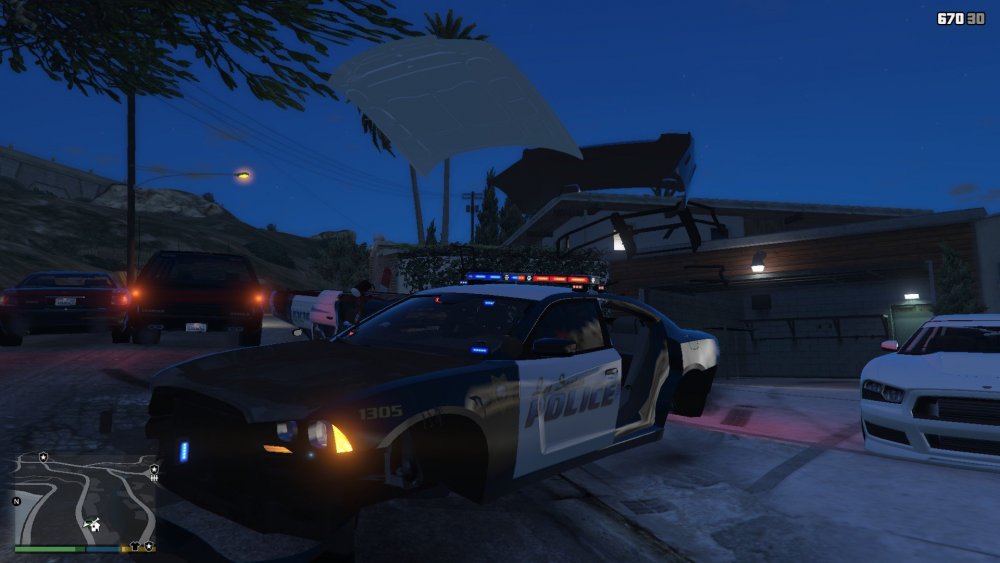
So with just about every single police mod I download all of them load weird, the doors are like tires and rotate when you drive there is no tires and it does this no matter what I do with any mod, ive put them all in the right folders. I don't know what else to do.
-


