


IronicRainbow
Members
-
Joined
-
Last visited
Everything posted by IronicRainbow
-
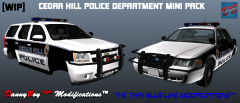 Also make the Tahoe's door handles and all of the side view mirrors black
 -
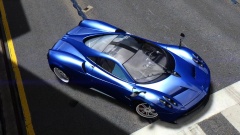 Sir, Forza images aren't for GTA IV galleri - oh. I see. This is GTA IV? Impossible!
 -
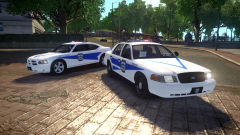 I used CryENB v1 in this picture.
 -
I don't see how the decals are inaccurate either. Side note: These are not for release, and I am not planning on ever publicly releasing them, as they have some notable issues.
-
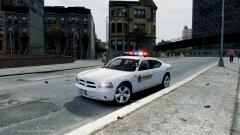 Agreed! Looks nice, Sameer.
 -
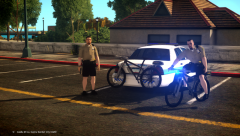 noice :P Dat floating bike though
 -
-
![Ford E-450 Ambulance Interior [doors open]](//s3-gallery.int-cdn.lcpdfrusercontent.com/gallery/album_3011/sml_gallery_86082_3011_377135.jpg) I'll make you one, get on Skype :P
I'll make you one, get on Skype :P -
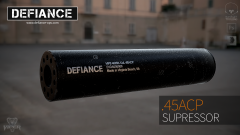 Those textures <3
 -
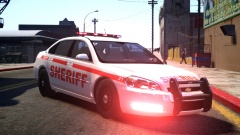 I see. That design is so bland. However, good work on the skin. I guess XD
 -
Error 404 - PCW is a bit touchy.
-
-
Oh good lord, i'm sorry, but this is hideous. Not your skin, but the design rather.
-
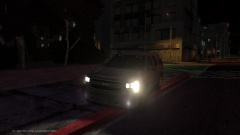 Are those fog lights, or lights in the fog light housing?
 -
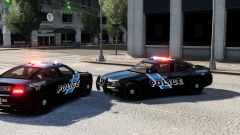 Looks nice! I like the simplicity of the design.
 -
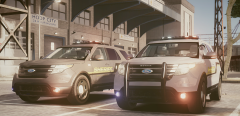 Those wheels look massive :P Also, for a proper PI you need to fix the headlight housing and remove the mirror indicators.
 -
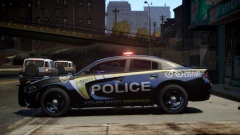 I might release the regular version I made. The bike design and breast cancer awareness weren't mine, they were a friends.
 -
Nice, but the font is completely wrong
-
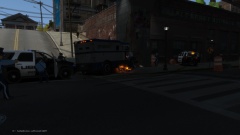 State Troopers driving city cars. 420% legit.
 -
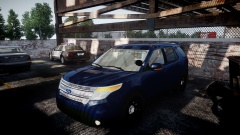 Best bet is never.
 -
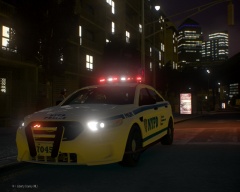 XBR410's, he's not releasing it.
 -
From the album: IronicRainbow's Pictures
-
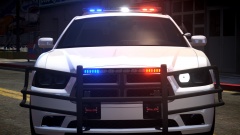 I don't believe it is released.
 -
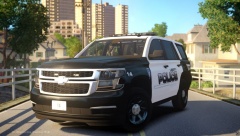 It is not released.
 -
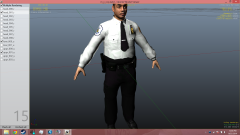 10/10
10/10

![Ford E-450 Ambulance Interior [doors open]](http://s3-gallery.int-cdn.lcpdfrusercontent.com/gallery/album_3011/sml_gallery_86082_3011_377135.jpg)

