


IronicRainbow
Members
-
Joined
-
Last visited
Everything posted by IronicRainbow
-
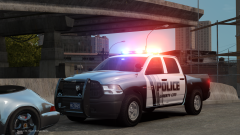 Actually they're pretty accurate.
 -
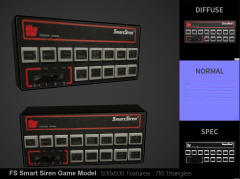 What? No it doesn't, if you have your texture quality to high, which I do.
 -
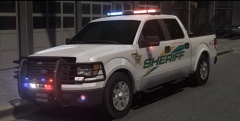 Ugh... Nice skin, but you may want to tell the mod creator that INTERSECTORS are supposed to INTERSECT, not face forward. smh.
 -
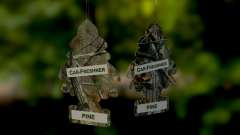 Low poly version of this is being approved right now with 7 scents. I believe it is 16 polys :P
 -
Do you not have ELS installed?
-
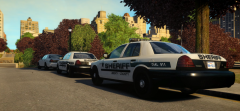 Love the Freedom bar and Integrity. on these cars. Any possibility of a release from bugs?
 -
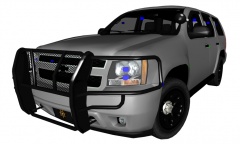 Uh, how about yes. Do you have a Skype? I would love to talk to you about a few things.
 -
The texture looks kinda crappy : but nice job
-
'?do=embed' frameborder='0' data-embedContent>> and
-
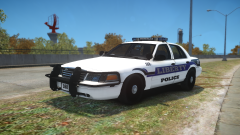 Something's up with your normals on your doors. Is this the F5544 (or whatever his name is) Vic? If so, I'd recommend just pulling the grille off of his and putting it onto CJ's Vic. It's much better.
 -
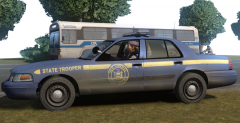 This is far from accurate. If you're going for accuracy, you're killin' me smallz.
 -
From the album: IronicRainbow's Pictures
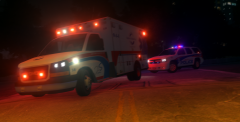
Ambulance by Stinkace2, not released at this time. I am currently beta testing it for him. Tahoe by IronicRainbow (myself), not released. -
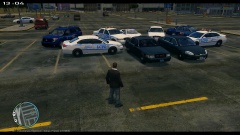 Poly count doesn't matter; triangle count does. However, they both affect each other in ways.
 -
-
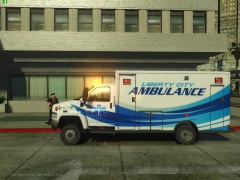 I'm whiter than sour cream. :P
 -
Not LCSP, LSP! Surprising to see people are still using those cars of mine. Those were some of my first ones :P
-
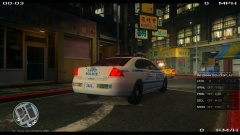 You mean GM? lol
 -
-
What lighting equipment would you want on it?
-
Nice, Carper. Definitely don't see many cars with the Raydian lightbar now, as it's an older-gen LED bar, but it still looks weird enough to look good to me.
- 17 comments
- 6 reviews
-
-

- 1
-
-
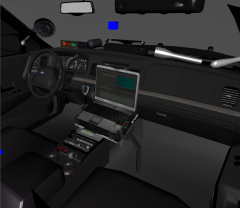 Whyyyyy?!?!? Why the HQ DSF interior on the Schaefft CVPI?
 -
It looks like it has hydraulics. Does a Mexican happen to own this ambulance?
-
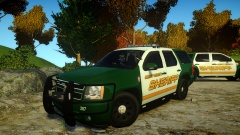 It won't be.
 -
If that's how your attitude is towards fellow modders, you will never get a new gen Taurus, or any cars/parts unreleased for that matter, unlocked. You have to have a good attitude and show potential. It doesn't matter if you don't like Crown Victorias, throw a hissy fit for all we care, the end of the story is that the '13-'14 FPI is not, and will not be released unlocked for the time being. As Him1250 said, if you want to buy your own model and convert it, feel free to do so. Nobody is stopping you. All you need is the resources and the knowledge.
-
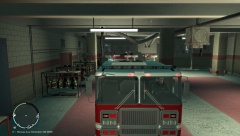 The Rota-Beam is an LED rota bar. God, I hate the Rota-Beam.

