
Chief Jim Hopper
Members
-
Joined
-
Last visited
Everything posted by Chief Jim Hopper
-
Is there any mod available that organizes all my keybinds for all of my plugins menus? Just like a Mod that opens one Menu with F6 then you can scroll trough all the installed plugin menus and open any of these. This would be a super helpful qol mod since my lspdfr is bloating from keybinds. below a silly drawing what i meant

-
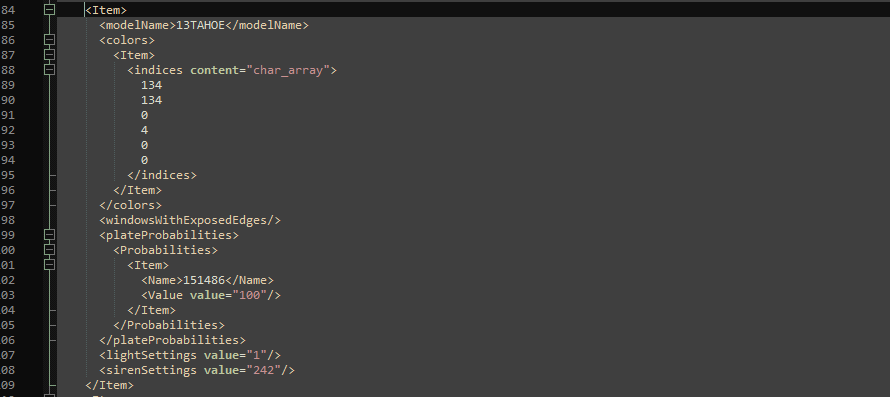
i double checked it, even tripple checked it. All seems fine to me. i've uploaded the meta files below Meta Files.zip
-
ModelName is the same in all Metas
-
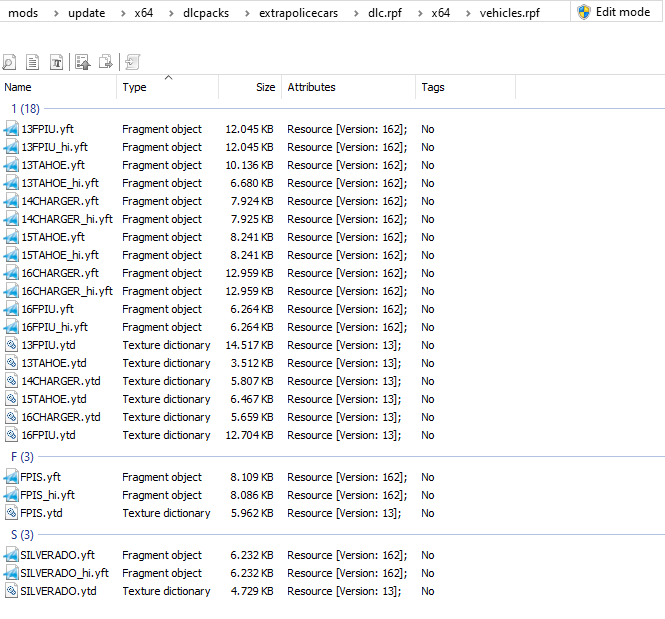
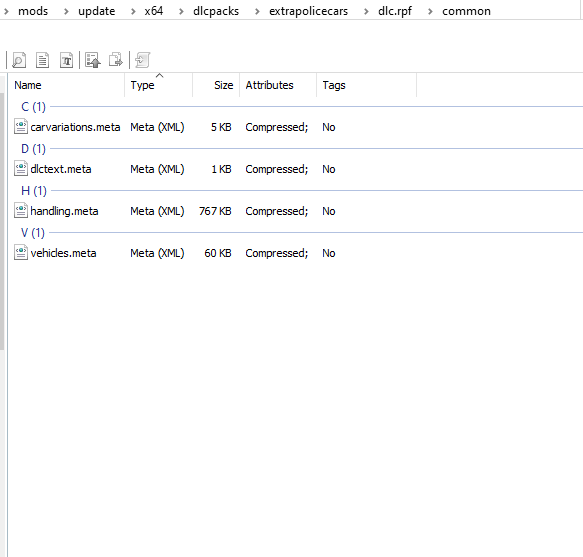
All Vehicle Classes in the Addon Pack are set to "VC_EMERGENCY" carvariations.meta also installed properly still no clue.
-
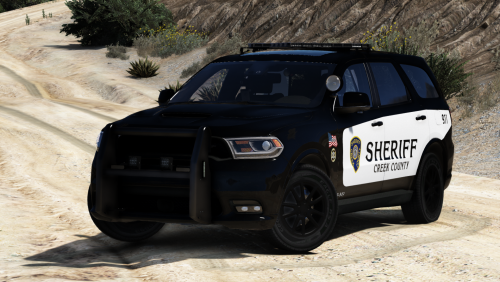
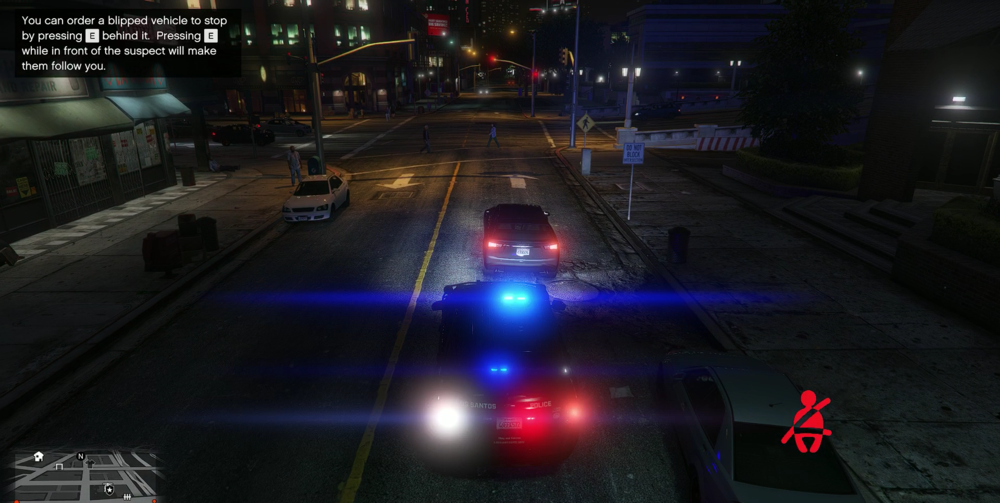
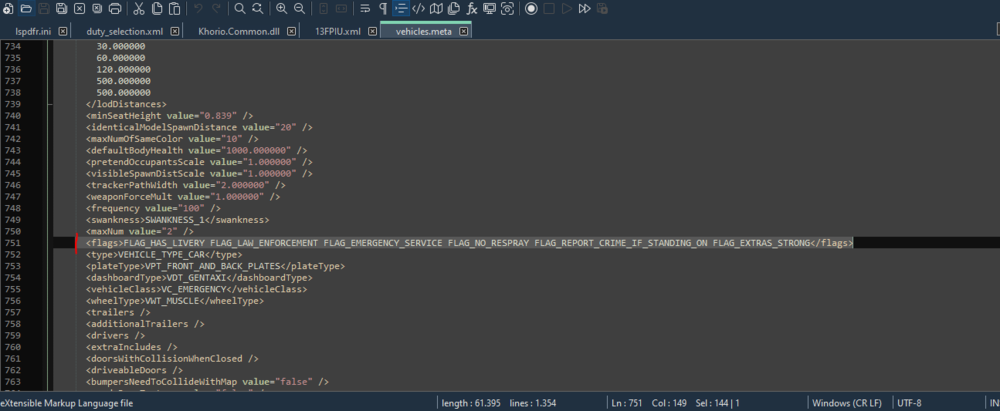
Sup, recently i noticed that i cant pullover vehicles with addon cars anymore. Im using "ExtraPoliceCars". Everything is installed properly. It worked perferct before the last 2 small LSPD:FR Updates. If i use "Shift" Key to Pullover, the Cars are just blipped, when i turn on els lights at stage 3, the vehicle will continue driving as normal. If i press "E" behind it, he will accelerate straight forward and crashes into something I've also noticed that when I'm at stage 3, the vehicles don't make room and clear the way, compared to normal non-addon police cars. I read in another post that it could be due to the vehicles meta file but all is perfect in there, the car also have the correct flags. I also tried to disable all Plugins, no changes Any ideas?
-
-
 The Wail is way to distorted and overdriven.
 -
 @SGTHarvey @341dino980 Haha guys, everybody calm down please 😁 I changed it with the last update, it was a mistake by myself and it's solved now. I dont think he was complaining, he just gave me a hint to make it better, i didnt know, that i still had these files in the oac so its good now. Next time i will upload the whole .oac, but the original gta one with my modded sounds.
 -
Updated. Thank you. Sure! I will make one in the next Update.
-
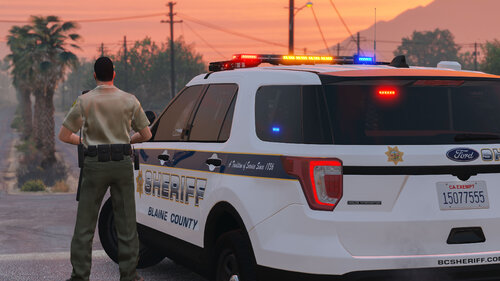 Love that FPIU. That Lightbar with the realistic pattern is just great! Love it!
- 75 comments
- 9 reviews
-
10-4, copy. I will upload a extra louder version this weekend. Thank you for your reply! Thank You!
-
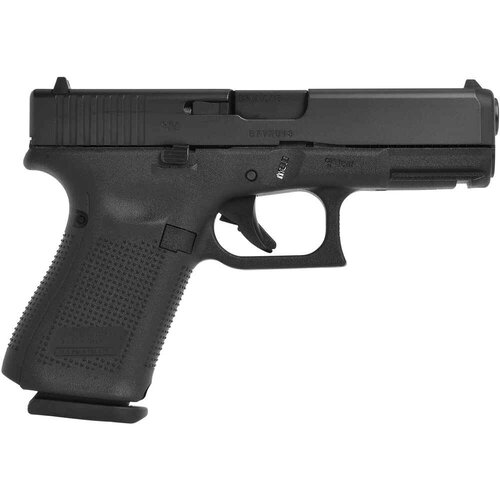
Hello Guys. This simple Mod comes with a pure and natural Glock 19 sound. It replaces the standard original Patrol Pistol with a Glock 19 sound. Install Instructions: !!Note!!: To make the sound work properly you have to replace the redsient>weapons.awc too !!NOTE!! If you use other Sounds for other Weapons, please create your own weapons.oac and just replace the PTL_PISTOL_SHOT.R.wav sound in your own created weapons.oac! _______________________________________________________________________________________________________________________________________ WEAPONS PLAYER: 1. Extract the Files somewhere you can find it. 2. Start OpenIV 3. Goto Mods > x64 > audio > sfx > WEAPONS_PLAYER.rpf 4. Enable Edit mode > Right Click on a empty space > Import Open Formats > choose the "ptl_pistol.oac" from the first Folder hit open and okay _______________________________________________________________________________________________________________________________________ RESIDENT WEAPONS: Repeat same Steps in the RESIDENT.RPF File 1. Goto Mods > x64 > audio > sfx > RESIDENT.rpf 2. Right Click on empty space > Import Open Formats > Choose "weapons.oac _______________________________________________________________________________________________________________________________________ You're good to go. Please rate this Sound and let me know, if the sound is too quiet or too loud, more or less reverb. Have a very nice day Officer! Demo Video: Please do not upload this file to any other site. Thanks for downloading!
-
Is it still working? Can you update it? @BejoIjo
-
Sadly no fix in 0.4.9
-
-
Thanks, but currently im using the same gameconfig, same for the heap adjuster as i wrote before.
-
 Ein muss Plugin! Endlich bleiben mir die verschwendeten Nerven mit den NPC's an Tatorten erspart. Wenn man eine Straße blockieren will, ohne dass die NPC's laufend Hupen oder dein Auto rammen, ist dies das perfekte Plugin! Gute Arbeit! Weiter so!
- 113 comments
- 10 reviews
-
-

- 1
-
-
Hey. I reinstalled my game today and tried to play with all graphic settings on normal or off. But unfortunately this didn't worked. Textures are still disapearing after a while. And textures still loading slowly. I also tried to play without any modded vehicle, same problems after. I think its happening all over the map, probably more in LS. Someone have a good, optimized gameconfig with limitless vehicles to use?
-
-
But. I've played sinc LSPDFR 0.4.2 on nearby all high settings, some things up to ultra without problems or texture loss. I will test this one too. Thank you.
-
Haven't tried it yet, i will test it. Currently i'm using a gameconfig for limitless vehicles.
-
Good evening dear community, I have now for some time the problem, if I have already played lspdfr more than half an hour or an hour that, with me the textures of streets, buildings, become "muddy" and finally even disappear. What I have currently tried: Main.PreloadAllModels set to "false", unfortunately no effect. Used Heap Adjuster, unfortunately doesn't work either. I set the Heap_Size to "2000". After that I tried to scale down the file size of the textures for modded cars (partly from 4k to 512x512), (Especially the dirt textures when the car gets dirty), unfortunately didn't work either. I use a lot of scripts and plugins but only installed the ones that still work with the current version of LSPDFR. I also installed the game on one of my fastest hard drives, memory, CPU and GPU are theoretically more than sufficient, so it can't be the PC. Hope there are some LSPDFR geeks here who can help me out with this problem. problemvideo in the hidden content
-
Well if you read the Description of the BejoIjo Mods you will find out, that ArrestManager and all other Alboo1125 will not work properly with Stop The Ped and other Bejoljo Mods, cause both Mods have the same function and Alboo's are also outdated. Try to start without all Alboo1125 Mods.
-
What do you mean with "Taxi Bug Fix"? You mean the fix for to bright taxi signs?
-
Indem du ins Deutsche Forum gehst und dann oben rechts auf "start new topic" drückst