
talivan
Members
-
Joined
-
Last visited
Everything posted by talivan
-
 Would like to know what makes each code exactly, such as 10-31, 10-51, 10-24 and the rest of codes, thanks.
- 587 comments
- 106 reviews
-
 Wanted to give a small suggestion, would be well the possibility of adding the sawnoff shootgun?
- 75 comments
- 33 reviews
-
-
would be well to add the flares (not the flare gun, i mean the merrywather bombardment flares), I use dark nights and on the patrols by the county of blain I use them to mark the road and make the patrol more realistic. Anyway you can also add flare gun ;)
- 75 comments
- 33 reviews
-
-

- 1
-
-
Me use a key board. The key binding to open computer+ cant be changed and the computer+ open in high speed. I think it is unnecessary to have the computer+ turn on at 100MPH on the highway, it is somewhat annoying in my opinion.
-
Is a good mod for me is one of the indispensable but every time I push the horn and the computer turns on, it is somewhat annoying, I would like it to return to be as before, to only activate the computer when the car is completely stopped not in movement.
-
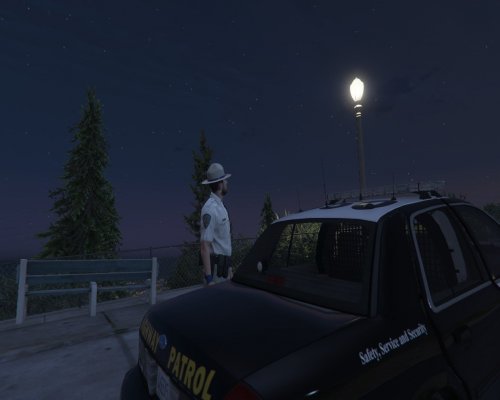 this one replace the helmet or we can use both?
 -
-
-
-
-
 I would like to have the option to change vehicles and peds componene the convoy from a txt document. so i want to have the option to change and customize the convoy.
- 153 comments
- 13 reviews
-
-
- 1
-
-
-
 thanks
 -
When will we can download and enjoy this new female ped? approximately
-