


kicks270
Members
-
Joined
-
Last visited
Everything posted by kicks270
-
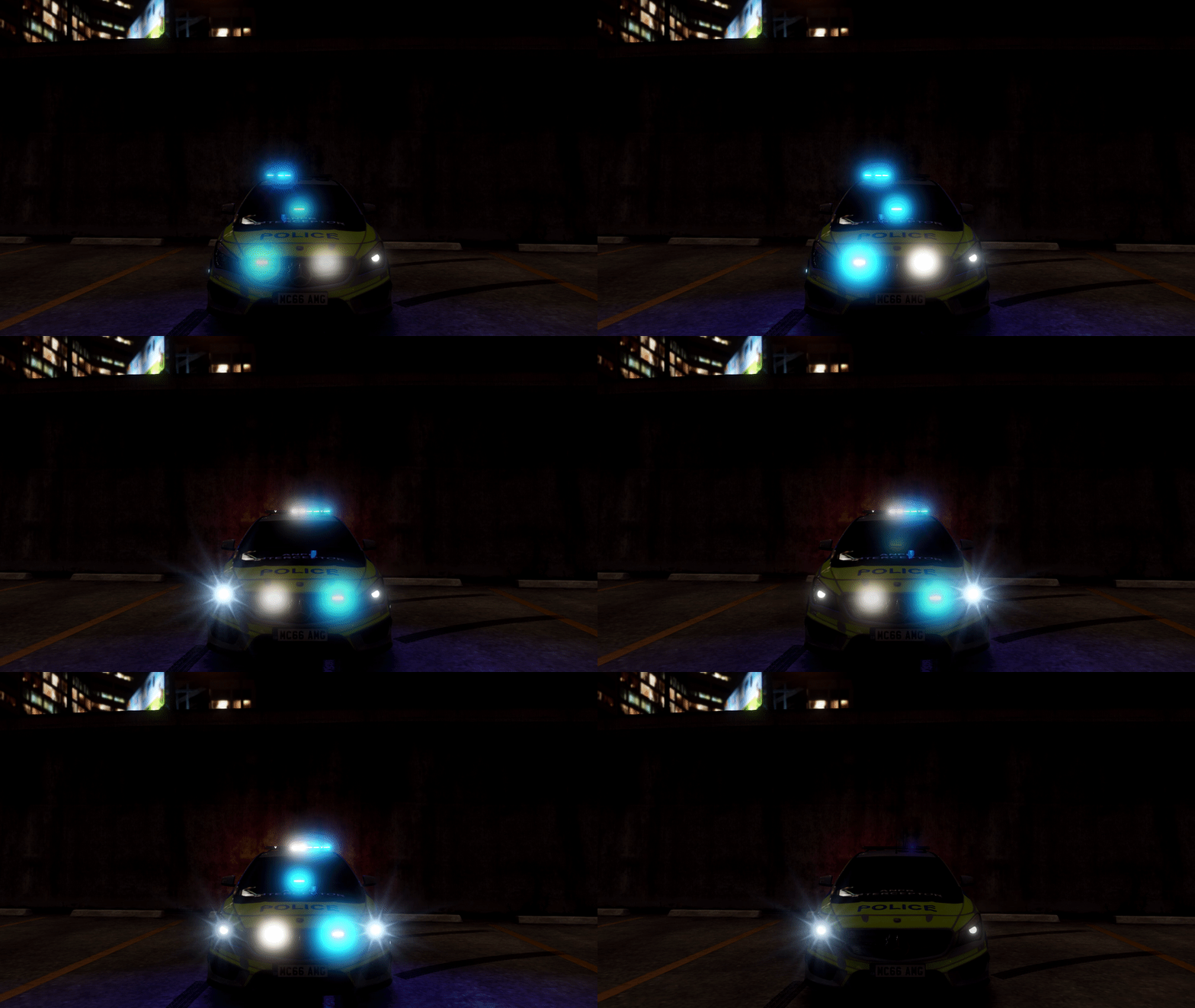 Excellent Lighting, but I wish you made it more compatible with american lighting. Spot light stays on with lights and Red doesn't work with firetrucks and ambulances. My police transport van also shows blue with a red/blue light bar (default).....again, excellent mod, just wish it work 100% on my end
- 143 comments
- 12 reviews
