


Yankeeboy515
Members
-
Joined
-
Last visited
Everything posted by Yankeeboy515
-
-
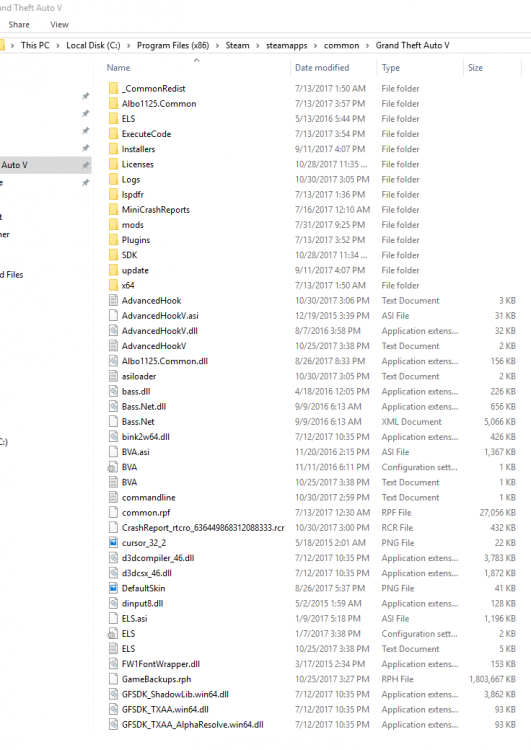
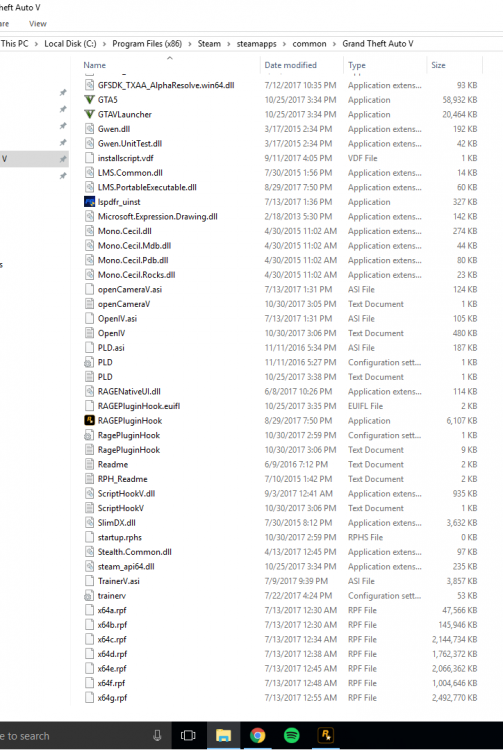
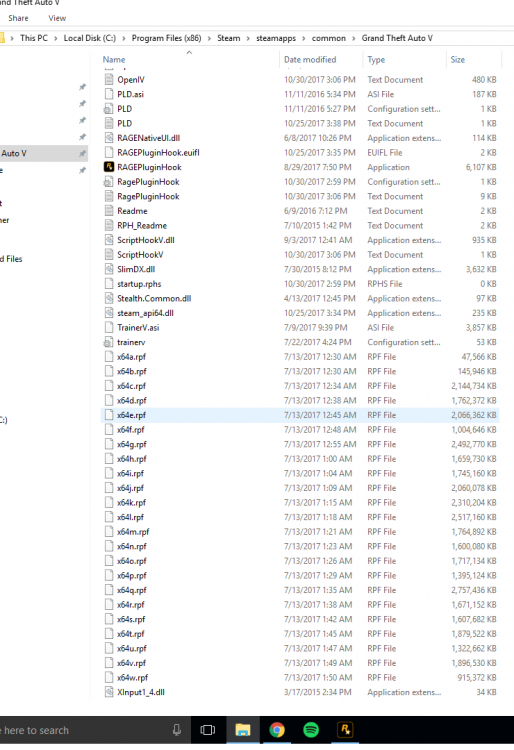
My game goes to the loading screen(With the girl in the bikini) and then crashes. I have generated the attached detailed crash report. Also, here is another one, I guess, that is not as detailed: Also, here are some pictures of my directory. Let me know if you need anymore information or have any solutions please. If you can not help, no problem. Thanks again. CrashReport_rtcro_636449868312088333.rcr RagePluginHook.log
-
bump
-
My game goes to the loading screen(With the girl in the bikini) and then crashes. I have generated the attached detailed crash report. Also, here is another one, I guess, that is not as detailed: Also, here are some pictures of my directory. Let me know if you need anymore information or have any solutions please. If you can not help, no problem. Thanks again. CrashReport_rtcro_636449868312088333.rcr
-
This is more of a tip more then anything (not really a find, but a small feature that a lot of people don't know exists). I remember that the game goes over it with you at some point, but it is useful for those that are sick of doing shit for friends and stuff. You go into options on your cell phone, and there is an option to put it on sleep. If you do, you can essentially pause the story progress and free roam without people calling you ever 5 minutes.
-
-
-
-
 When is going to be out!
 -
-
Install GTA IV normally, go in game, do the first mission, save, open up your phone (up arrow) and click multiplayer, LIVE, player match, free mode


