GTA5 News
598 stories in this category
-
Photo by @JohnM90GTA
-
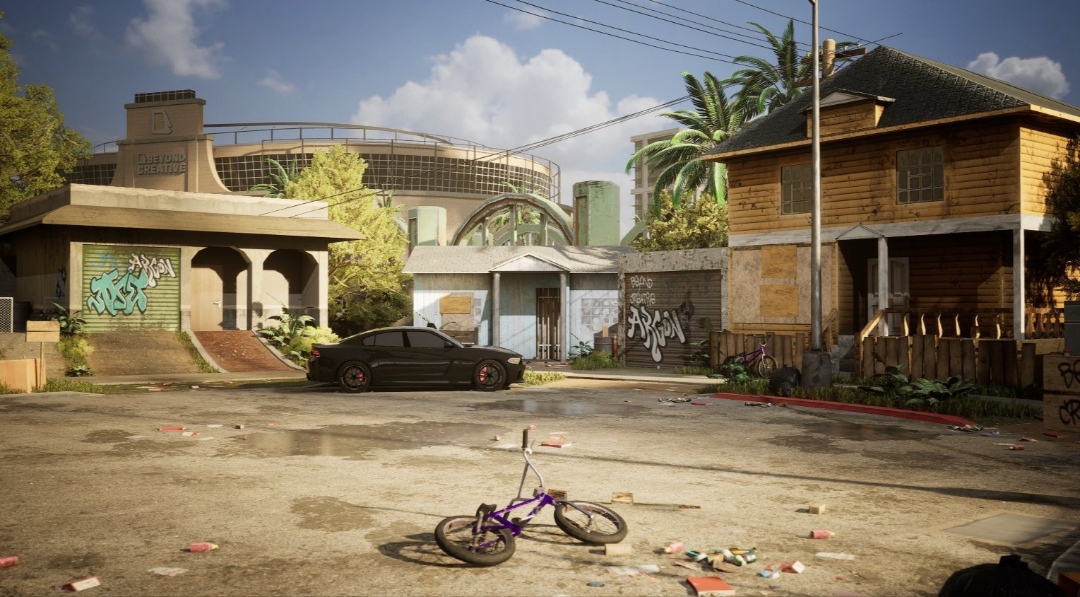
First announced for PC in May, 2022, UEFN (Unreal Editor for Fortnite) was supposed to launch later that same year, but was delayed to January 2023 before being pushed back once again to a March 2023 window. Now that it has been released, players are using the power of the Unreal Engine 5 and the Unreal Editor itself to create lots of cool things, including some iconic places from the Grand Theft Auto series! See more below...
-
2X GTA$ & RP:
-
Photo by @JohnM90GTA
-
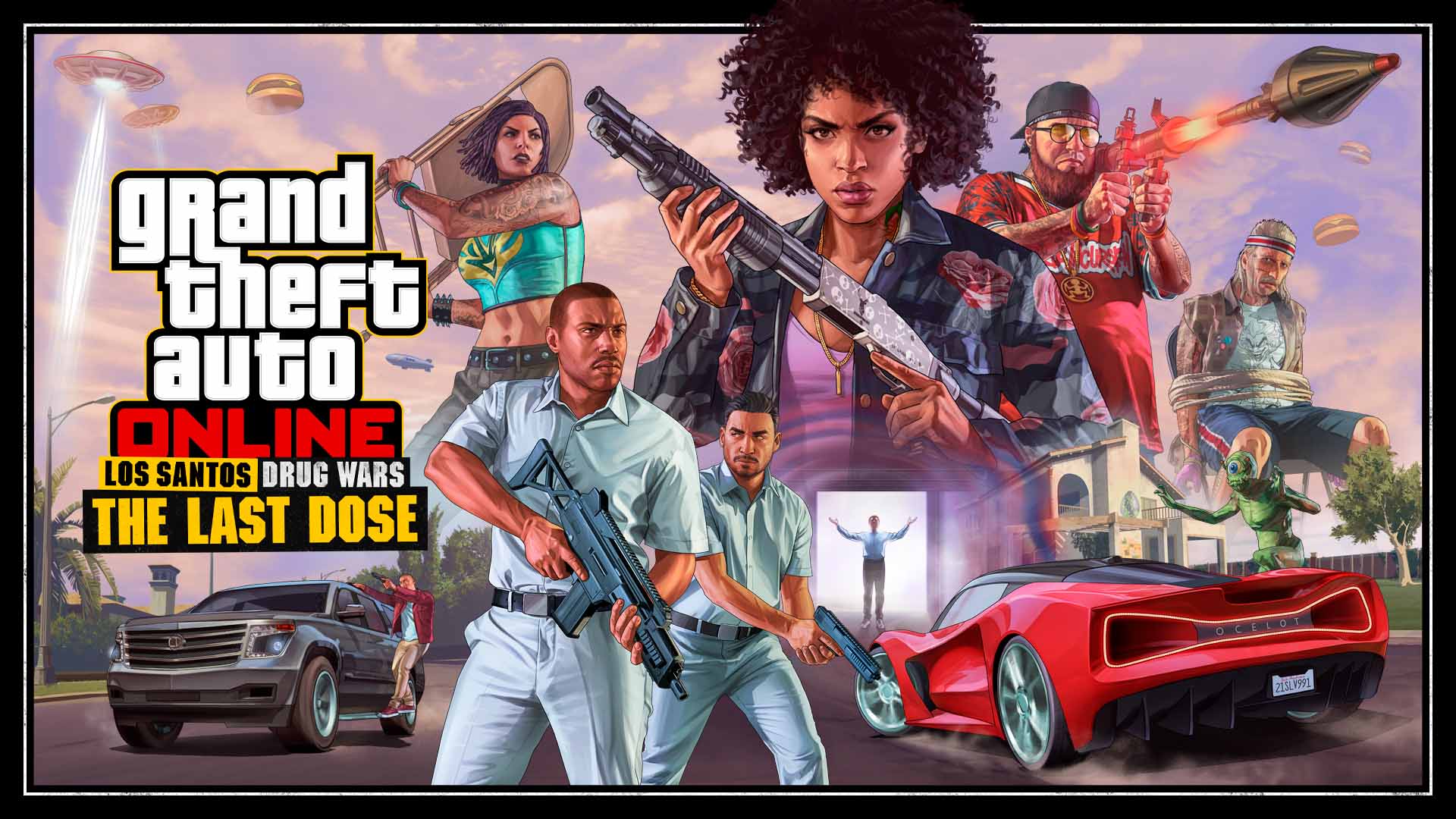
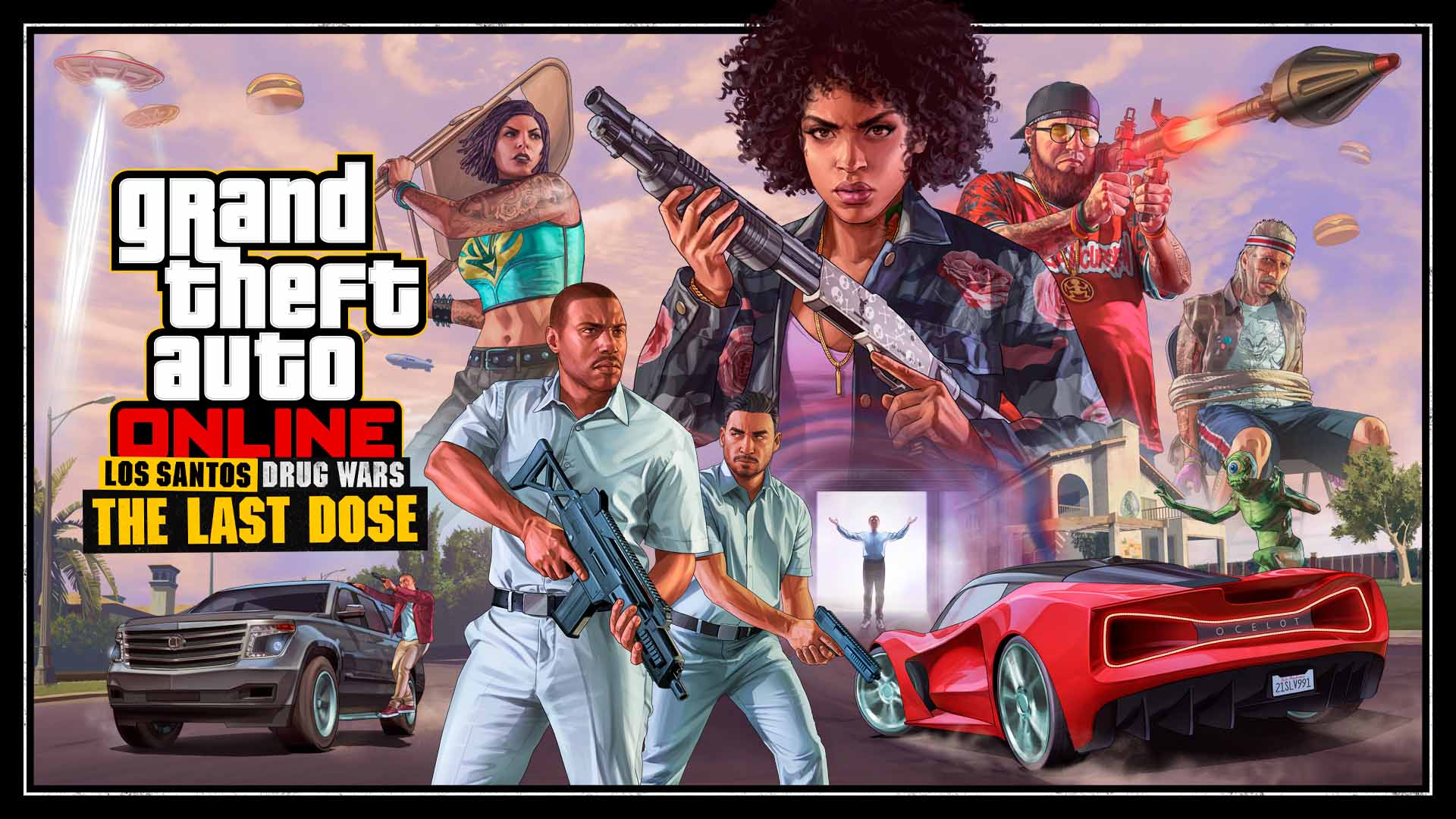
Five new Missions are now available to play as part of Los Santos Drug Wars: The Last Dose update.
-
Remember when 50 Cent posted a couple of pictures about Vice City on his Instagram and Twitter some day ago? He removed the photos a few hours later, however it had nothing to do with GTA 6 or Rockstar Games.
-
Rockstar just announced that the second part of the Los Santos Drug Wars update, called The Last Dose, will be available on March 16 for all players and it will feature 5 New Story Missions! Enjoy the Trailer above and subscribe to our YouTube channel! Keep reading for more details...
-
Photo by SkreappaHD on Twitter
-
Recently, two reputable insiders have made their predictions regarding a possible & probable GTA 6 Release Window Period.
-
In a recent interview with GamesRadar, Rockstar North design director Scott Butchard talks about the future of GTA Online! Keep reading for all details...