Skip to content
View in the app

A better way to browse. Learn more.

LCPDFR.com

A full-screen app on your home screen with push notifications, badges and more.

To install this app on iOS and iPadOS
  1. Tap the Share icon in Safari
  2. Scroll the menu and tap Add to Home Screen.
  3. Tap Add in the top-right corner.
To install this app on Android
  1. Tap the 3-dot menu (⋮) in the top-right corner of the browser.
  2. Tap Add to Home screen or Install app.
  3. Confirm by tapping Install.

GTA5 News

598 stories in this category

  1. G17 Media ·
    Will Red Dead Online’s crew scene help the community survive without updates?
    • 0 comments
    • 290 views
  2. G17 Media ·
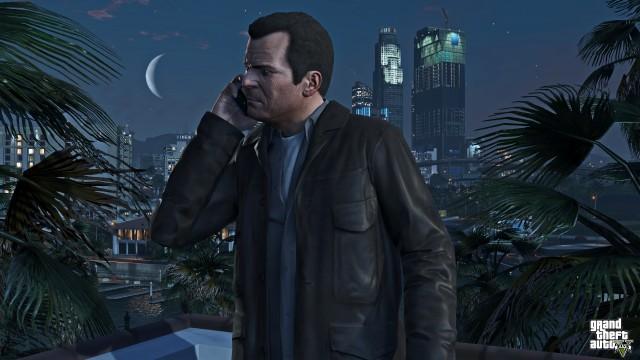
    The GTA Online December 2022 Update is coming soon to GTA Online, most likely on December 13, 2022, adding a mix of new activities, cars, and content to the game’s massive host of features.
    • 0 comments
    • 1,119 views
  3. G17 Media ·
    Bully: Scholarship Edition is a remaster of the beloved PlayStation 2 title "Bully" also known as "Canis Canem Edit" in Europe and is available on: Xbox 360, Wii, Windows, Xbox One, and Xbox Series X|S via backward compatibility. 
    • 0 comments
    • 469 views
  4. G17 Media ·
    Making money as a new player in GTA Online is easier than ever thanks to the Career Builder, which awards you with GTA$4,000,000 to spend on: a property including an upgrade, vehicles, and weapons.
    • 0 comments
    • 360 views
  5. G17 Media ·
    To this day no video game has come close to the experience provided to me by Red Dead Redemption 2.
    • 0 comments
    • 338 views
    • 0 comments
    • 185 views
  6. G17 Media ·
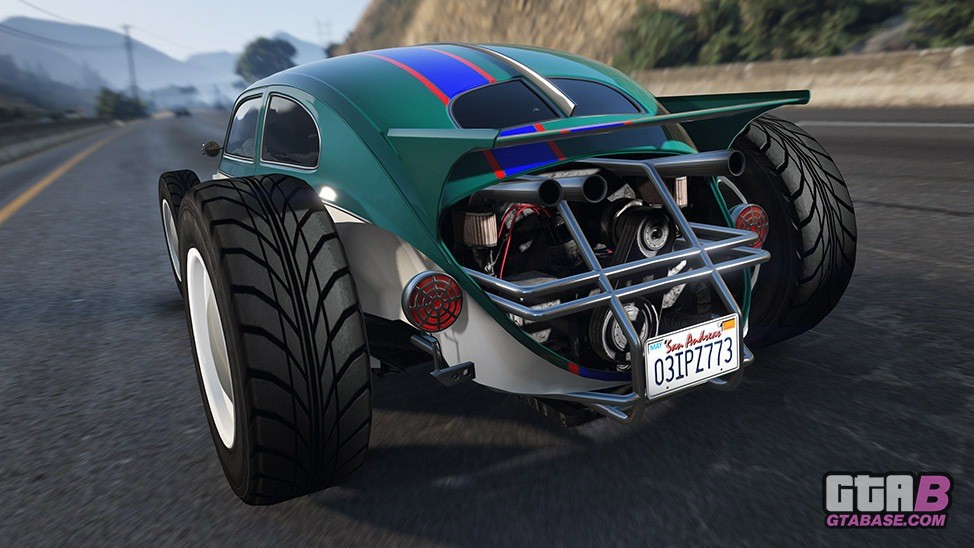
    The Weevil Custom is now available for purchase in GTA Online!
    • 0 comments
    • 398 views
  7. G17 Media ·
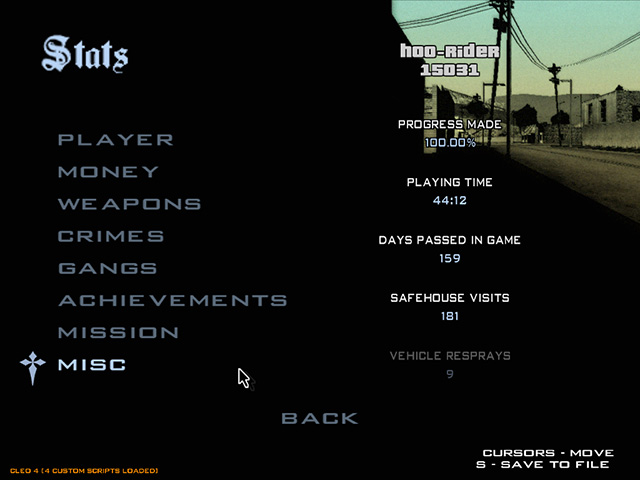
    Grand Theft Auto: San Andreas is both a controversial game and a good game! Crime is made one of its main game themes. The game GTA SA gives a rating level for its players' "crimes" in the game, which is called "Criminal Rating". This rating can be seen in Pause Menu > Stats.

    • 0 comments
    • 1,106 views

Account

Navigation

Search

Search

Configure browser push notifications

Chrome (Android)
  1. Tap the lock icon next to the address bar.
  2. Tap Permissions → Notifications.
  3. Adjust your preference.
Chrome (Desktop)
  1. Click the padlock icon in the address bar.
  2. Select Site settings.
  3. Find Notifications and adjust your preference.