GTA5 News
598 stories in this category
-
2X GTA$ & RP:
-
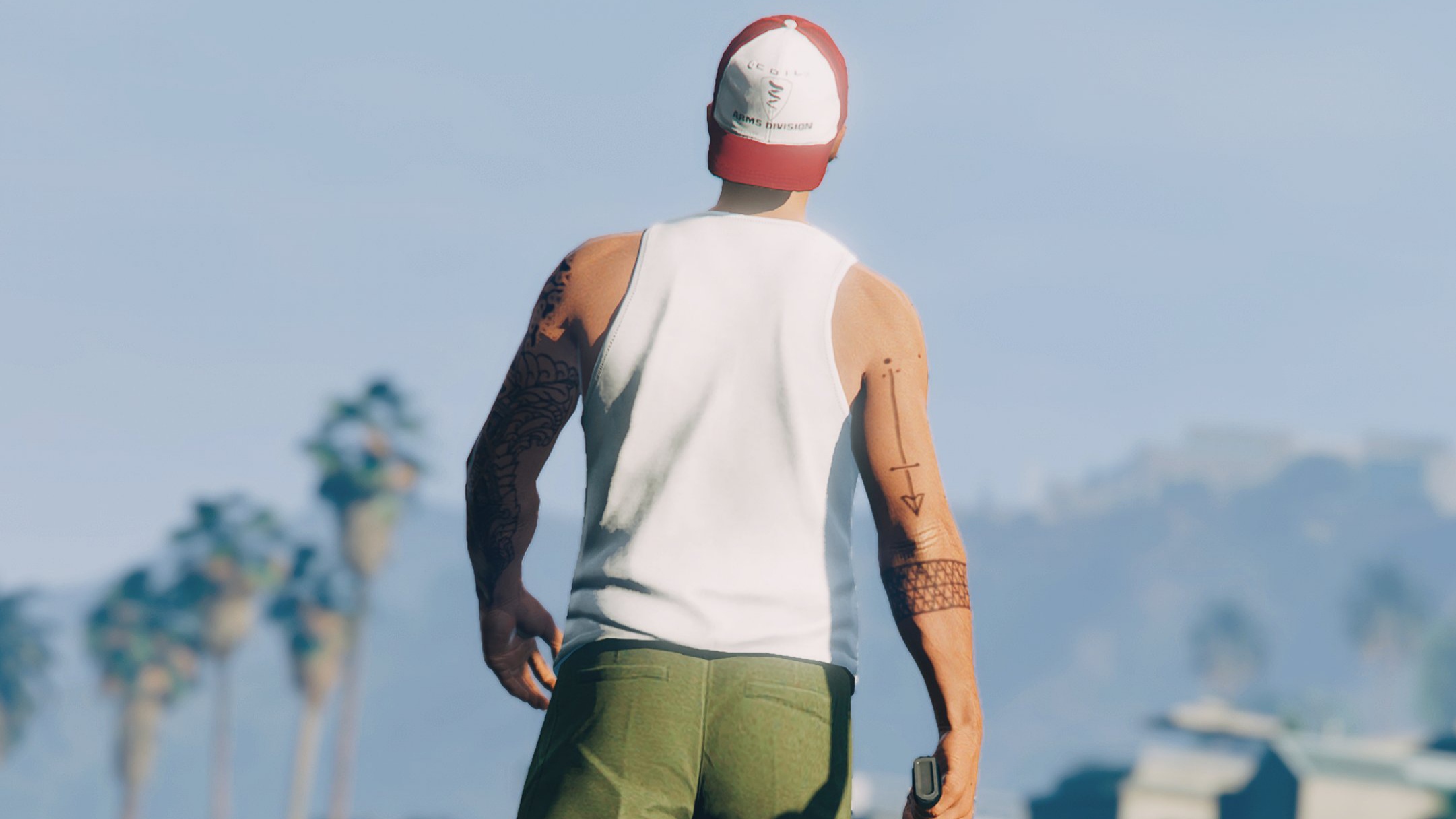
Photo by @JohnM90GTA
-
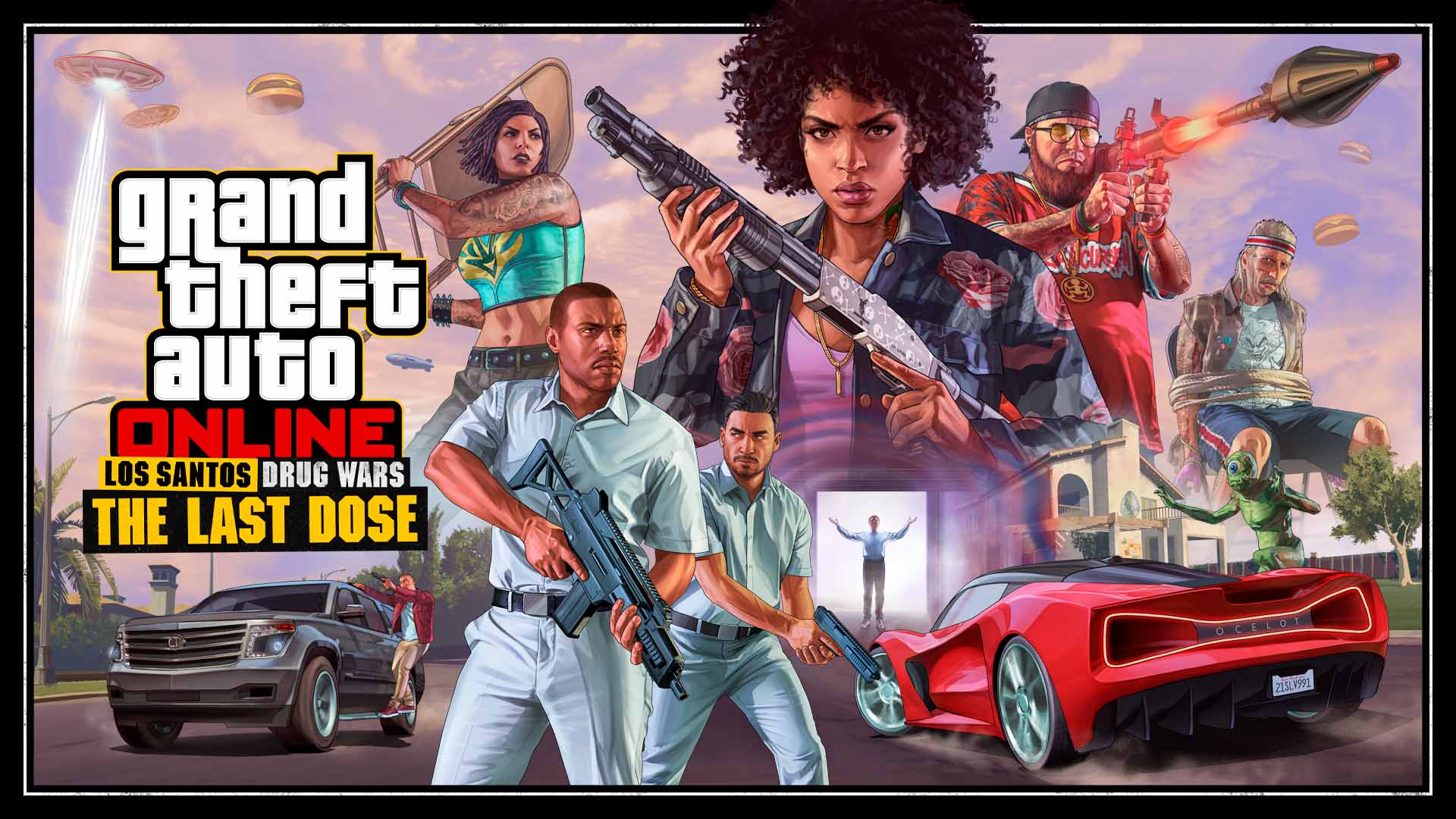
The Last Dose Hard Mode Event is now available in GTA Online through May 17.
-
Recently (today) influencer and singer @HipHopGamer posted an interesting tweet, fueling the hype for GTA 6 and maybe hinting on a his involvement in the game (?)
-
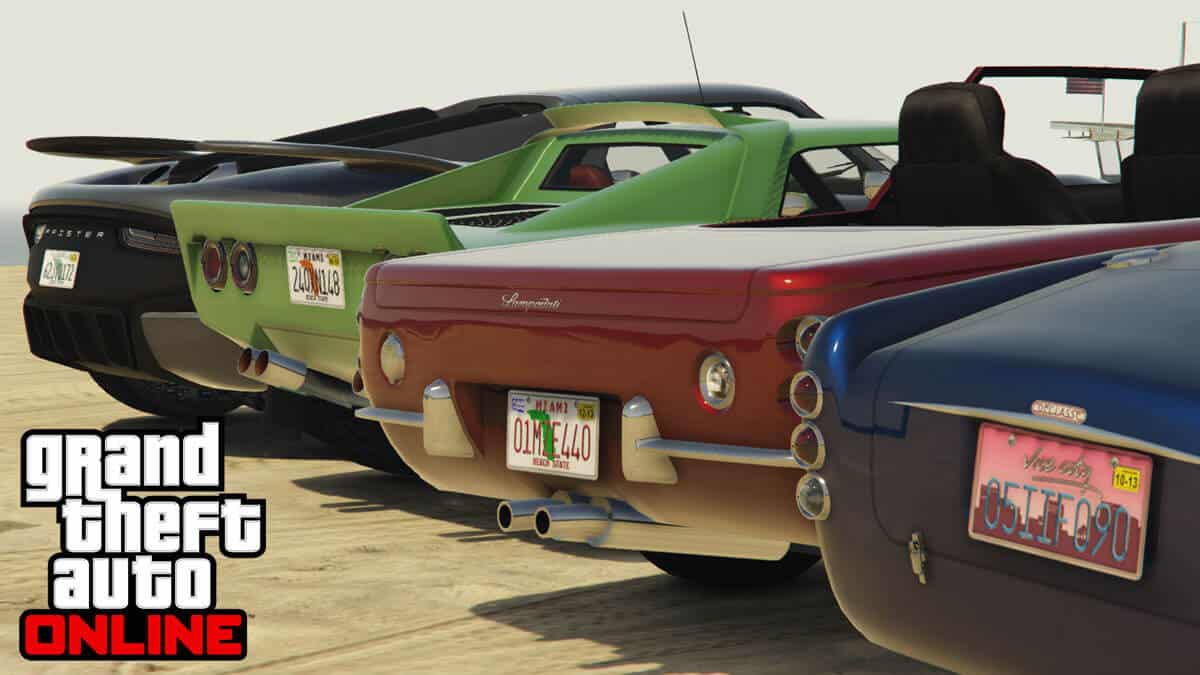
Starting tomorrow you'll be able to add more personality to your favorite rides with a new web-based License Plate Creator for customizing vanity plates in GTA Online. We will update this article with more information, read more here in the meantime. Also, two new Deathmatches have been added, Shake U and Top Marks.
-
3X GTA$ & RP:
-
Rockstar is known for its Easter Eggs and Teasers that they likes to insert scattered here and there in their games, without obviously making any mention of their existence. But the Community is also known for getting good at tracking down these Teasers and grasping their meaning!
-
2X GTA$ & RP:
-
Photo by @JohnM90GTA
-
It's official, benefits for the Prime Gaming subscribers will end starting today for GTA Online players, and April 3 for Red Dead Online players. As mentioned by @videotech_ on Twitter.