
Skip to content
View in the app

A better way to browse. Learn more.

LCPDFR.com

A full-screen app on your home screen with push notifications, badges and more.

To install this app on iOS and iPadOS
  1. Tap the Share icon in Safari
  2. Scroll the menu and tap Add to Home Screen.
  3. Tap Add in the top-right corner.
To install this app on Android
  1. Tap the 3-dot menu (⋮) in the top-right corner of the browser.
  2. Tap Add to Home screen or Install app.
  3. Confirm by tapping Install.

The Stage Is Set

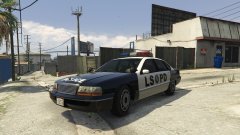
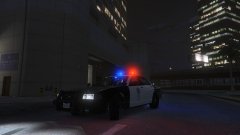
Ah, now let's get serious. I've got an ambulance and a police car installed. Let's get to it!


South Los Santos, 1992. The Ballas have taken over Grove Street, and the main players of the Grove Street Families are either exiled, dead or missing. Gang violence and class divides are rife across the city. And the LSPD? Corrupt. It's only a hair-trigger away from a riot...

Copyright

© Hullian111

Account

Navigation

Search

Search

Configure browser push notifications

Chrome (Android)
  1. Tap the lock icon next to the address bar.
  2. Tap Permissions → Notifications.
  3. Adjust your preference.
Chrome (Desktop)
  1. Click the padlock icon in the address bar.
  2. Select Site settings.
  3. Find Notifications and adjust your preference.