Skip to content
View in the app

A better way to browse. Learn more.

LCPDFR.com

A full-screen app on your home screen with push notifications, badges and more.

To install this app on iOS and iPadOS
  1. Tap the Share icon in Safari
  2. Scroll the menu and tap Add to Home Screen.
  3. Tap Add in the top-right corner.
To install this app on Android
  1. Tap the 3-dot menu (⋮) in the top-right corner of the browser.
  2. Tap Add to Home screen or Install app.
  3. Confirm by tapping Install.

Detention van

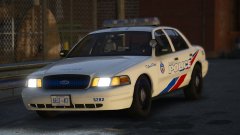
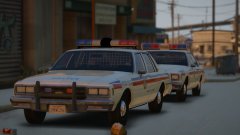
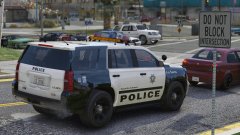
Made this to go along with my LSMPD pack, unfortunately it wasn't ready for release. I fixed it up today at the request of a few people, and it's now ready for release. 


Anyone interested in it?


[Edit: I'll take the amount of likes as a yes... I'll get it out publicly tomorrow]


20171216213129_1.thumb.jpg.9237913c51e7f7471fba145682b23582.jpg

20171216213247_1.thumb.jpg.6301ab6adc728fd78747c2e42a01b505.jpg

20171216213106_1.thumb.jpg.2490e8f5c72f8f6b90f1893c6bc5b645.jpg

Copyright

© Jedahdiah

From the album:

Jed's Models

· 124 images

Account

Navigation

Search

Search

Configure browser push notifications

Chrome (Android)
  1. Tap the lock icon next to the address bar.
  2. Tap Permissions → Notifications.
  3. Adjust your preference.
Chrome (Desktop)
  1. Click the padlock icon in the address bar.
  2. Select Site settings.
  3. Find Notifications and adjust your preference.