



12th Precinct

By Jedahdiah
- 1,267 views
- View Jedahdiah's images
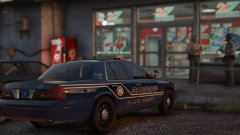
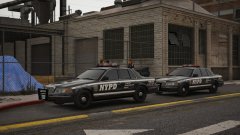
More pictures, in one day?! Won't happen again, apologies.
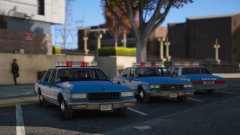
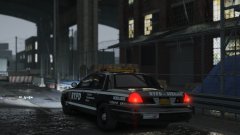
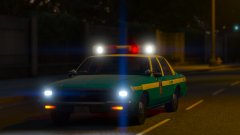
Just wanted to show off the 1985 Impala's lighting at night. Quite pretty imo.
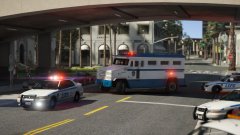
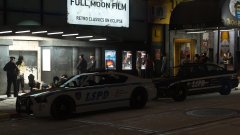
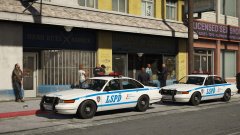
This project just started off as a practice using different materials and combinations for DRO2. Going to be making an accurate 1980's NYPD vehicle soon enough, which means scrapping the Impala for the 1988-89 Caprice.
I'm sorting out my projects to the ones I'm actually going to try and release. The rest were just garbage imo.

Credit
(Roughly) Impala - Lundy; Aerodynamic Lightbar - Compeast (converted to GTA V by me); interior stuff by Solo and Lundy.
Copyright
© Jedahdiah
Recommended Comments
Join the conversation
You can post now and register later. If you have an account, sign in now to post with your account.