




"Move along please"

By Jedahdiah
- 1,385 views
- View Jedahdiah's images
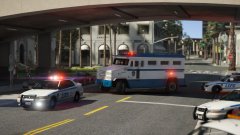
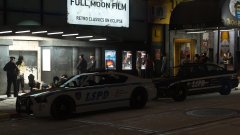
Dealing with a group of homeless males outside Tequi-La-La in Vinewood. You can see a LSPD Supervisor checking the health of a male on the floor. Security is also attempting to keep *undesirables* out of the club...
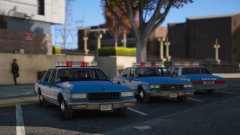
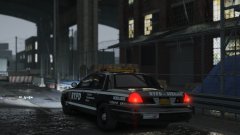
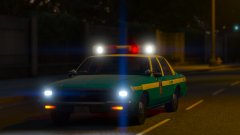
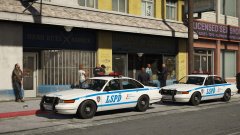
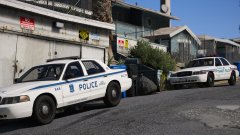
The other two vehicles for the LSPD: the Bravado Buffalo and the Declasse Merit. The Merit comes with both auxiliary skins (as shown here) and standard LSPD skins. The Vapid Stainer also features both types of skins.

Credit
Thero for his templated GTA IV Merit, Yard1 for his unlocked LSPd Buffalo unit, solo for interior equipement, Bueno for dash lights and grille lights, and AccurateStudio for the Vector lightbar.
Copyright
© Jedahdiah
Recommended Comments
Join the conversation
You can post now and register later. If you have an account, sign in now to post with your account.