Skip to content
View in the app

A better way to browse. Learn more.

LCPDFR.com

A full-screen app on your home screen with push notifications, badges and more.

To install this app on iOS and iPadOS
  1. Tap the Share icon in Safari
  2. Scroll the menu and tap Add to Home Screen.
  3. Tap Add in the top-right corner.
To install this app on Android
  1. Tap the 3-dot menu (⋮) in the top-right corner of the browser.
  2. Tap Add to Home screen or Install app.
  3. Confirm by tapping Install.

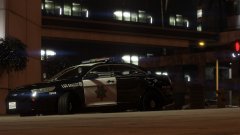
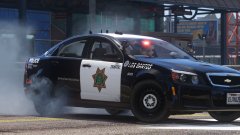
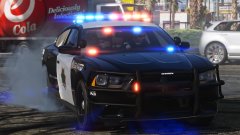
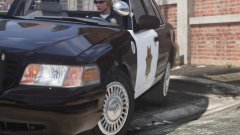
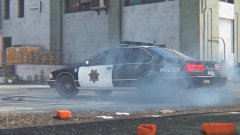
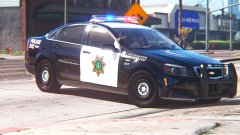
"Frozen" LSPD '99 Ford CVPI!!

More retro stuff!


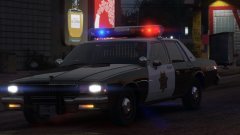
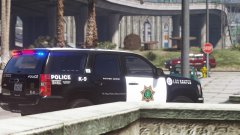
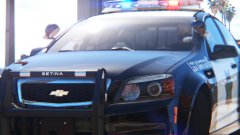
A '99 Vic outfitted with the "old" version of my Frozen LSPD livery.  Same design era as the '95 Caprice 9C1 before this.  The LSPD didn't go with the redesign until probably mid '00s.


1999 CVPI with Heliobe by RobertTM!!  I wonder what to do next... 2015+ Tahoe?  FPI?  More retro cars?


MifEYfI.jpg

vmM8Ihb.jpg

MlHONJV.jpg

TzJmtSe.jpg

rUDd0fl.jpg

z44LnFQ.jpg

jixOL8X.jpg

3bchKHg.jpg

eRi1nBm.jpg

CMgjq9i.jpg

h86cLBm.jpg

OPZpSNs.jpg

3qXxEjh.jpg


GO LSPD!

Credit

RobertTM

From the album:

Los Santos Views

· 120 images

Account

Navigation

Search

Search

Configure browser push notifications

Chrome (Android)
  1. Tap the lock icon next to the address bar.
  2. Tap Permissions → Notifications.
  3. Adjust your preference.
Chrome (Desktop)
  1. Click the padlock icon in the address bar.
  2. Select Site settings.
  3. Find Notifications and adjust your preference.