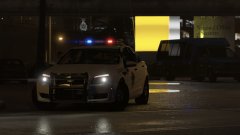
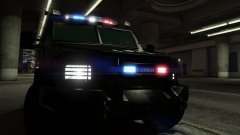
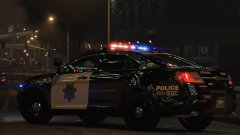
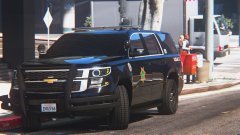
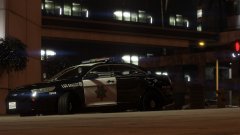
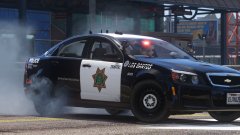
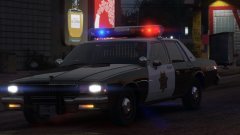
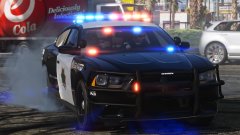
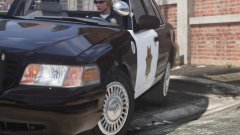
"Frozen" LSPD 2016 FPI FPI FPI FPI FPI Share https://www.lcpdfr.com/gallery/image/91264-frozen-lspd-2016-fpi-fpi-fpi-fpi-fpi/ Share on Facebook Share on X {lang="reddit_text" More sharing options... Followers Whoooo!!!! Nighttime!!!! FPI version of my "Frozen" LSPD livery. IN THE NIGHT! For the night is dark... and full of terrors. Ummm, there's daytime shots too tho. 2016 FPI by our own thegreathah! Enjoy! WHAT'S NEXT?!?!?!?!?!?!??! Credit thegreathah
Griswald Members October 15, 20178 yr (edited) Author stats Holy shit! Thats clean AF. Edited October 15, 20178 yr by ablaze
PhillBellic Members October 27, 20178 yr Author stats Were you listening to 'The Commodores' during your 'Nightshift'? :) Also, that's one killer Livery!





Recommended Comments
Join the conversation
You can post now and register later. If you have an account, sign in now to post with your account.