




Pull to the Right

By DukSezQuak
- 1,019 views
- View DukSezQuak's images
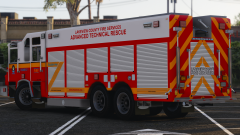
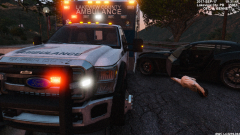
Lakeview County Emergency Medical Services were involved in a collision yesterday evening while responding to a call.
After leaving the busy interstate, where vehicles were failing to yield to the ambulance already, the medical crew began travelling down a smaller highway towards the emergency scene they were originally responding to.
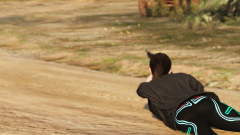
Another motorist on the roadway, for some undetermined reason, swerved into the ambulances lane, which caused a collision with the ambulances front drivers side bumper. The occupant of the other vehicle ultimately passed out due to what is believed to be panic, before the medical crew was able to bring them back to consciousness.
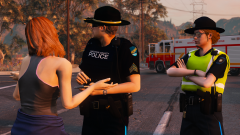
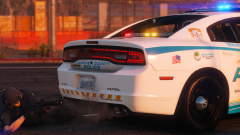
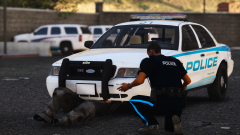
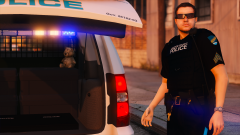
Police from Lakeview County attended shortly after, as they were responding to the same scene. The occupant of the other vehicle was incoherent, and transported by another ambulance to a Metro hospital.
Police would like to urge motorists to pull over to the right when an emergency vehicle is approaching. If that's not possible, pull of to the closest side of the road that you can, to allow the emergency vehicle to pass.
No charges have been pressed in this case, and the crews returned to work afterwards. Police and EMS officials are not releasing any more details on this incident.
LCPD File # 2017918594
OFC. A. Bennett
35983
Recommended Comments
Join the conversation
You can post now and register later. If you have an account, sign in now to post with your account.