
Skip to content
View in the app

A better way to browse. Learn more.

LCPDFR.com

A full-screen app on your home screen with push notifications, badges and more.

To install this app on iOS and iPadOS
  1. Tap the Share icon in Safari
  2. Scroll the menu and tap Add to Home Screen.
  3. Tap Add in the top-right corner.
To install this app on Android
  1. Tap the 3-dot menu (⋮) in the top-right corner of the browser.
  2. Tap Add to Home screen or Install app.
  3. Confirm by tapping Install.

The Eighties

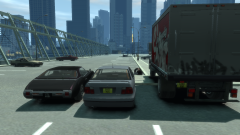
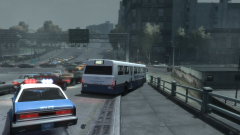
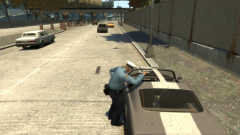
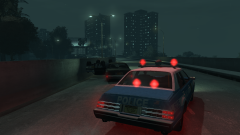
Welcome to the 1984 save file! Currently under construction, which explains the major lack of detail and NPC vehicles. It's the slow period on GTAInside now.


A fatal crash between a Warrener and an Emperor leaves the unnamed highway heading towards Plumber's Skyway closed in one lane. The Esperanto here was close to the accident site, and was the first on scene.


Someone make a good 80s lore-friendly ambulance.

Copyright

© Hullian111

From the album:

Hullian111's Gratuitous Misadventures

· 66 images

Account

Navigation

Search

Search

Configure browser push notifications

Chrome (Android)
  1. Tap the lock icon next to the address bar.
  2. Tap Permissions → Notifications.
  3. Adjust your preference.
Chrome (Desktop)
  1. Click the padlock icon in the address bar.
  2. Select Site settings.
  3. Find Notifications and adjust your preference.