


The Royal Ambulance Service

By Hullian111
- 922 views
- View Hullian111's images
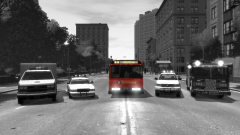
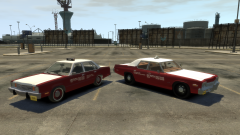
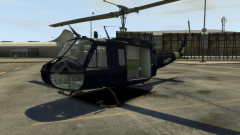
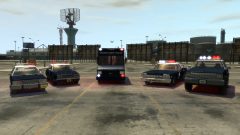
Established days after 'borrowing' the Greater Liberty Royal Ambulance Service was recognised as royal by the Queen, upon the heroic deeds done in the treatment of civilian casualties following the opposition to the 'borrowing'. St John's Ambulance operate within the boundaries of the area, but declined to be photographed.
This is actually KevinDV's old model, he let me use this as a non-ELS vehicle upon special request. Then, he randomly disappeared. So he still has the files, even after the well-publicised hissy fit, but I wouldn't reccomend spamming his PMs to get the files. Hell, I don't even know if he condones me uploading this. Sorry if you don't.
Credit
KevinDV/Kane104/??? for Non-ELS E350 ambulance
Copyright
© Hullian111
Recommended Comments
Join the conversation
You can post now and register later. If you have an account, sign in now to post with your account.