


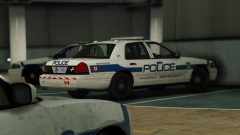
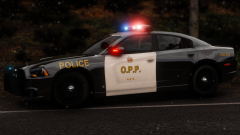
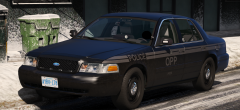
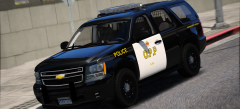
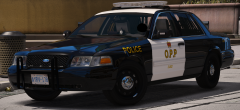
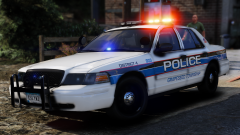

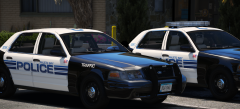
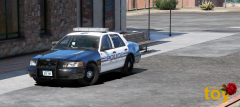
Ontario Provincial Police CVPI

By t0y
- 3,325 views
- View t0y's images
Redoing my OPP cars, and adding a ton more, with accurate everything. Almost 100% accurate interior although the tablet stand is a bit janky, based on the Niagra Detachment, also 100% accurate lighting as shown in the video below. Planning on adding CVPI, Ghost CVPI, 13 tahoe, maybe 15 tahoe, 14 charger, 16 charger, and 16 fpiu even though they use 13s my 16 base is better. In the last OPP vic I did I used an 06 setup on an 11 vic, this is a 2011 setup with the TA, mirror tir3s, the pb200, and of course the arjent all with accurate flash patterns. Thanks @Maurice97 for the screenshots :)


Credit
t0y, Maurice97
Copyright
© t0y, Maurice97
Recommended Comments
Join the conversation
You can post now and register later. If you have an account, sign in now to post with your account.